When a contract ends: switching to Free
WhereWorkspace switcher › plan under the name
What switching to Free is
Free means the workspace has no contract. Every new workspace starts that way, and a workspace returns there when its contract ends. Skillties triggers the switch, not you. It applies at once, without a notice period and without asking the members. That's why it pays to prepare.
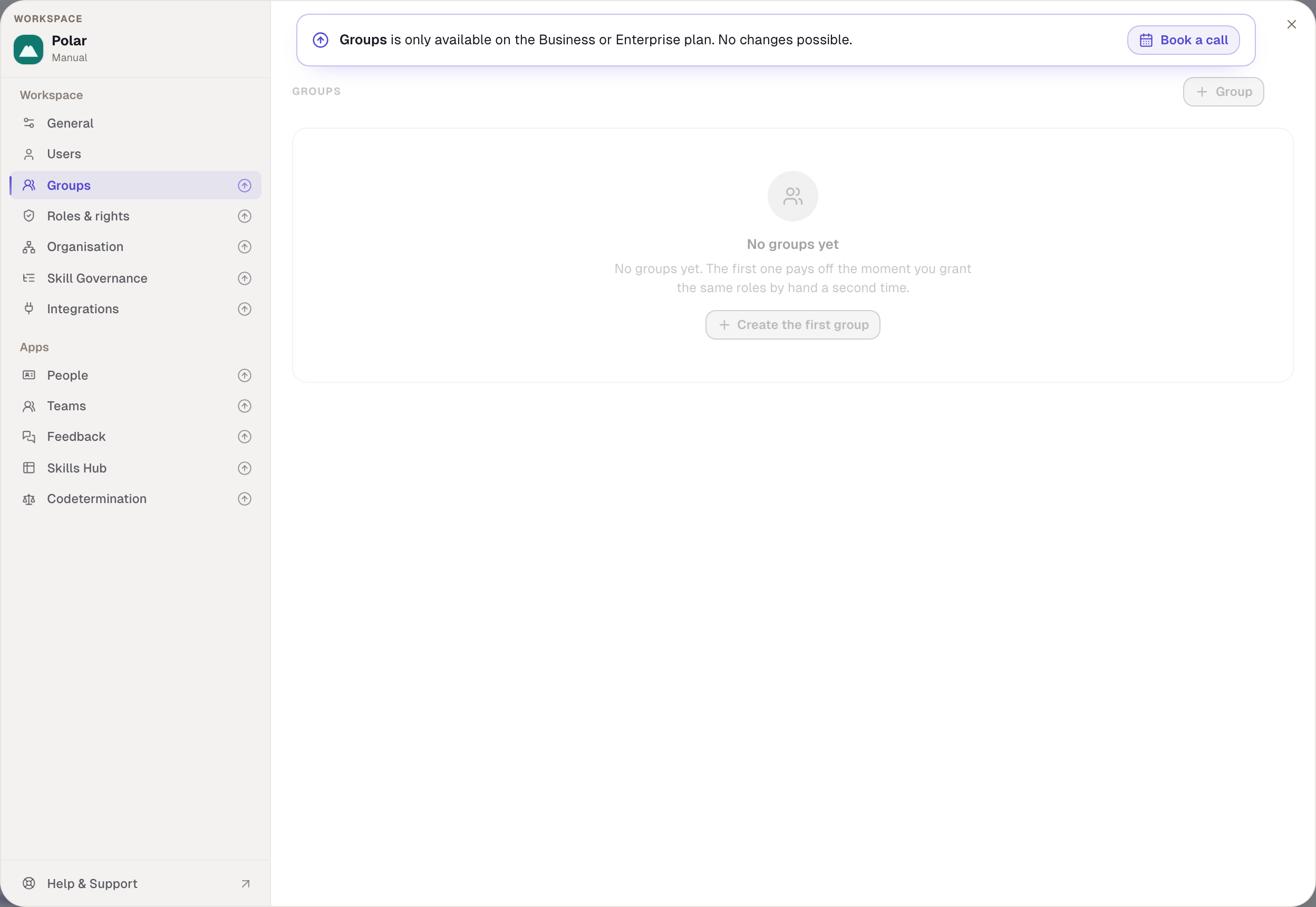
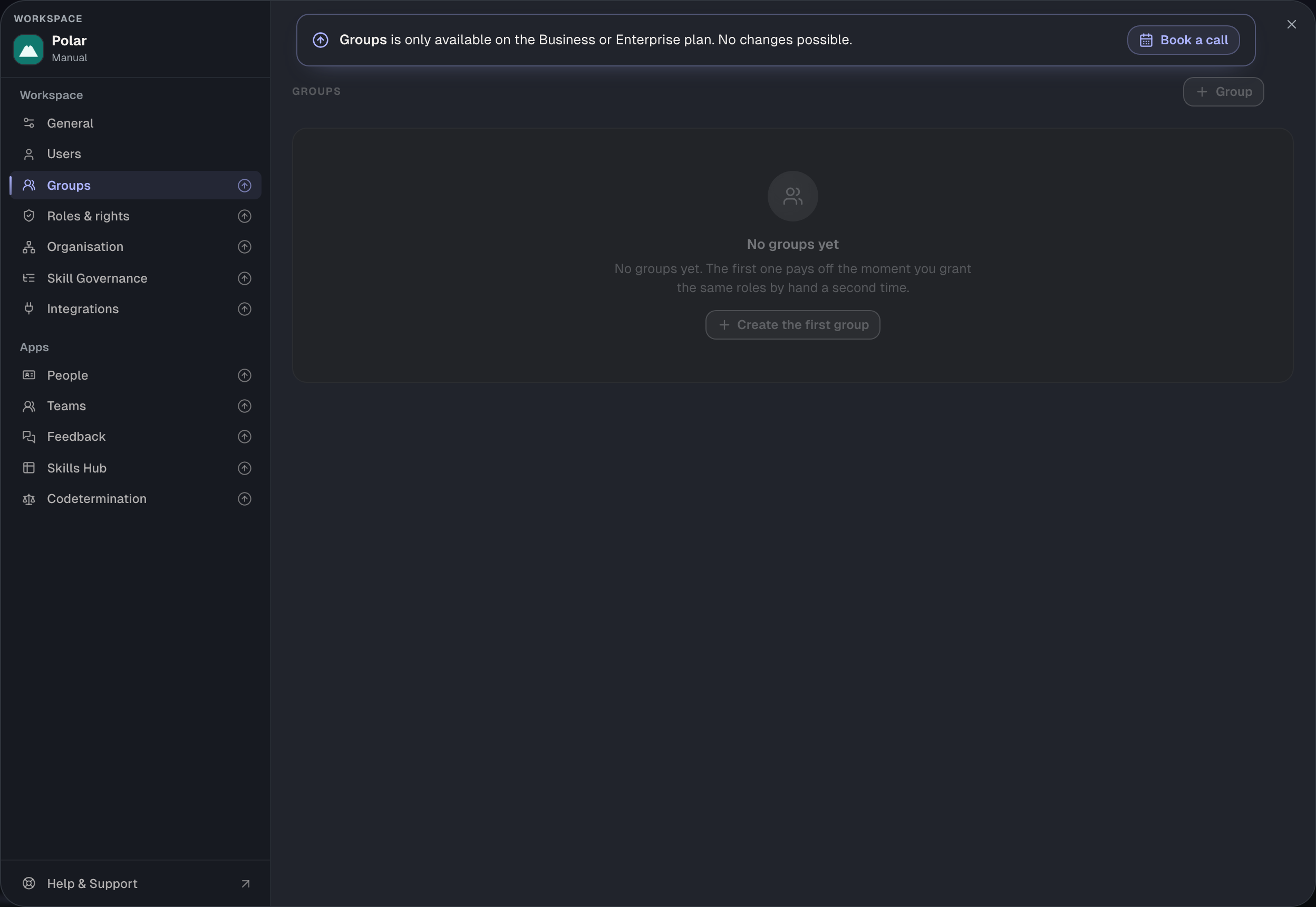
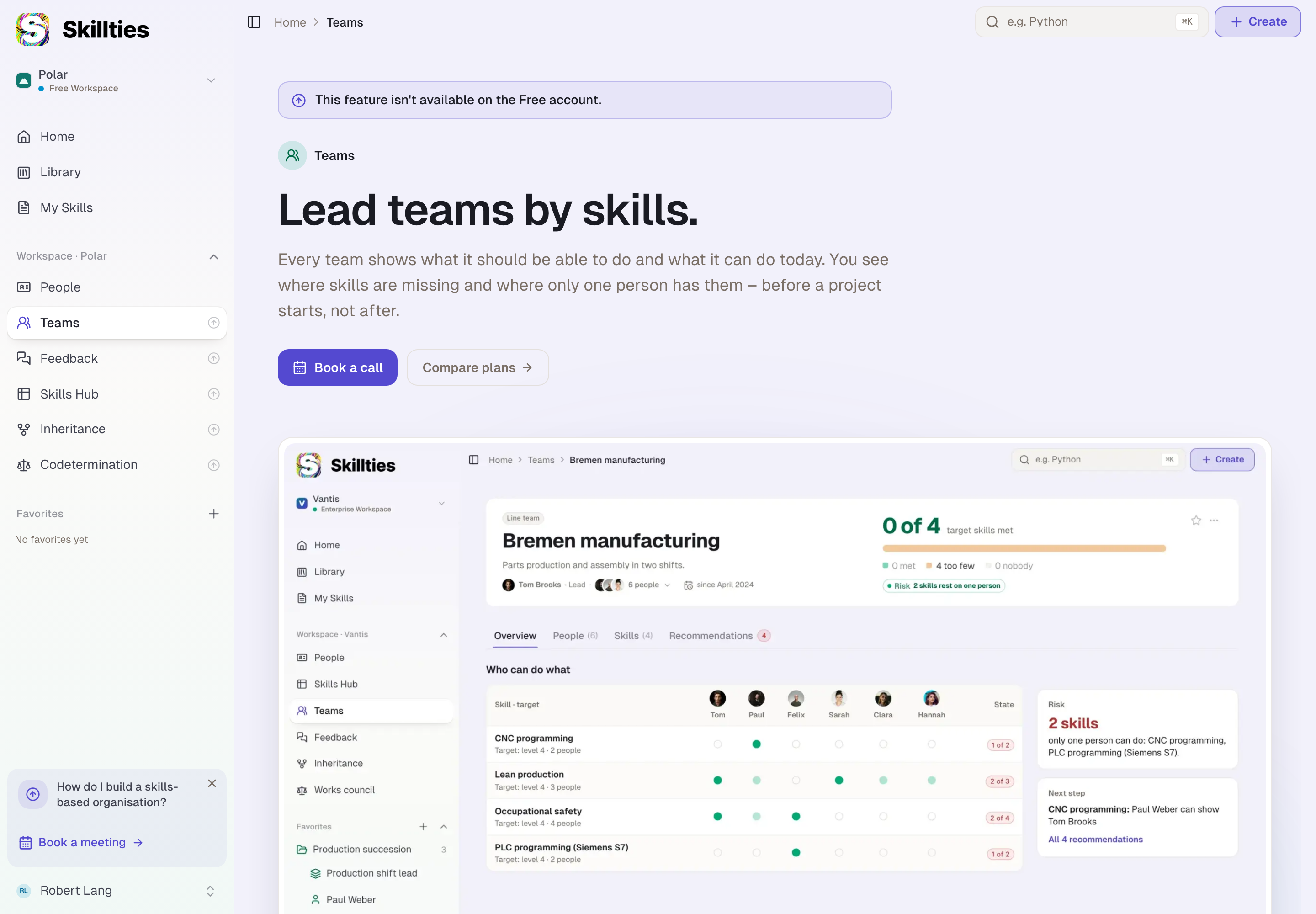
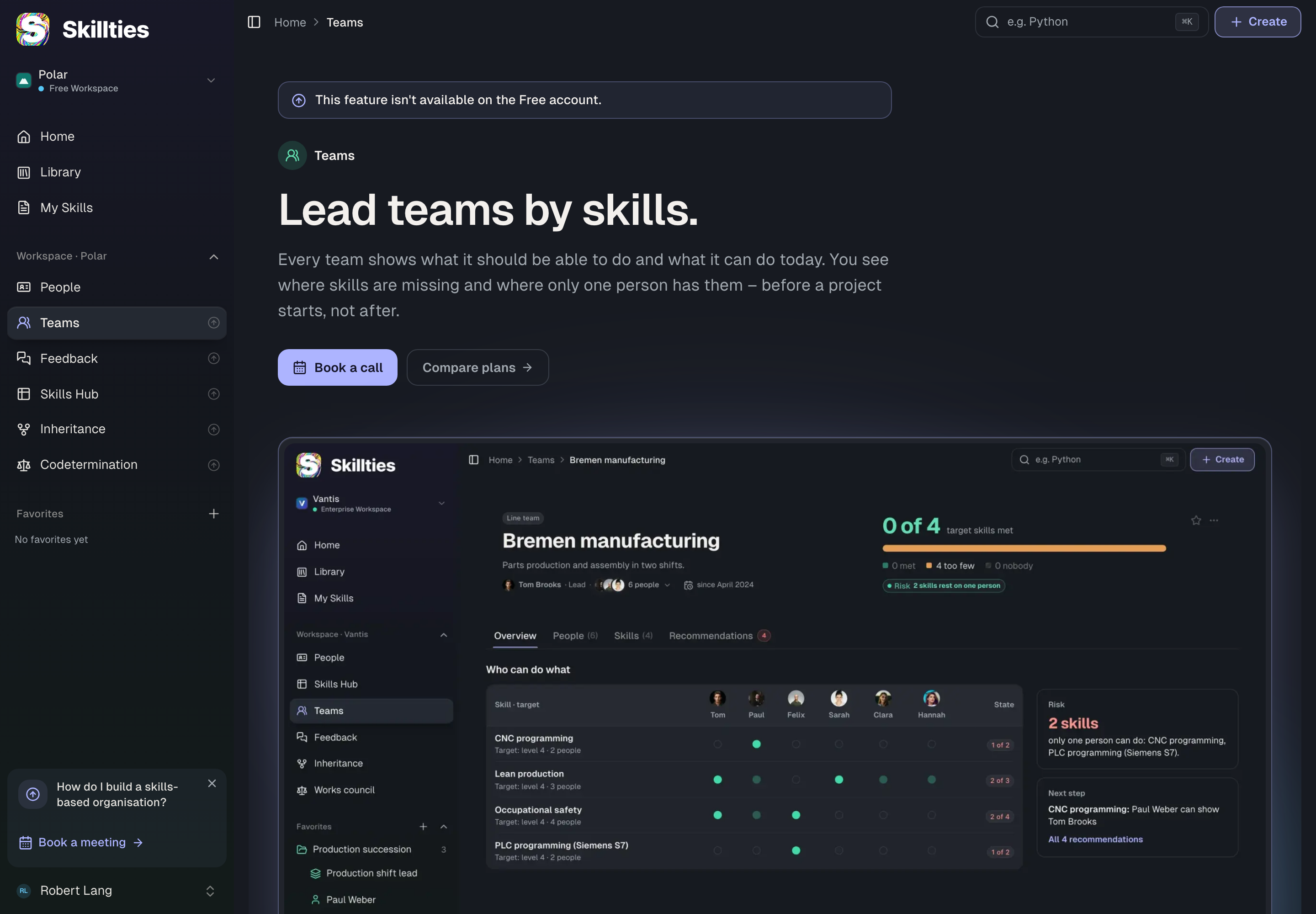
On Free, General and Users stay usable, as do the People app and all public content. Every other area stays in the sidebar but can only be read or shows a preview.
What happens to the data
| Area | Effect | Comes back with a new contract? |
|---|---|---|
| Private skills and profiles | stay stored but are invisible to everyone, including their owner | yes, unchanged |
| Ratings and assignments to private profiles | stay stored, invisible | yes |
| The workspace's public content | stays visible; if its owner leaves the workspace, it is left without an owner | – |
| Custom roles | stay stored; their assignments to people and groups are removed | the roles yes, the assignments no |
| Groups | remain, but carry no effective roles any more | yes |
| Organisation, the reporting line | stays stored, has no effect | yes |
| Teams, Feedback, Skills Hub | not reachable, data stays | yes |
| Deletion rules and retention | back to the defaults: handover to the admin, six months | no, set them again |
| Entra ID | the sync ends, an open consent link is revoked; the connection and mirrored groups stay stored | connection yes, switch the sync on again |
| People from Entra | depending on When switching to Free: transferred to manual entries (default) or removed | – |
What happens to the admins
That depends on the kind of workspace:
| Manual workspace | Domain workspace | |
|---|---|---|
| Admins | only one remains: whoever created the workspace, otherwise the longest-standing admin | nobody; the workspace counts as unmanaged again |
| What members see | everything as before, only without the locked areas | the settings read-only, with the note that nobody manages the workspace |
| Additionally | – | prepared and disabled members are deleted, open invitations withdrawn; password accounts confirm their address again at the next sign-in |
In a domain workspace, only a new contract names responsible people again. Until then nobody can invite, delete or change rules.
What your members notice
All active members get a notification that some features are no longer available and that their public skills, ratings and profiles remain. Anyone whose main profile was a private profile now sees only the public ones under My Skills. Anyone opening an app from the sidebar sees a preview with examples instead of their data.
What to do beforehand
- Export. Under General › Data Export you secure the state with all private content, roles and teams.
- Decide what happens to people from Entra. Under Integrations › Sync sits When switching to Free. Without a choice, transfer applies.
- Know the remaining admin. In a manual workspace, whoever created it remains. If that person is gone, the longest-standing admin remains.
- Note the deletion rules. They fall back to the defaults and have to be set again after a new contract.
- Finish open handovers. Running handovers and codetermination requests can't be processed after the switch.
Example
Nordwind's contract expires. Robert exports the data and chooses “transfer to manual entries” under When switching to Free. On the day of the switch, all eleven people are still members, now as manual entries without a link to Entra. The two prepared people, Lena and Nina, are gone, because Nordwind is a domain workspace. Robert is no longer an admin; nobody is. The private profiles “Production shift lead” and “People manager” are invisible to everyone until a new contract arrives; then they're back with all ratings. The Leadership group still exists, but Max no longer sees the skills of his area, because the Head of department role is no longer assigned.
Checked with version 0.6.0 · 21 Oct 2026