What Skillties is
Three building blocks
Skills are individual abilities, such as “Power BI” or “People leadership”. Every person rates themselves on a scale from 1 to 5, from Basic knowledge to Thought leader. That rating is their own. Nobody sets it for them.
Skills Profiles bundle skills into a role, for example “Production shift lead”. For each skill, the profile holds a target, the level the role needs. Organisations write profiles themselves or adopt them from the library.
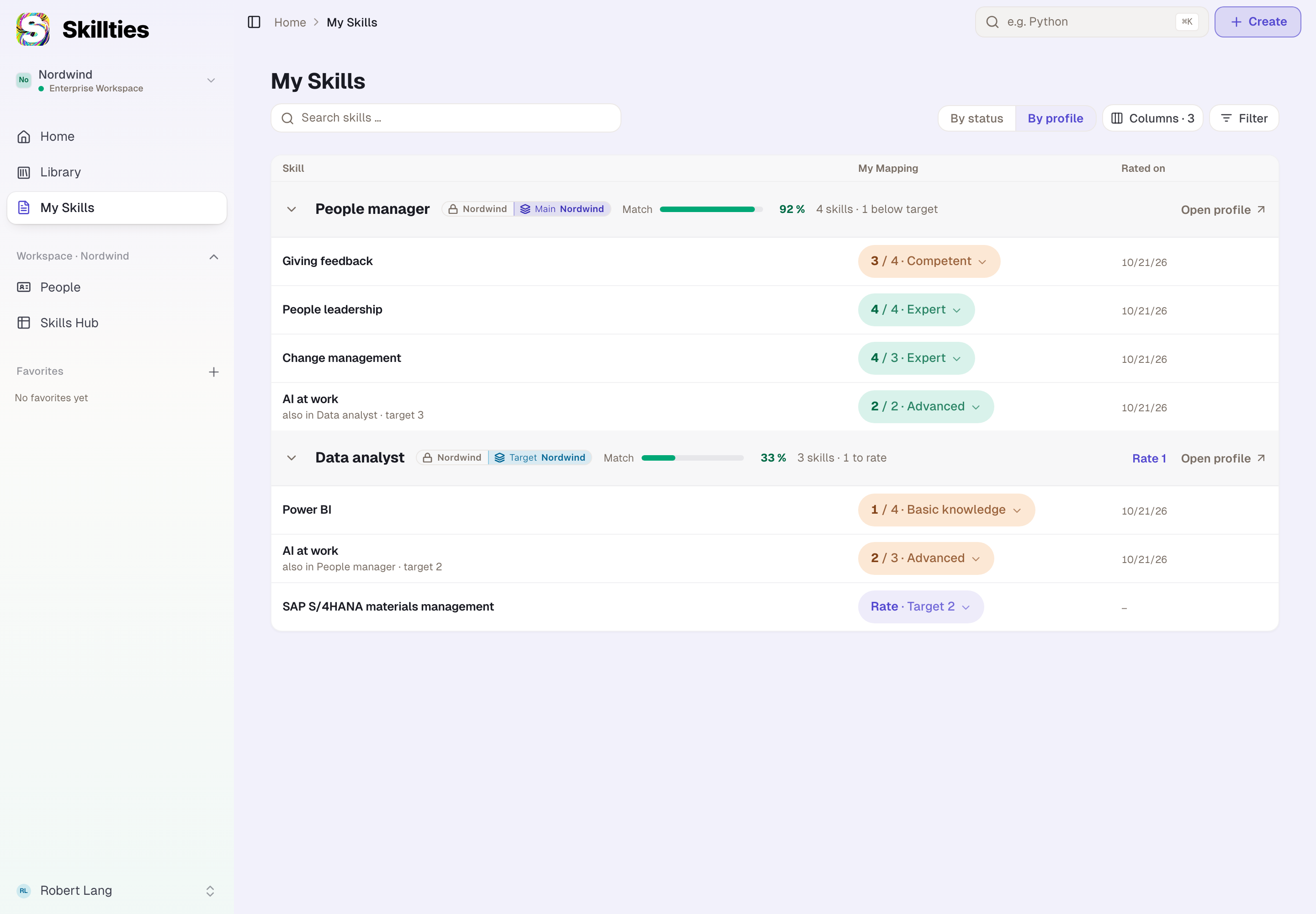
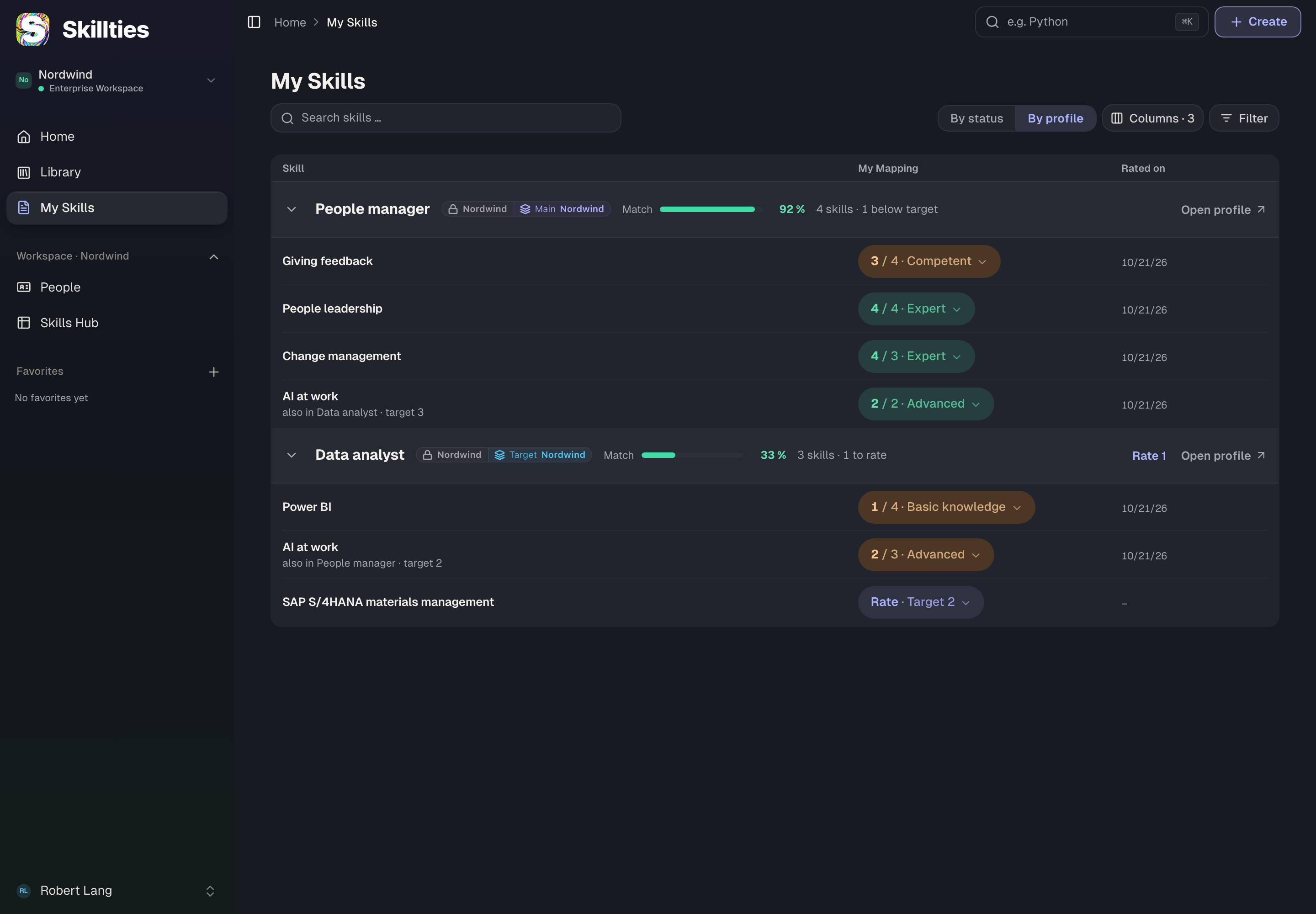
The match compares the two. If a person carries a profile as their main profile, Skillties shows how many targets they meet, where the gaps are and which skills they haven't rated yet. The match is a percentage, not a grade. It shows the distance between actual and target so that both sides know what to work on.
The numbers you see
Skillties shows few numbers, and each has a fixed meaning:
| Number | Where | Meaning |
|---|---|---|
| Level 1 to 5 | on every skill | your own rating, from Basic knowledge to Thought leader |
| Target | on every skill of a profile | the level the role needs |
| Match in percent | on the profile | how far your levels meet the targets |
| met, gap, open | on the profile | how many skills are above, below or still without a rating |
| target met, too few, nobody | on the team | whether enough people have a skill at the needed level |
The level pill on a skill is green when your level reaches the target and warm-coloured when it is below. What each number calculates exactly is explained under “Skill cards and metrics”.
What you do with it
As an employee, you rate your skills, pick the profile that matches your role and see your match. You find learning content for your gaps and decide yourself who sees your information.
As a manager, you define which skills a team needs and how many people should have them, and you see where the team falls short. You get suggestions for closing the gaps.
As HR or a skill owner, you maintain your organisation's profiles, assign people and see in the Skills Hub where which abilities sit.
As an admin, you set up the workspace: members, roles, groups, the reporting line and the connection to Entra ID.
As the works council, you define which changes need your approval and decide on the requests.
The library
Public skills and profiles live in the library and are open to every signed-in person, regardless of organisation. Most people start there: they search for a profile that describes their role and assign it to themselves. An organisation can copy public profiles and turn them into private ones that only its members see.
Workspaces
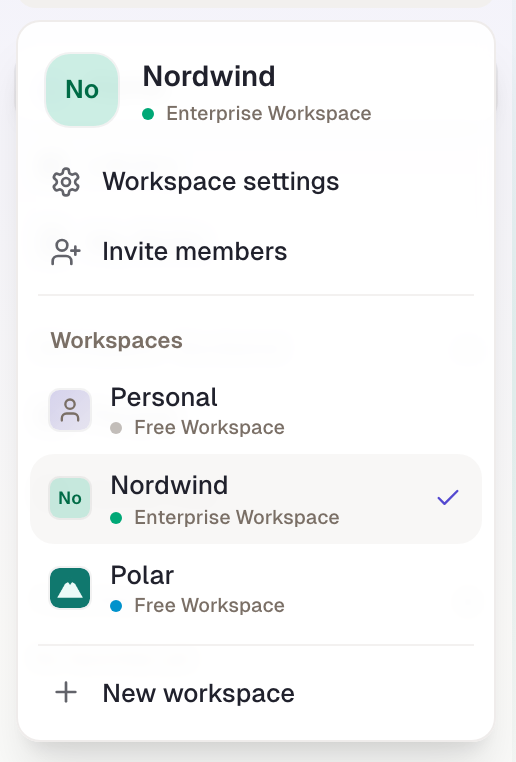
A workspace is the space of an organisation or team. It holds the members, their roles and groups, the teams and the private content. Your company has one workspace tied to its email domain. Anyone who signs in with an address of that domain is a member automatically. Besides that, every person can create workspaces of their own, for a project for example, and has a personal area outside all workspaces.
What is private in a workspace is never seen outside it. That applies to skills, profiles, teams and ratings alike.
Apps
Around the three building blocks sit the apps in a workspace: People as the directory, the Skills Hub for maintaining skills and profiles, Teams for a team's target, Feedback for input from colleagues, Inheritance for profiles that inherit from each other, and Codetermination for the works council. Which of them a workspace can use depends on its contract. Apps without a contract still appear in the sidebar and show a preview.
What Skillties is not
Skillties doesn't replace an HR system. It keeps no contracts, salaries or absences. It doesn't rate anyone from the outside: every rating comes from the person themselves, and feedback from colleagues is kept separate and stays visibly separate. And it decides nothing on its own. What should be subject to codetermination is defined by your organisation.
Example
Nordwind rolls out Skillties at the Bremen plant. Max Wagner, as head of production, creates the profile “Production shift lead” with five skills and targets. Tom Brooks assigns it as his main profile and rates himself: Lean production 4, Occupational safety 4, People leadership 3. His match shows that he is below target in people leadership. Max sees the same gap in his team and suggests a training course to Tom. After the training, Tom sets his level to 4 and the match rises. Nobody rated Tom; he rated himself, and Max has a number he can plan with.
Checked with version 0.6.0 · 20 Oct 2026