

For IT & data protection
For your IT, this is not a project.
Connecting Entra ID takes minutes. After that, Skillties syncs on its own, HR manages roles and content, and your data stays in Germany. Nothing left for you to do.
- to connect Entra ID
- < 60 min
- Skillties syncs on its own
- every 6 h
- ongoing admin effort
- 0 h
- hosted in Germany
- DE
Microsoft Entra ID, connected in four steps.
No installation, no agent, no server on your side. Skillties reads what you approve from Entra and never writes back.
- 1Open the approval linkHR sends you a link. You don't need a Skillties account for it.
- 2Consent at MicrosoftOne click as a Microsoft admin. Skillties only gets read permissions.
- 3Choose groupsOnly the Entra groups whose members should be in Skillties.
- 4Choose fieldsName and email always. Photo, manager, job title and department only if you switch them on.
From then on, Skillties syncs every six hours on its own. Whoever joins a group is in Skillties too.
If something is missing in Entra, HR adds it by hand in Skillties: manager, job title, department. No IT ticket.
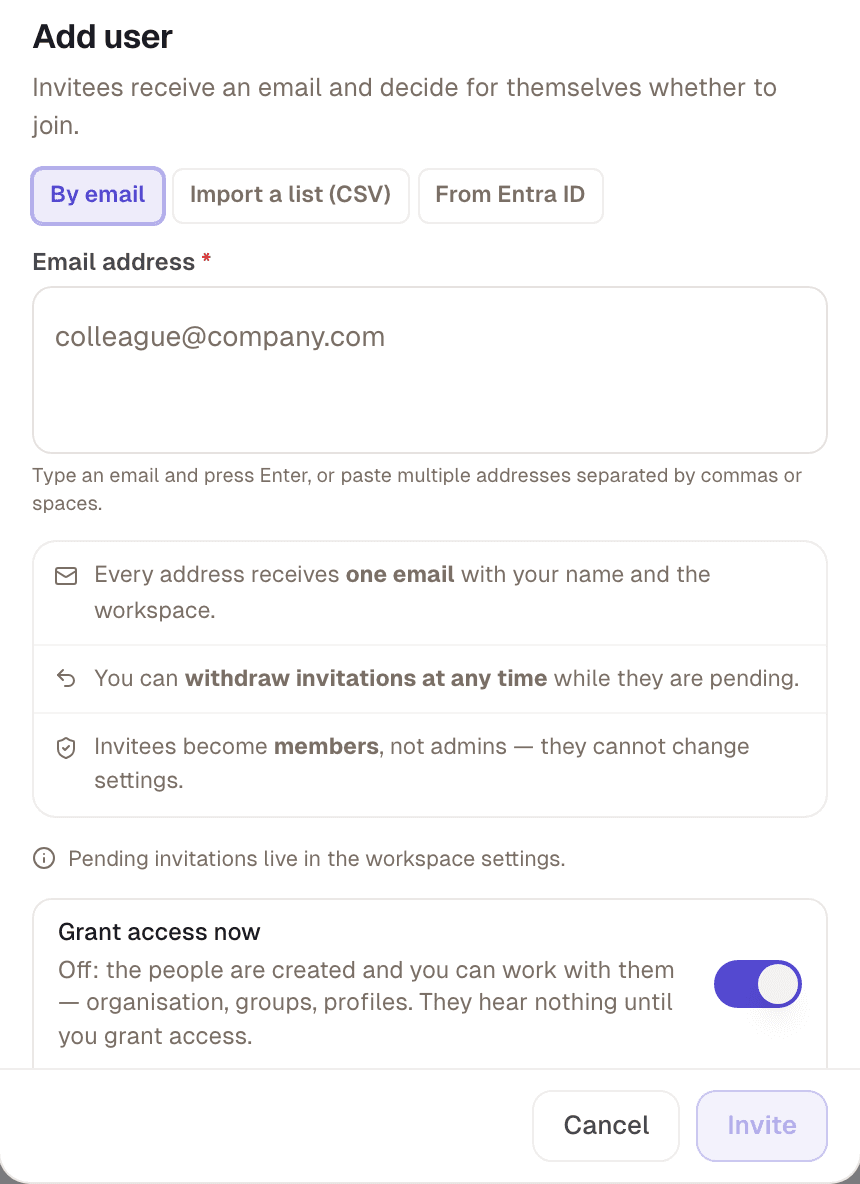
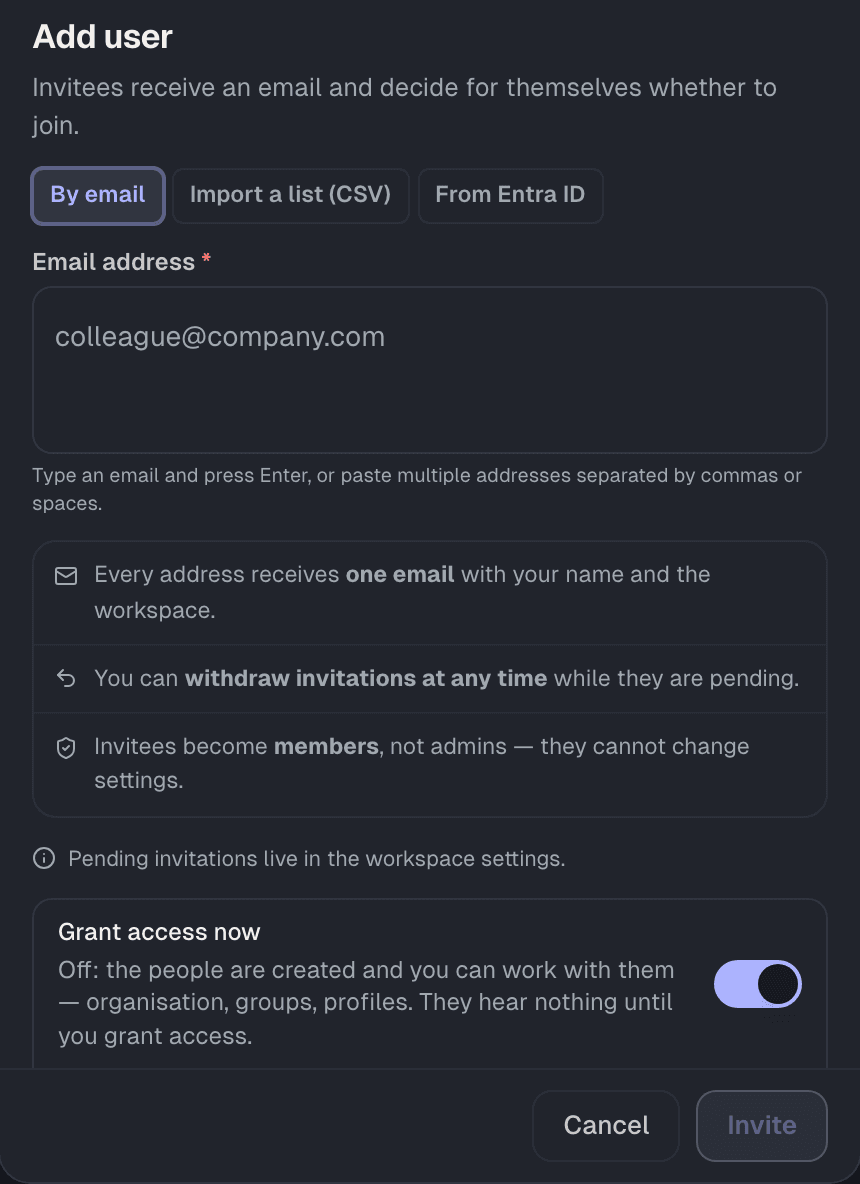
No Entra ID? Works just as well.
For smaller companies or for starting with one area.
Upload a list
Invite directly
Via your domain
Want your HCMS to join in? Let's talk.
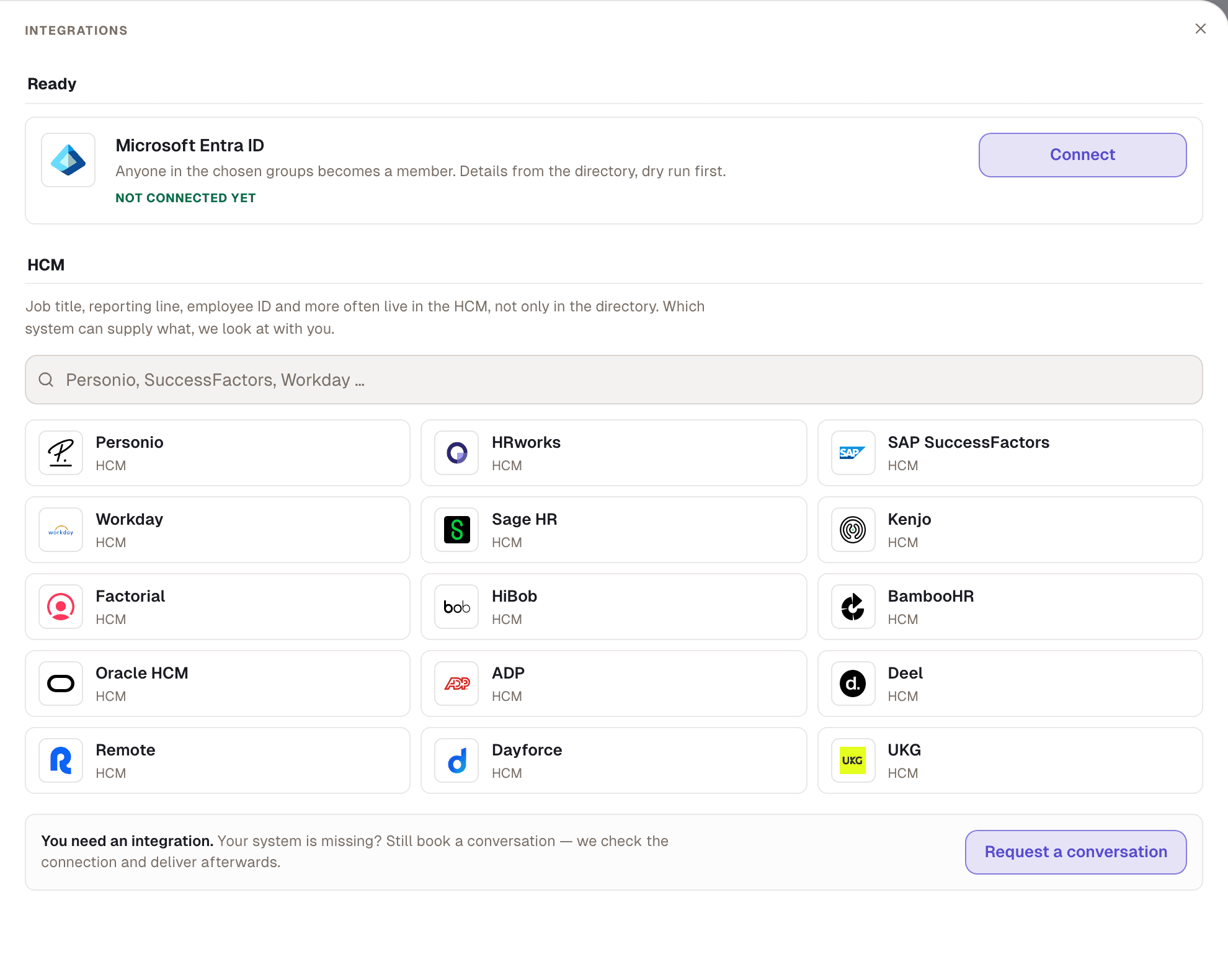
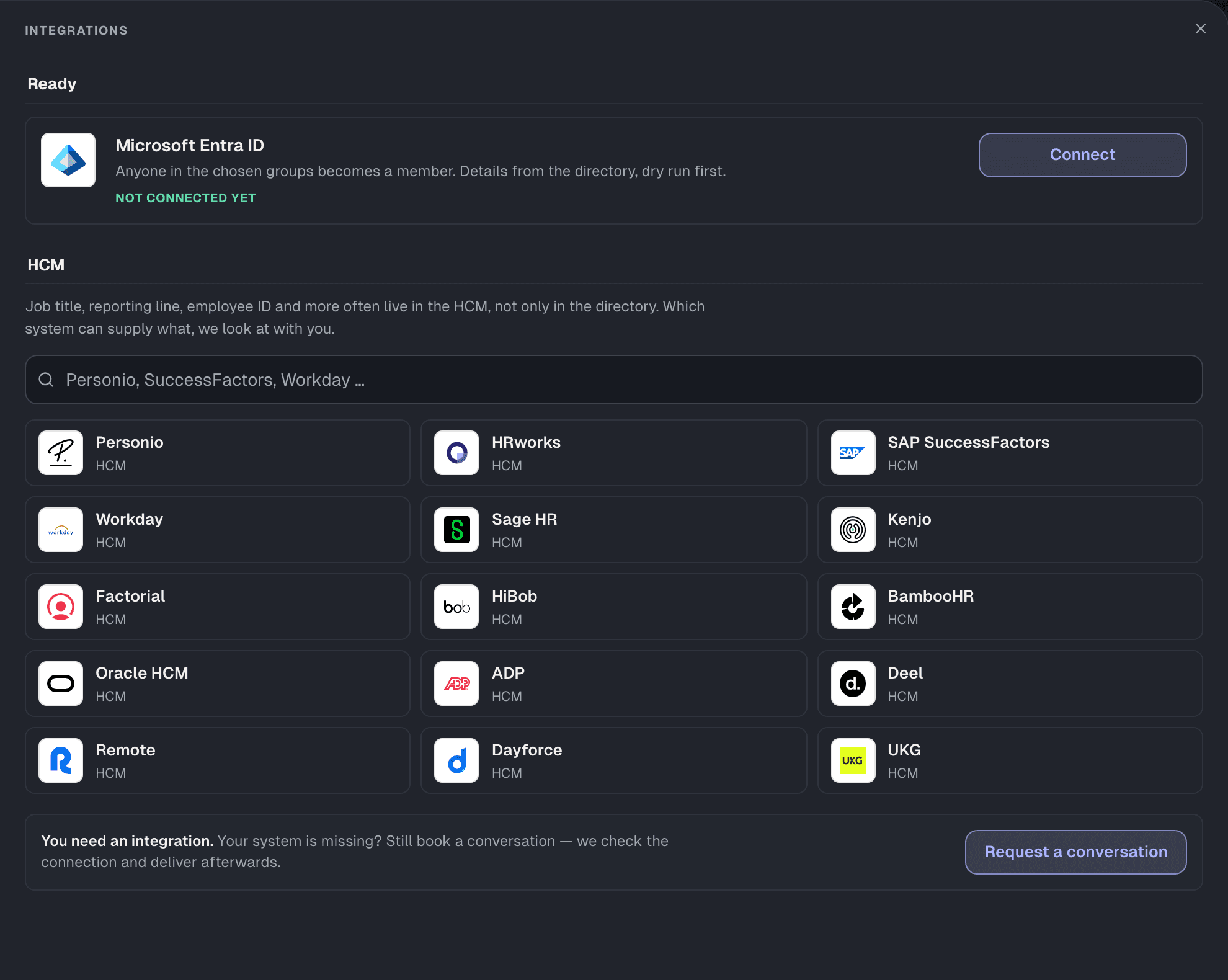
Job title, reporting line and department can also come from your HCMS. We clarify what you need in a call and set it up with you.
Talk about your HCMSIncluding













Two workspaces. One for trying things out is always included.
Next to your workspace you get a sandbox. HR tests roles, profiles and processes there before anything happens in the real workspace.
- Always includedThe sandbox is part of every contract, at no extra cost.
- Separate dataWhat happens in the sandbox stays in the sandbox.
- No effort for ITSame sign-in. HR switches between both with one click.
Switch workspace
Permissions that fit your organisation exactly.
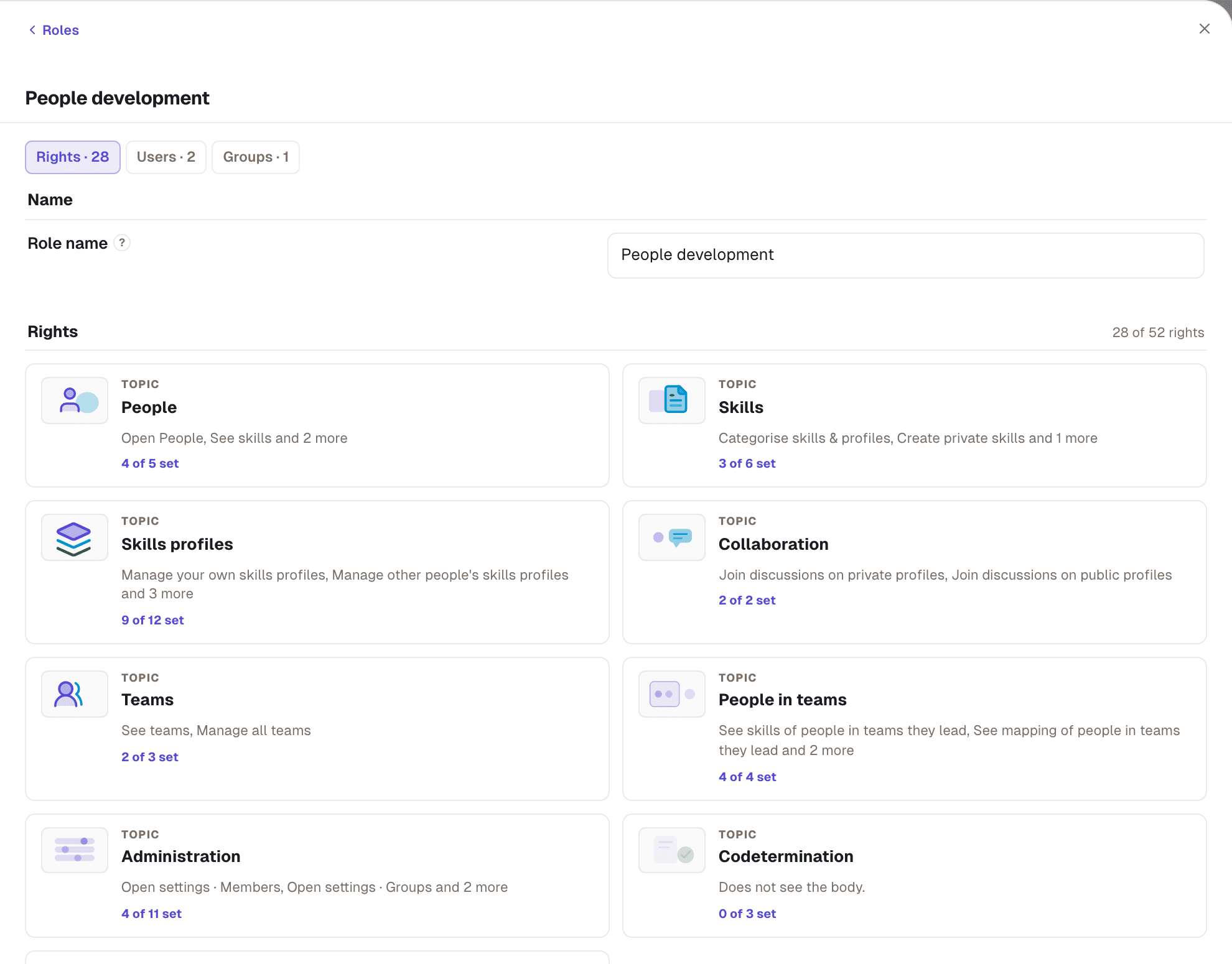
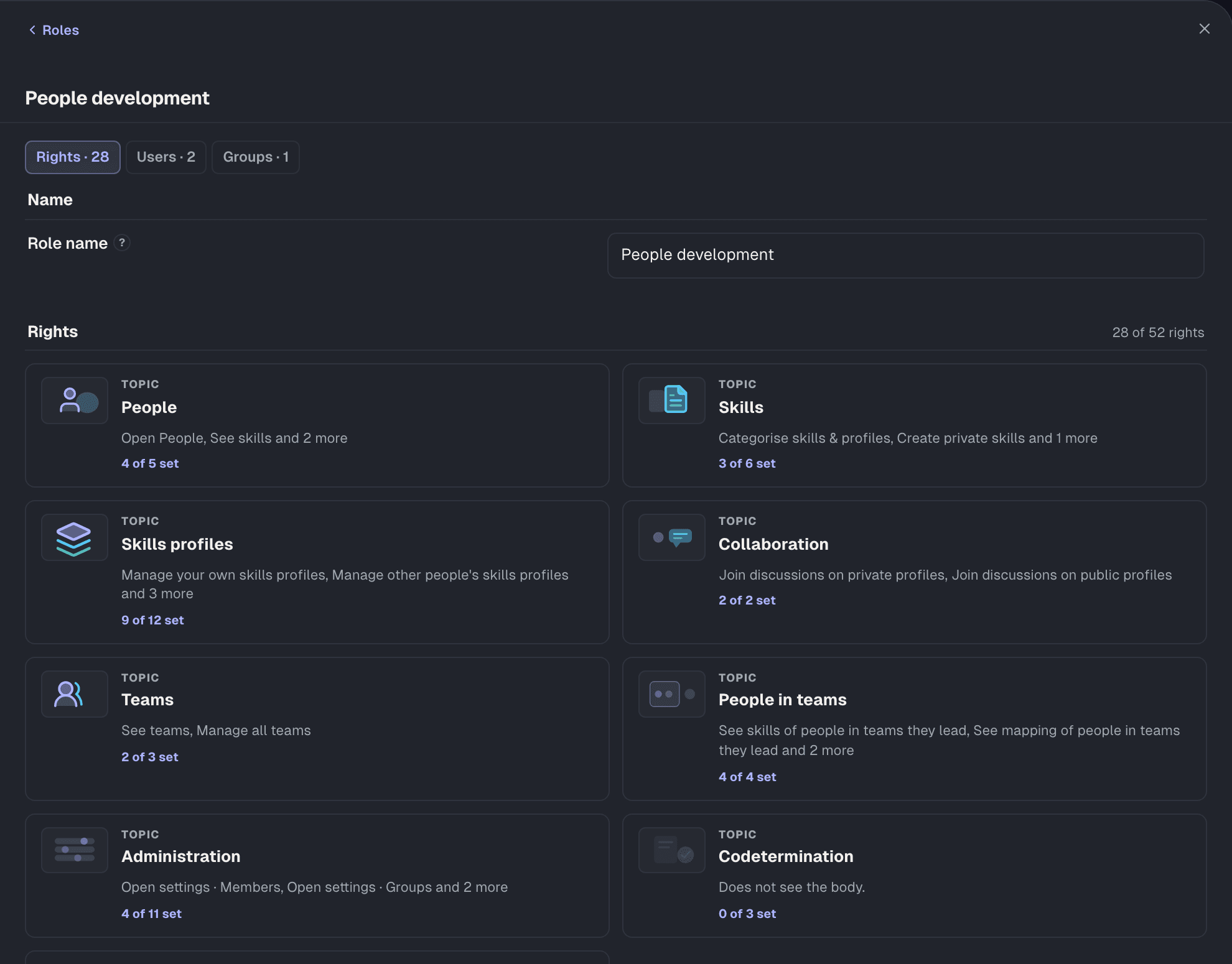
52 individual permissions across nine topics. Permissions about people have a reach: direct reports, the whole area, or everyone.
Templates from day one
Your own roles in minutes
Nobody grants more than they hold
Who manages roles? You decide.
Whether IT keeps the roles or HR manages them depends on a single permission: “Roles & permissions”. You can change it at any time.
HR gets the people development template: members, groups, profiles, teams. Roles and permissions stay with you.
Hosted in Germany
DPA under Art. 28 GDPR
Only what you approve
No monitoring
What the works council wants to know is on the works council page.
- Connect Entra ID, choose groupsITonce, under an hour
- Add new employeesEntra syncautomatic
- Assign and adjust rolesHRwithout IT
- Updates, servers, backupsSkilltiesincluded in the price
Ongoing admin costs for IT
none
Common questions from IT
The answers your IT, your data protection officer and your information security usually want first.
Your question isn’t here? Write to us
Which permissions does Skillties get in Microsoft Entra ID?
Two application permissions, both read-only: User.Read.All for people with name, email and the fields you switch on, and GroupMember.Read.All for groups and their members. Sign-in adds the standard permission User.Read.
Does Skillties write anything to our directory?
No. Skillties only reads. Whatever HR adds or changes in Skillties stays in Skillties and is never written back to Entra.
Do we need to install or run anything?
No. Skillties runs as a cloud service in the browser and on mobile. No agent, no server, no updates on your side.
Do employees sign in with their Microsoft account?
Yes, via “Sign in with Entra ID”. Your own policies apply, such as multi-factor authentication or conditional access.
What happens when someone leaves the company?
Anyone disabled in Entra can no longer sign in. If Entra no longer provides a person for 30 days, they leave the workspace. Their data is then deleted after your period: 6 months by default, adjustable from 0 to 24 months.
Where is our data stored, and how is it protected?
In Google Cloud data centres in Frankfurt am Main, Germany. Transmission is encrypted via TLS, and so are storage and daily backups.
Who at Skillties can access our data?
Only a few named administrators with multi-factor authentication, and only as far as operation and support require. All are bound to confidentiality in writing.
Can we export our data, and what happens when the contract ends?
You can start an export yourself at any time. Deleting a workspace runs a 14-day period during which you can revoke it. After that the data is deleted; backups are overwritten in the backup cycle.
Is there an API or a connection to our HCMS?
Yes, there is an API: Skillties is built on it from the ground up. We grant access once we understand your use case. We look at an HCMS connection the same way: together we clarify which data flows in which direction.
Which documents does our data protection officer get?
The data processing agreement under Art. 28 GDPR with the technical and organisational measures as Annex 1. The only subprocessor is Google Cloud.
Open the DPA with Annex 1 →Get started
One hour of setup. Then it runs on its own.
We connect Entra ID together with your IT in one session. Or your HR team tries it in the sandbox first.