Your reporting lines decide who may do what.
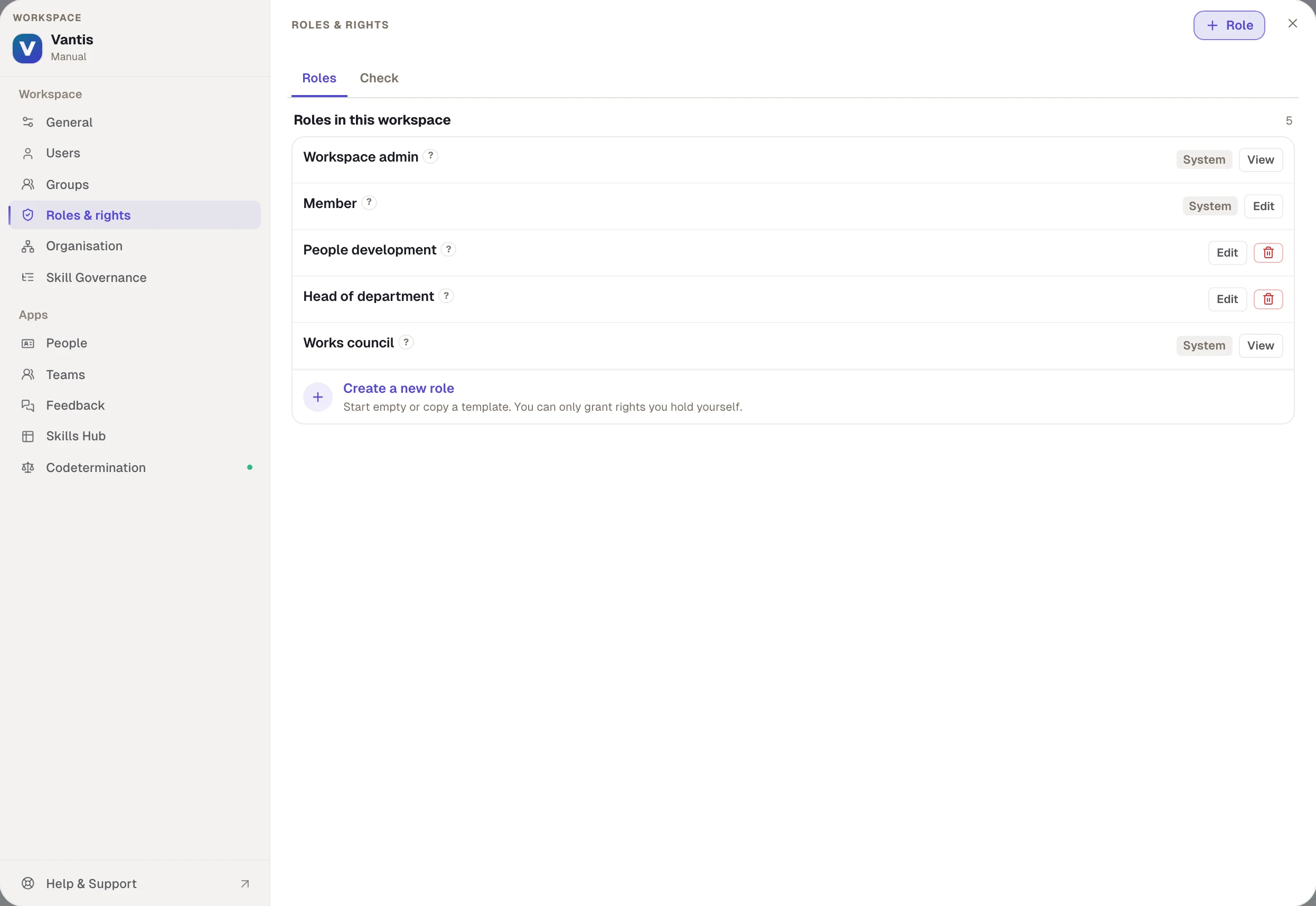
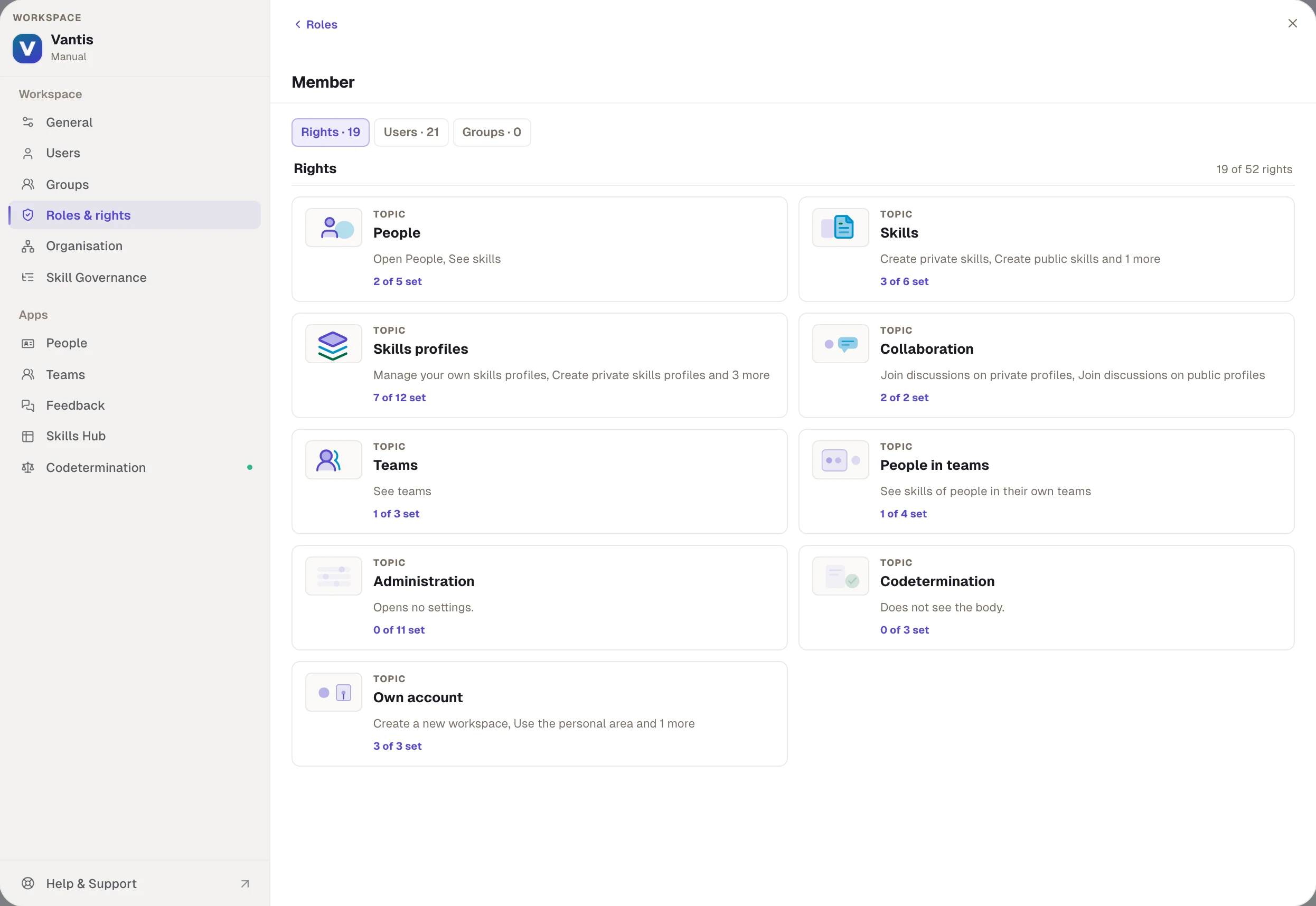
Rights over others, such as seeing skills or requesting feedback, follow the hierarchy from your directory. Further rights like assigning skills profiles are given through roles, for example to people development.
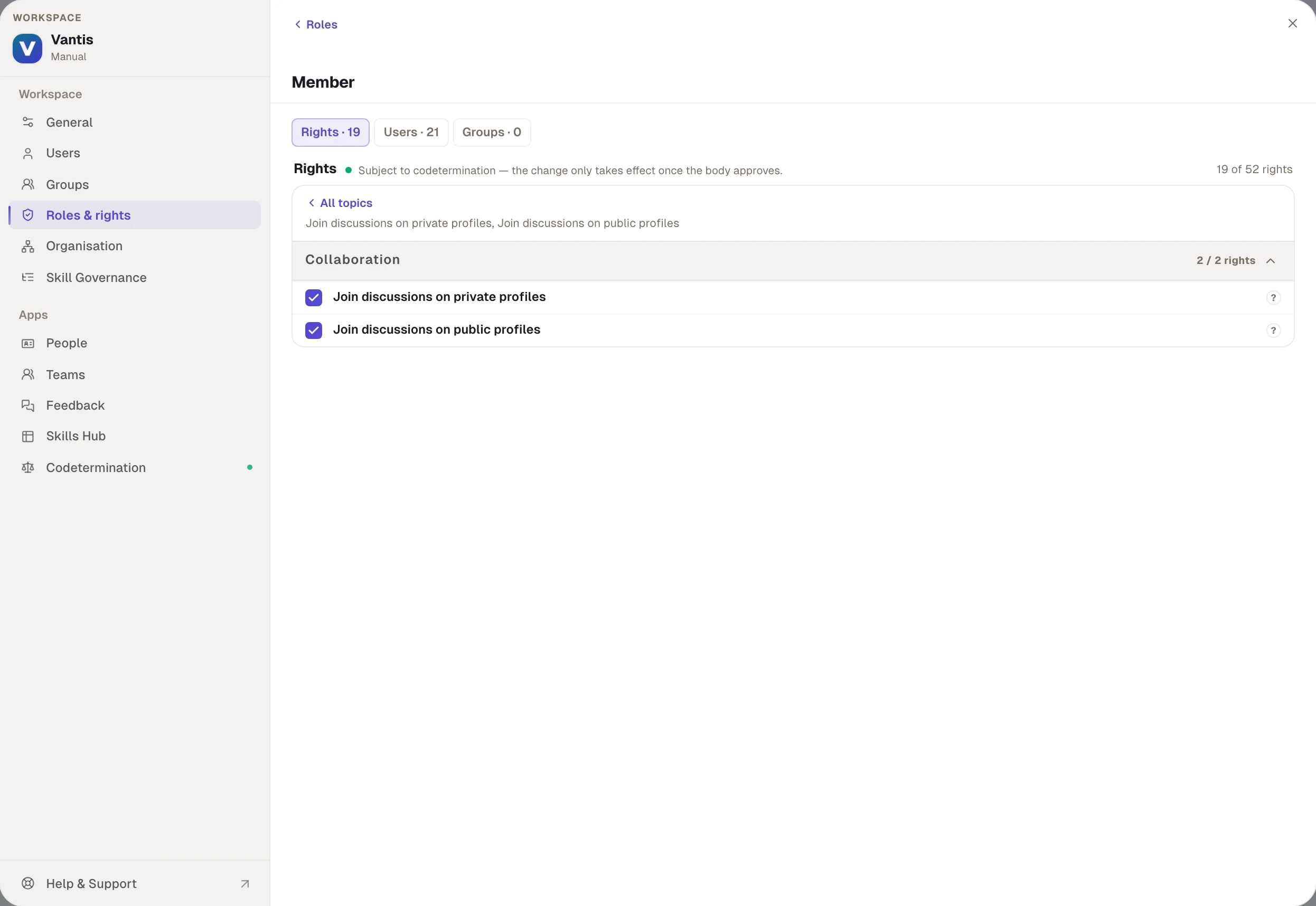
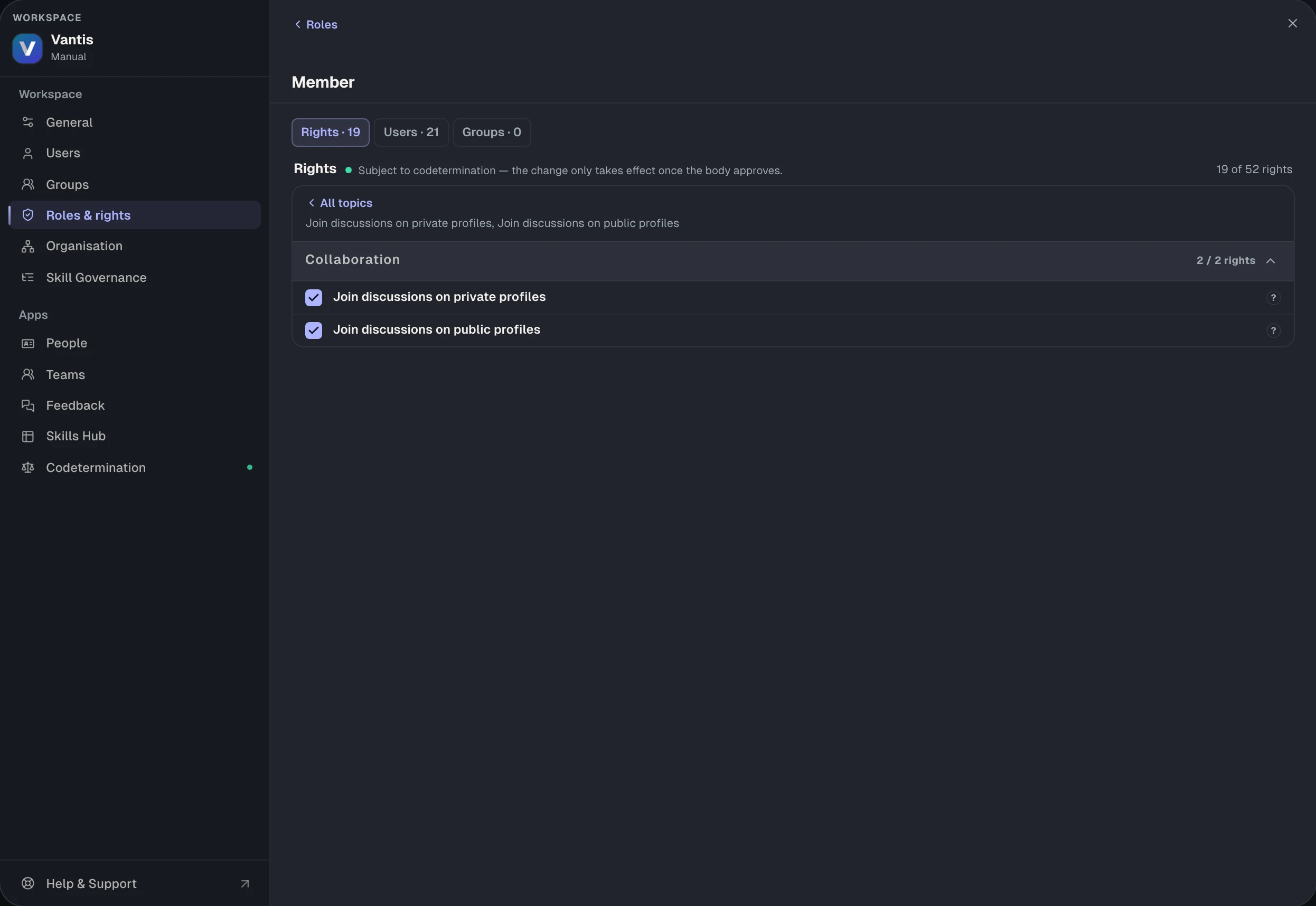
Any governance, right by right.
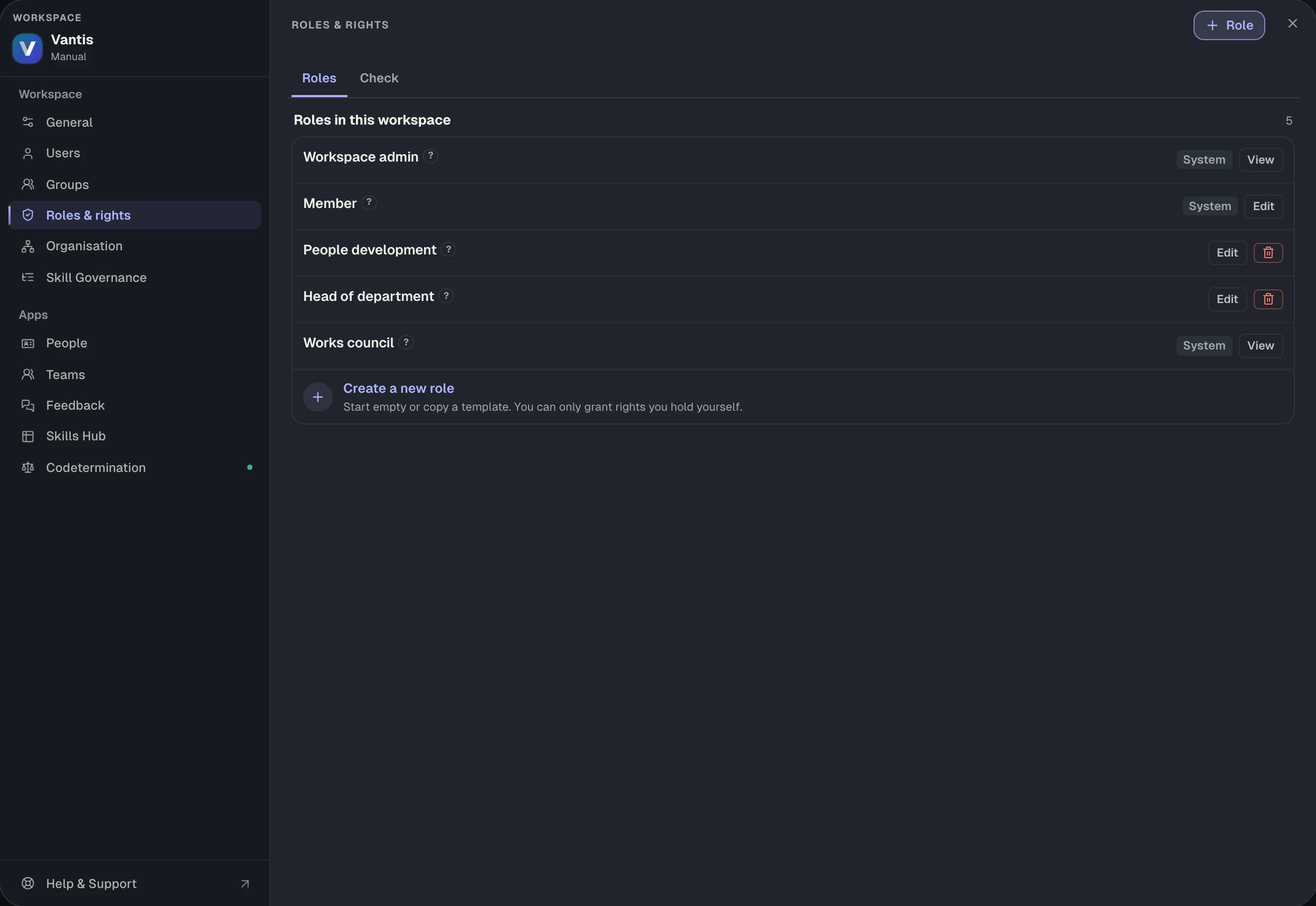
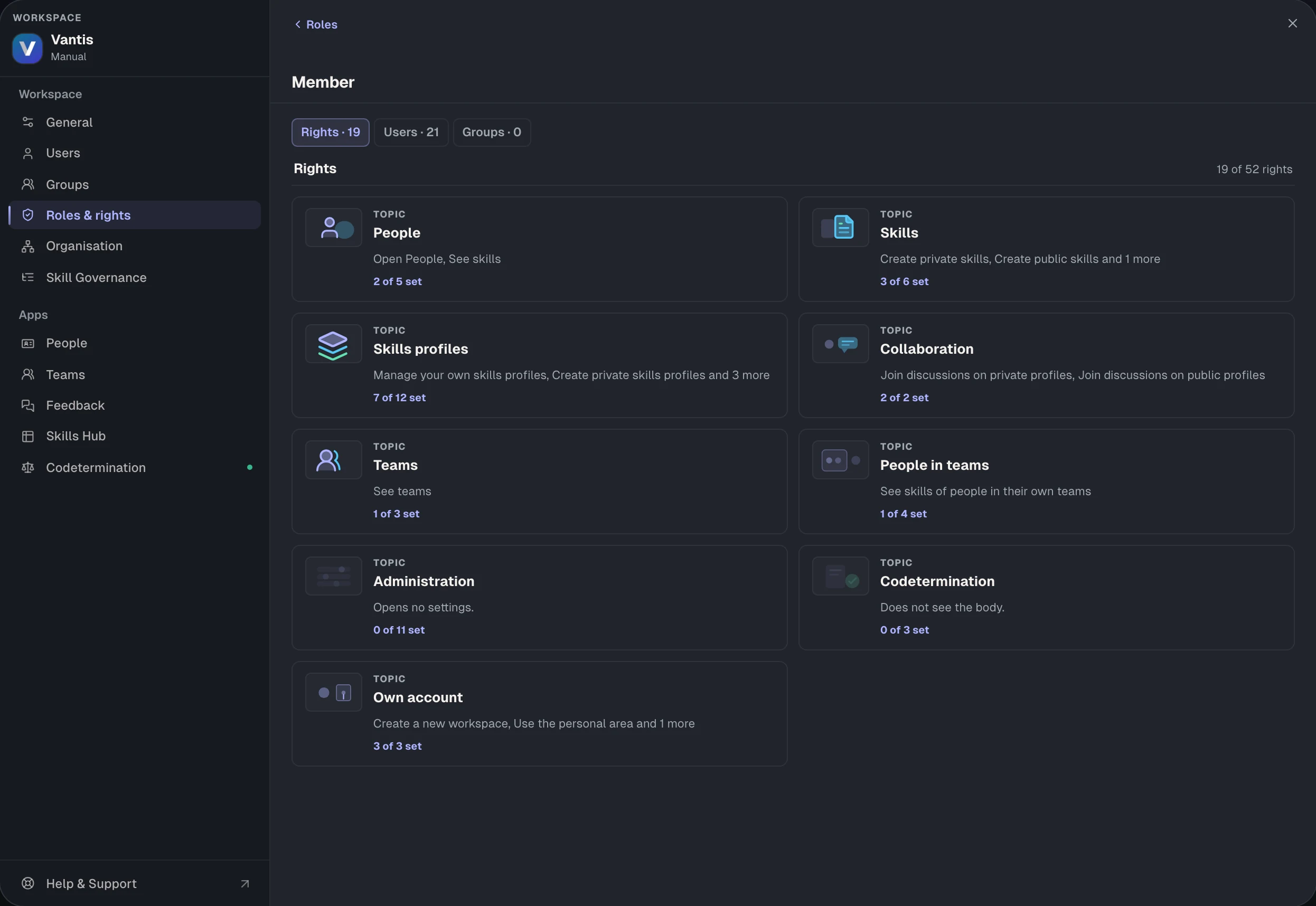
52 single rights make up a principle that lets you model any form of governance. Many rights have a scope: direct reports, own department or everyone.
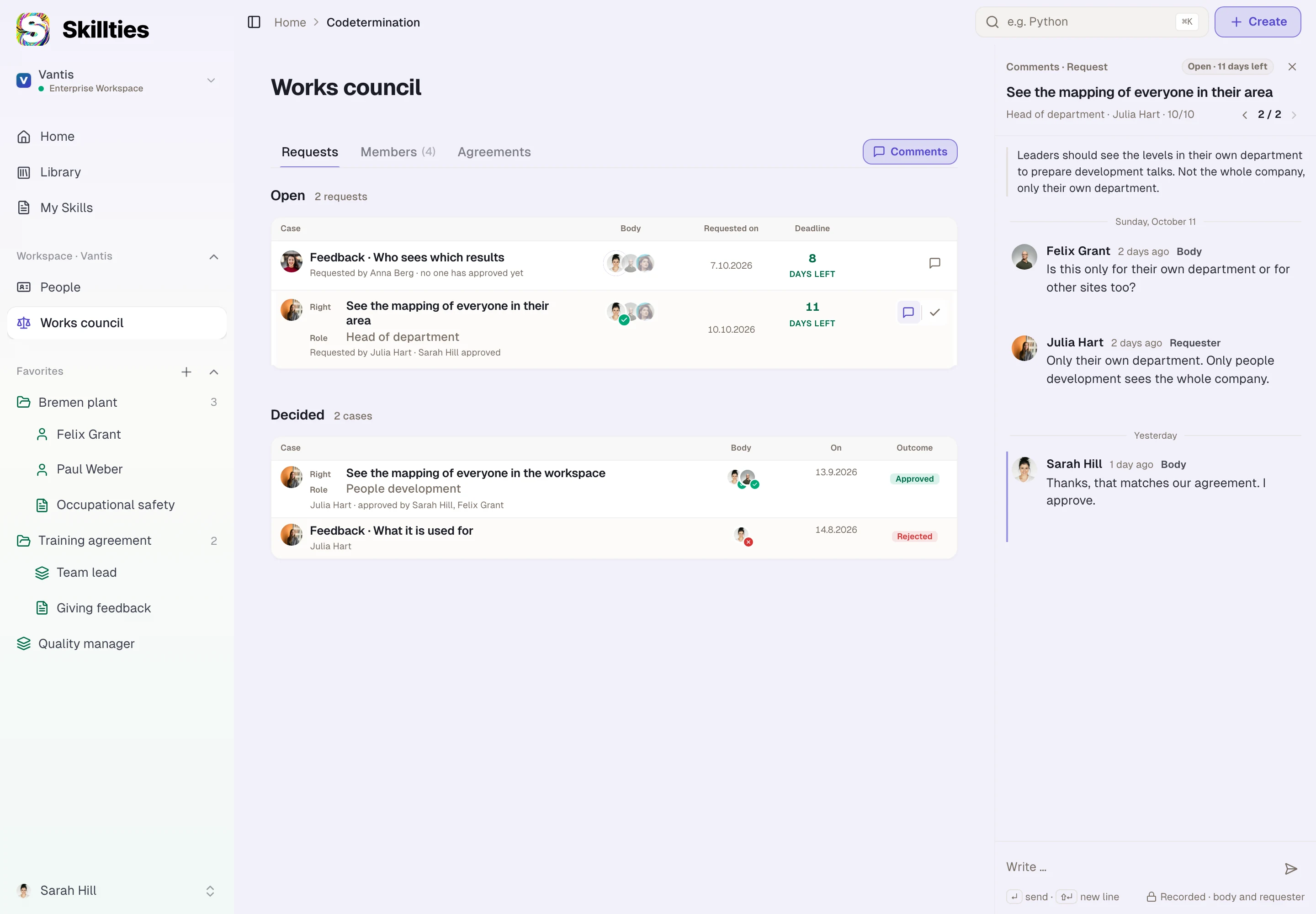
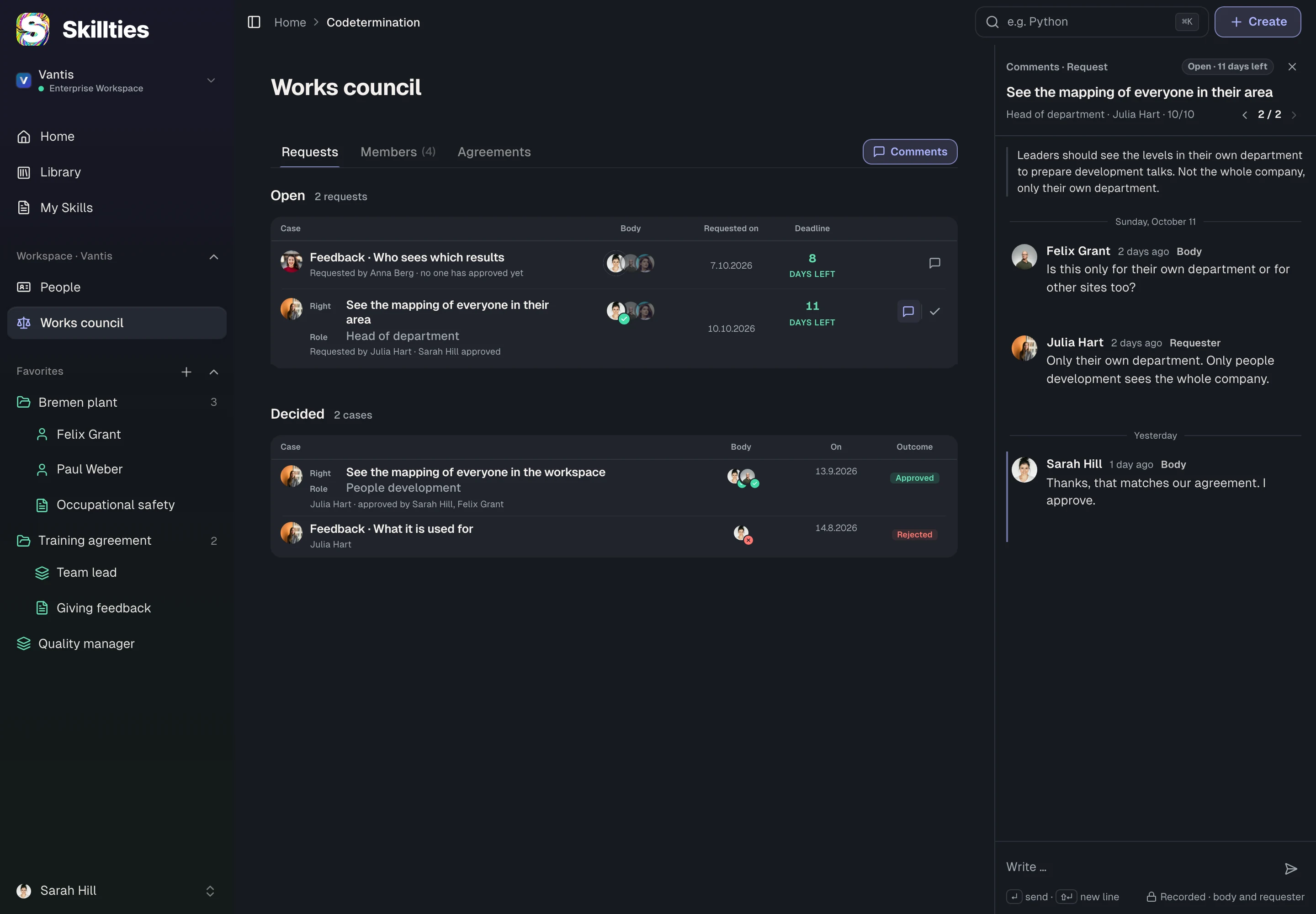
Bring in the works council with one switch.
Activate the works council and it gets its own app. HR, IT and the council work together right there: requests, questions and approvals in one place instead of meetings and email threads.
Full control for HR.
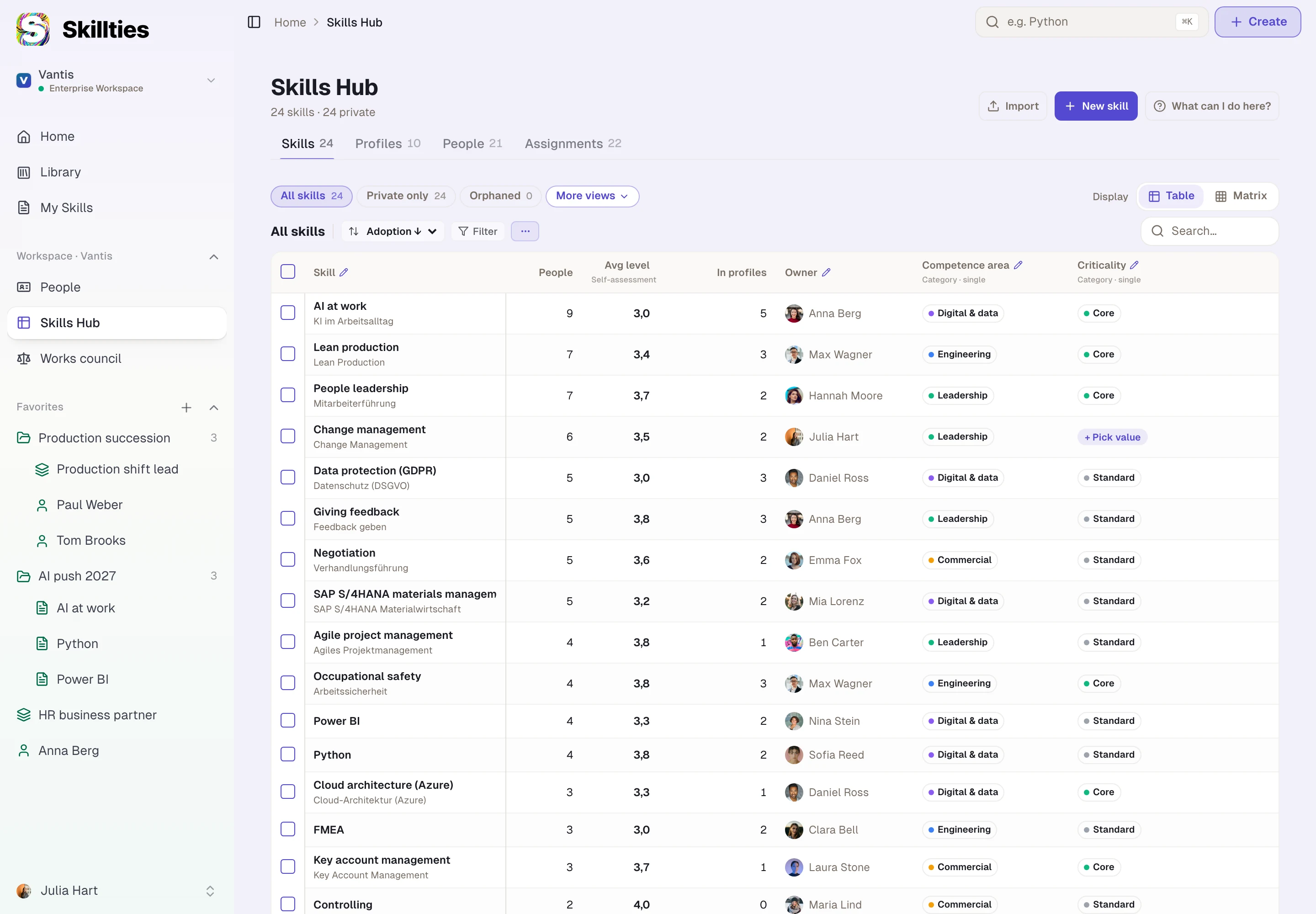
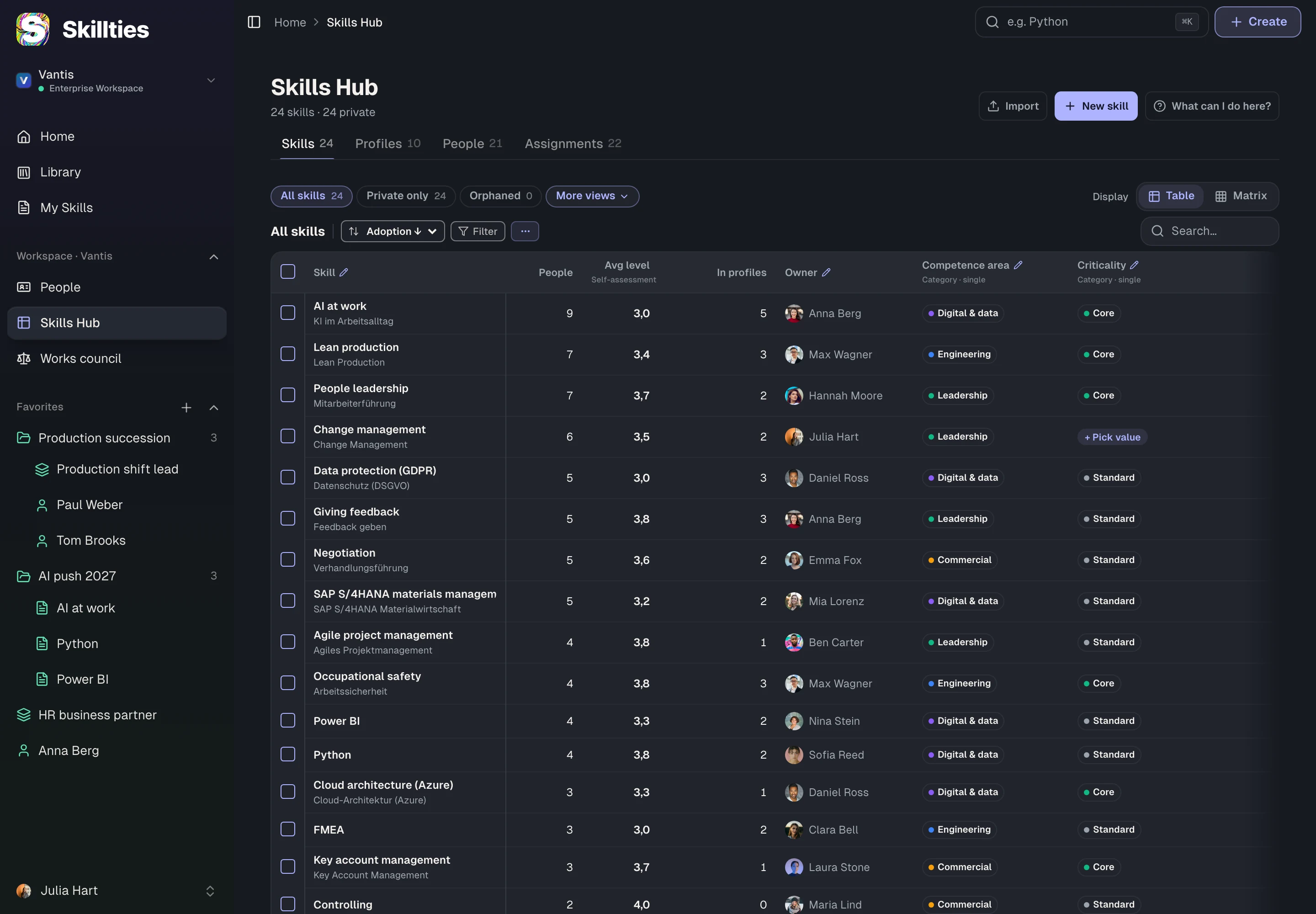
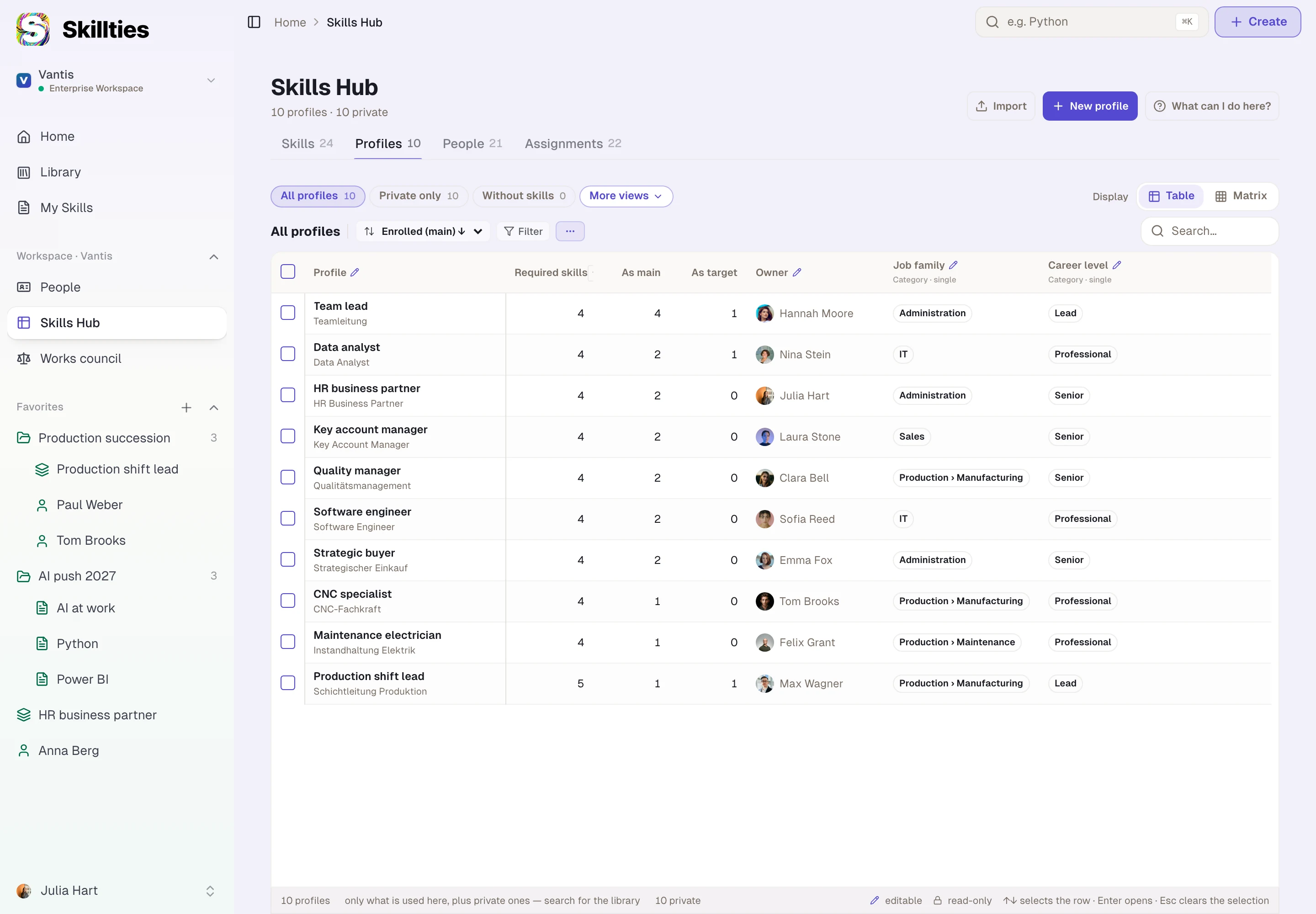
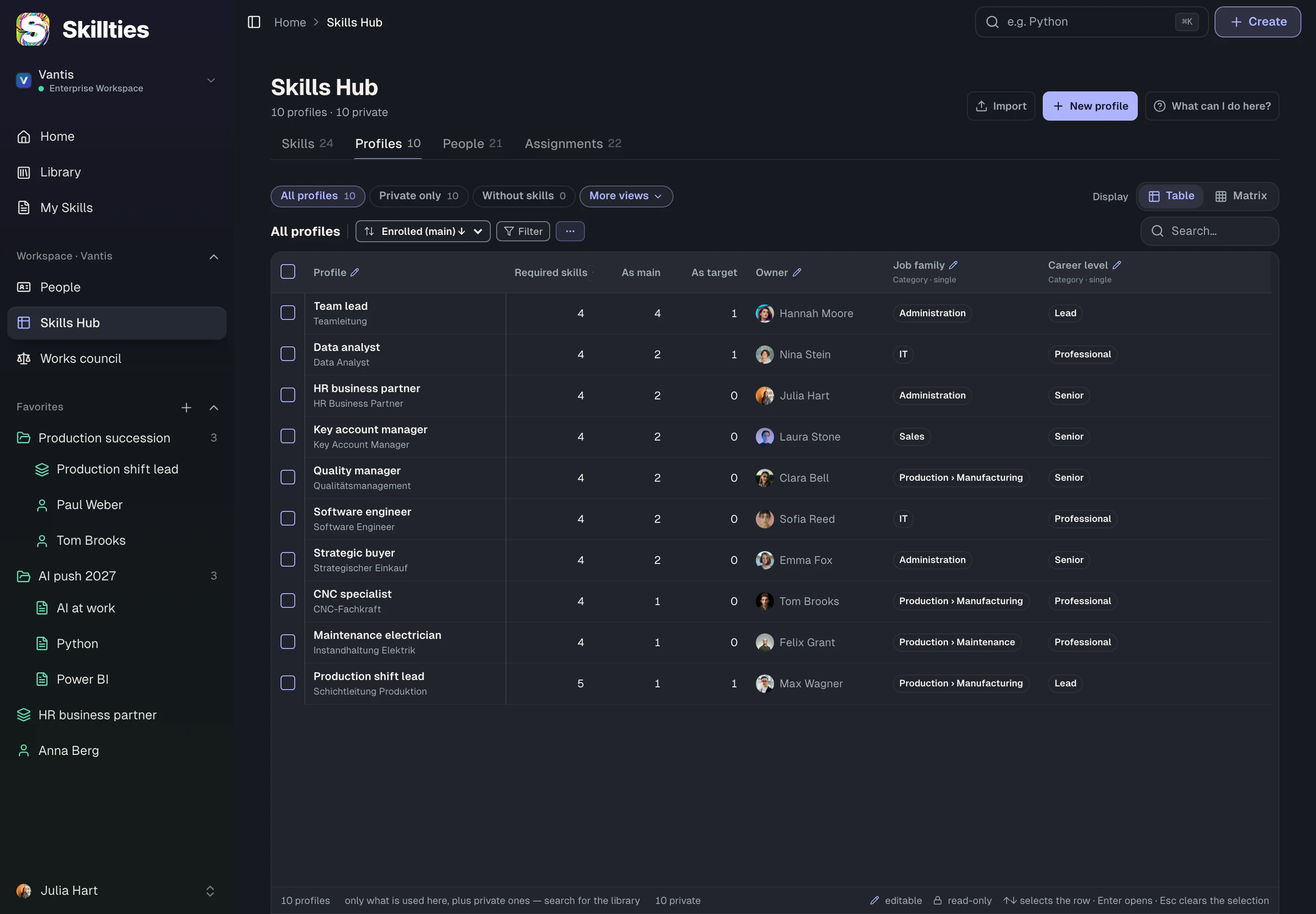
The Skills Hub is the app for HR: you see every skill and every profile and change anything right in the table. Import your existing skills, and update owner, competence area or criticality for many at once.
Your structure, the way you want it.
Building in your own structure is easy: competence areas, criticality, job families, career levels. Every category becomes a column, a filter and a grouping in the Skills Hub.
One account, several companies.
Robert Lang trains for Vantis and Helio with one sign-in and a role in each. Each company only sees what is in its own workspace.















 Robert Lang