Skillties logoSkillties word mark

Develop

Everyone knows what to learn next.

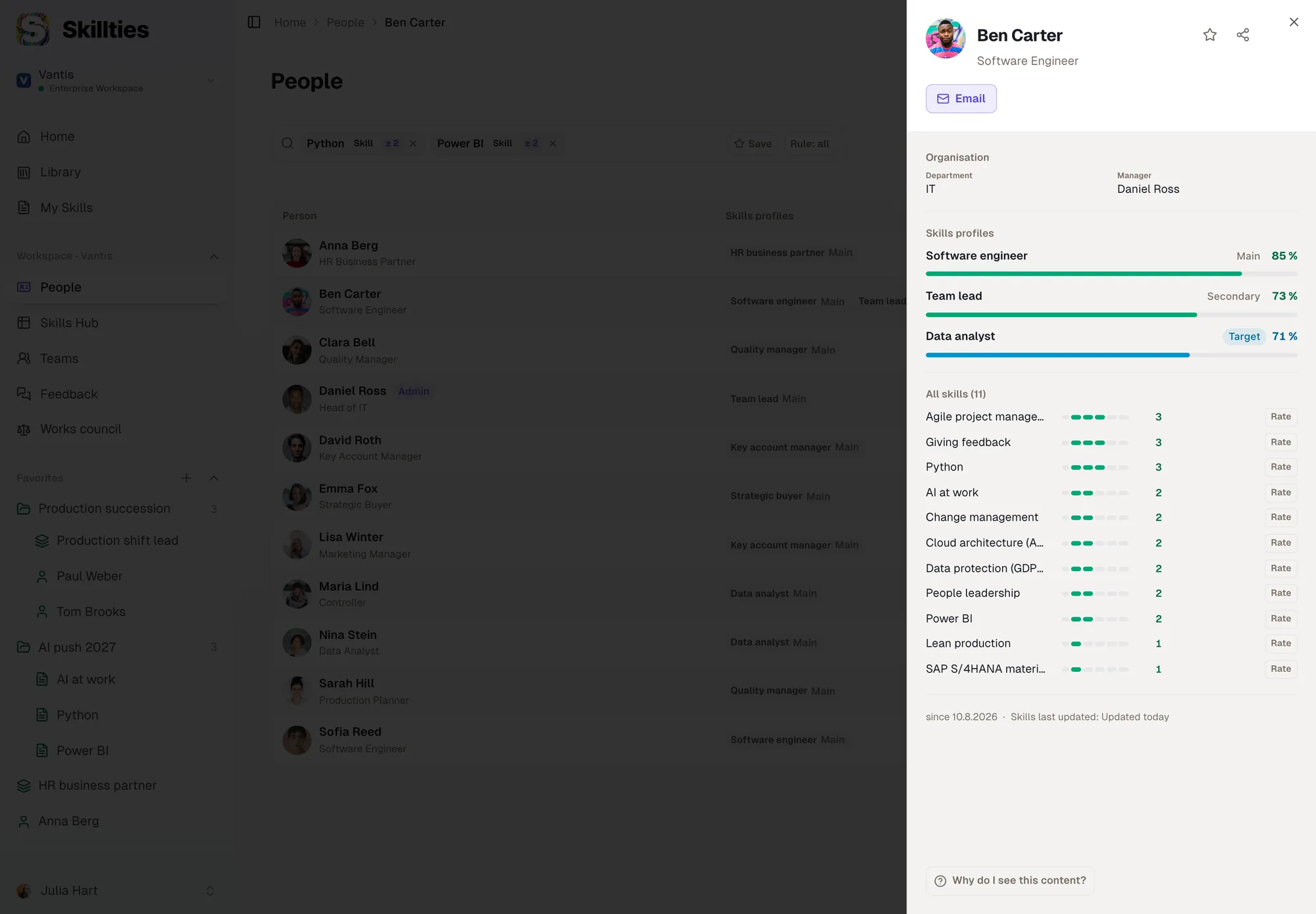
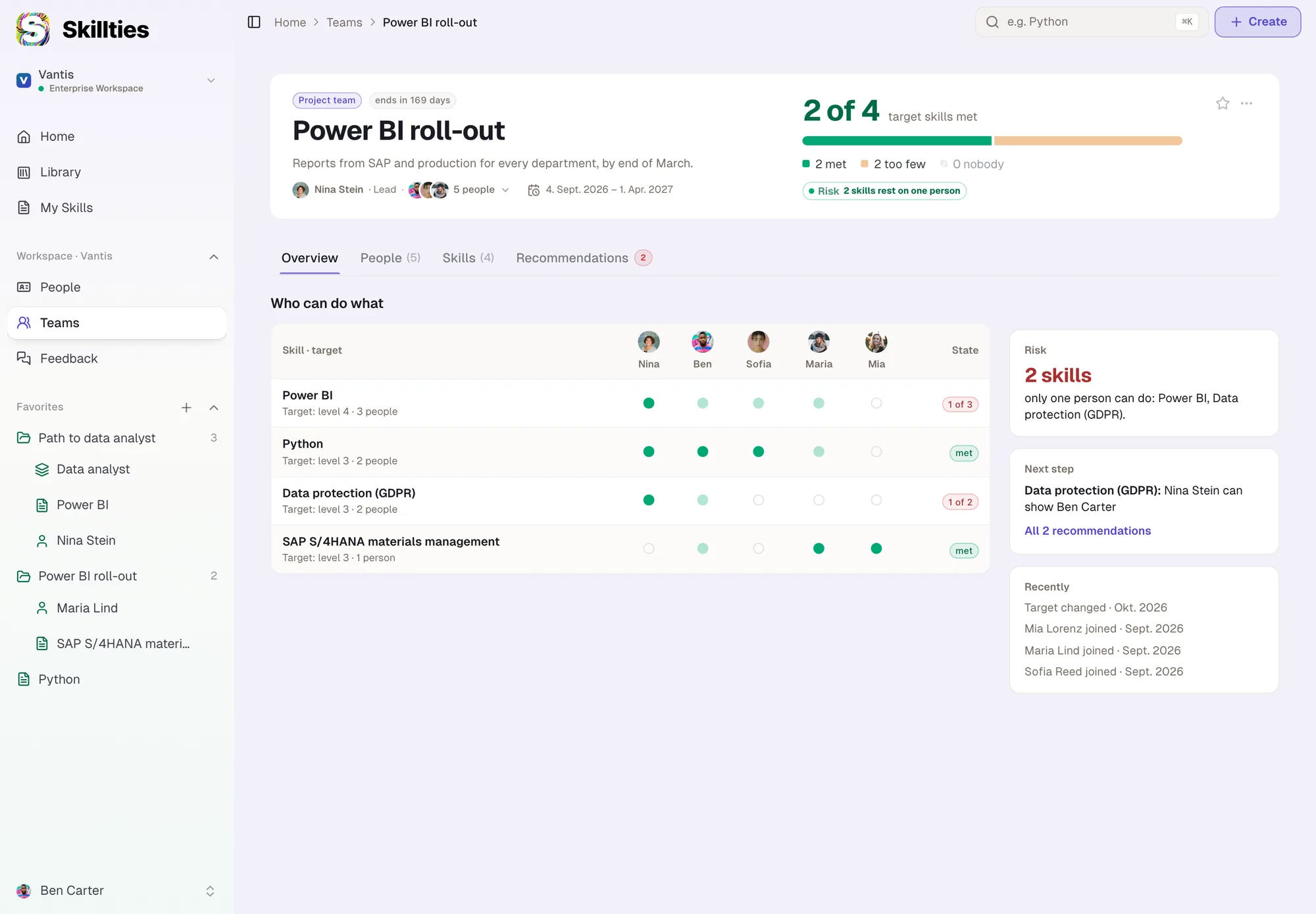
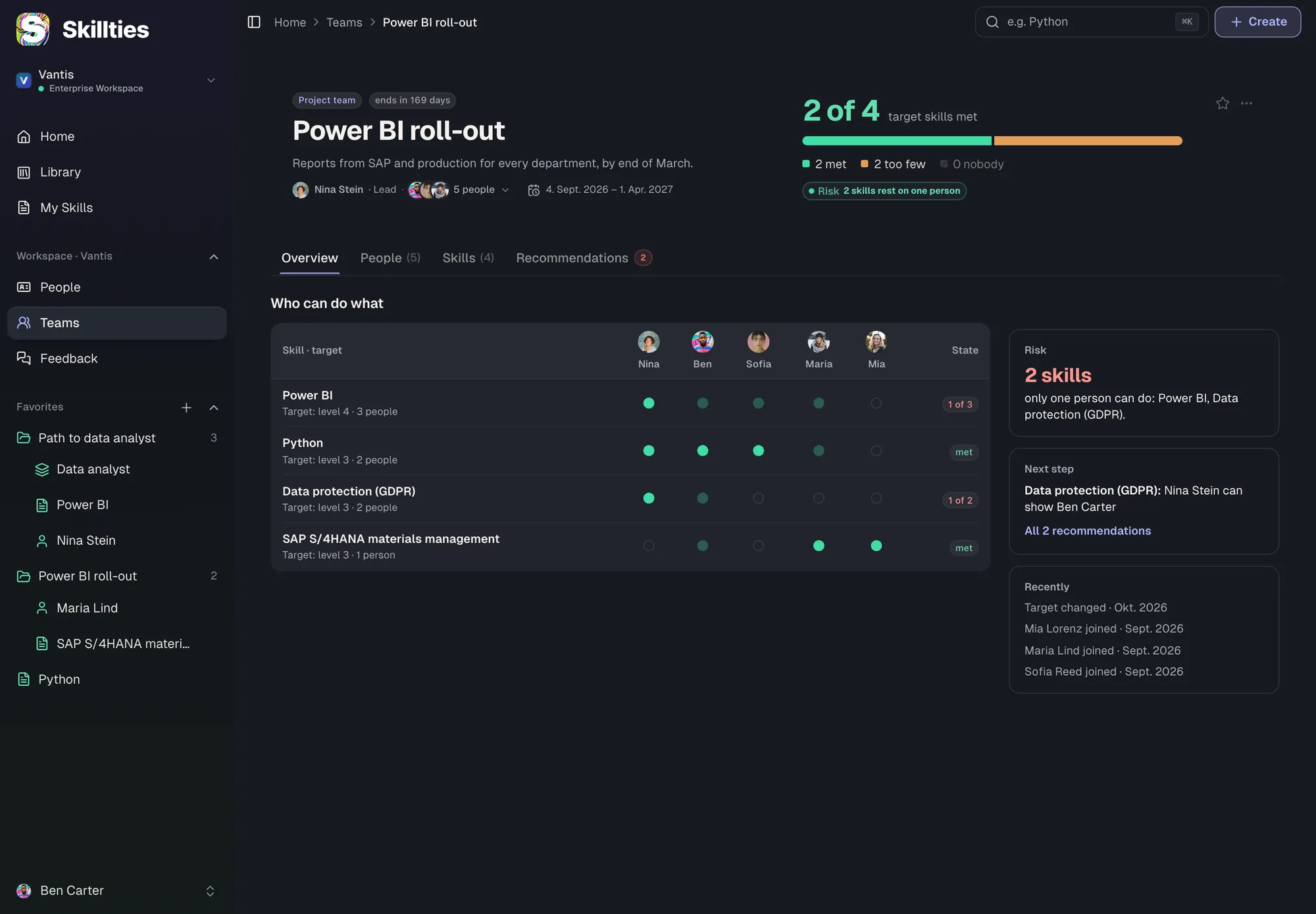
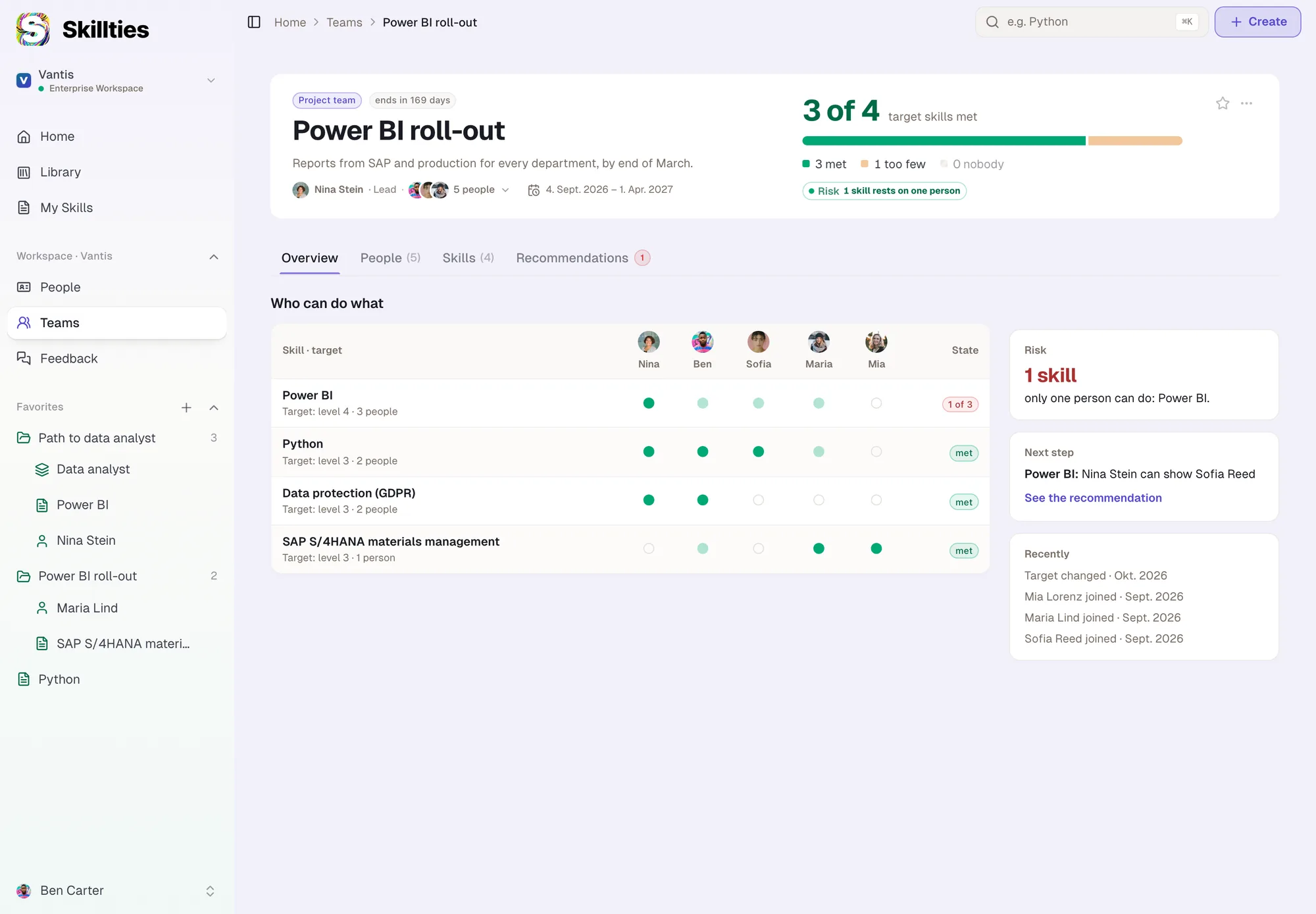
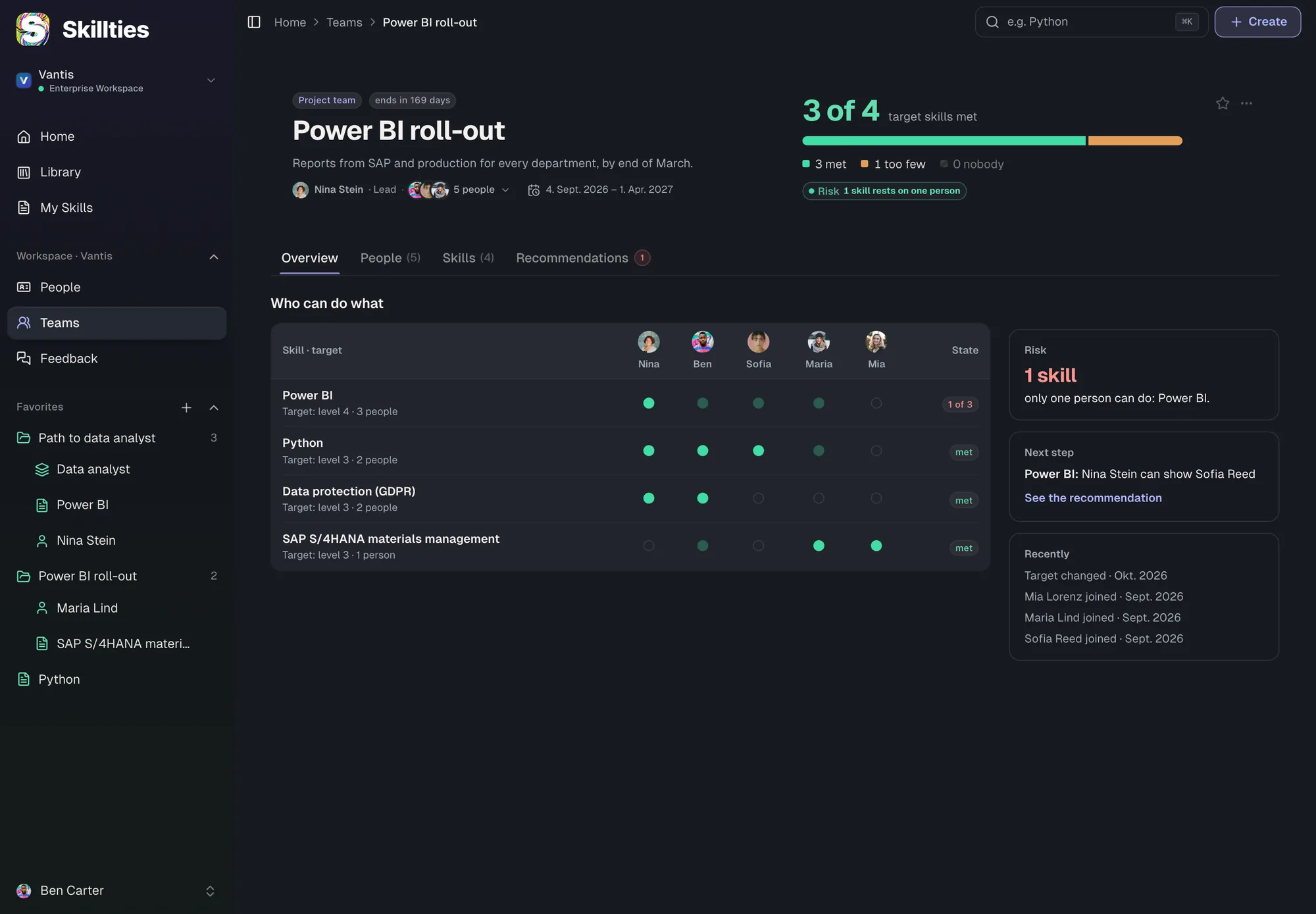
Skillties shows where someone stands against their profile, adds feedback from colleagues and brings the right learning all the way to the inbox. Teams see which skill depends on just one person.

  • Learning starts at the gap, mostly free.
  • Feedback that fits your culture.
  • Teams with a target and an eye on risk.
iFor your gap

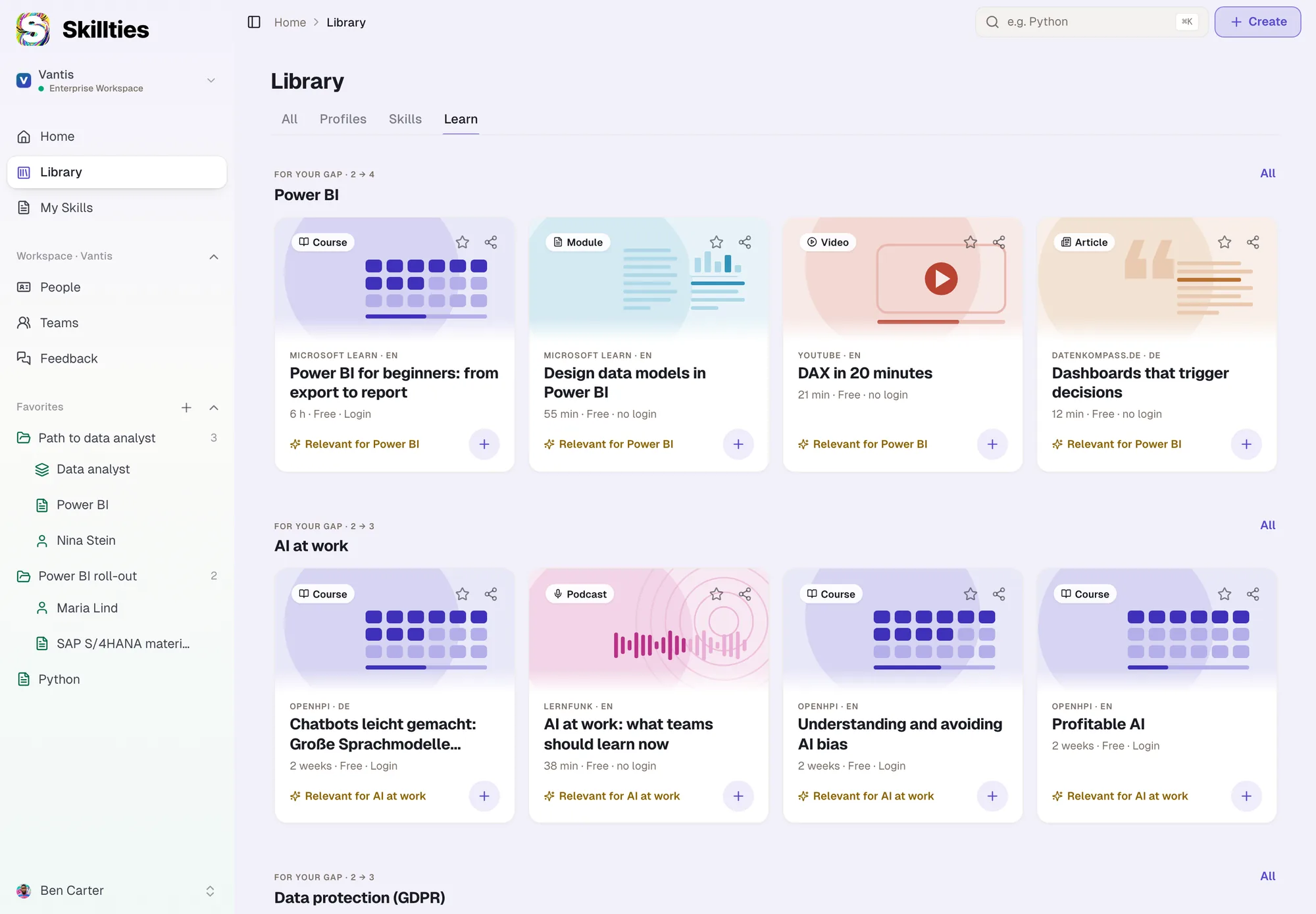
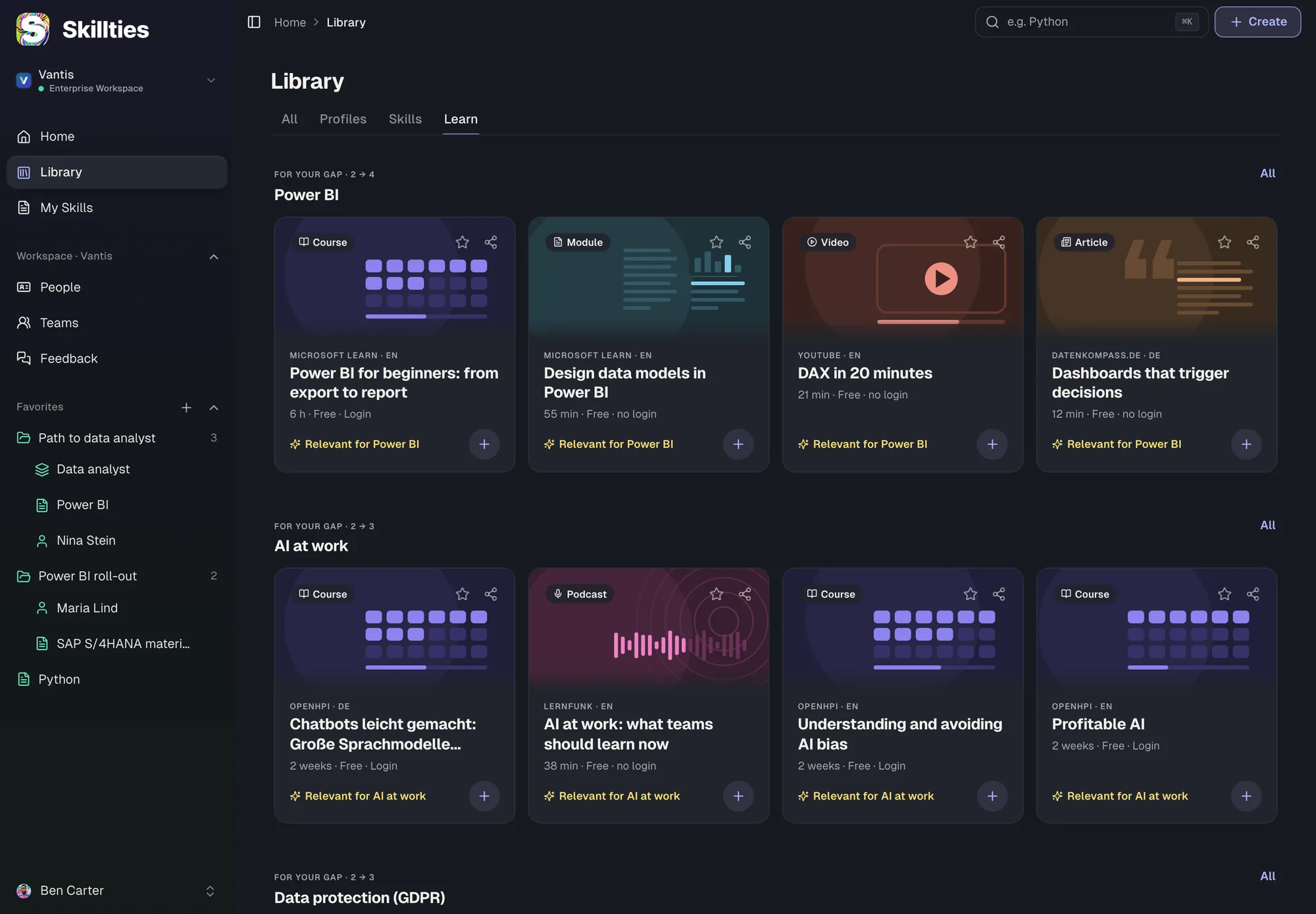
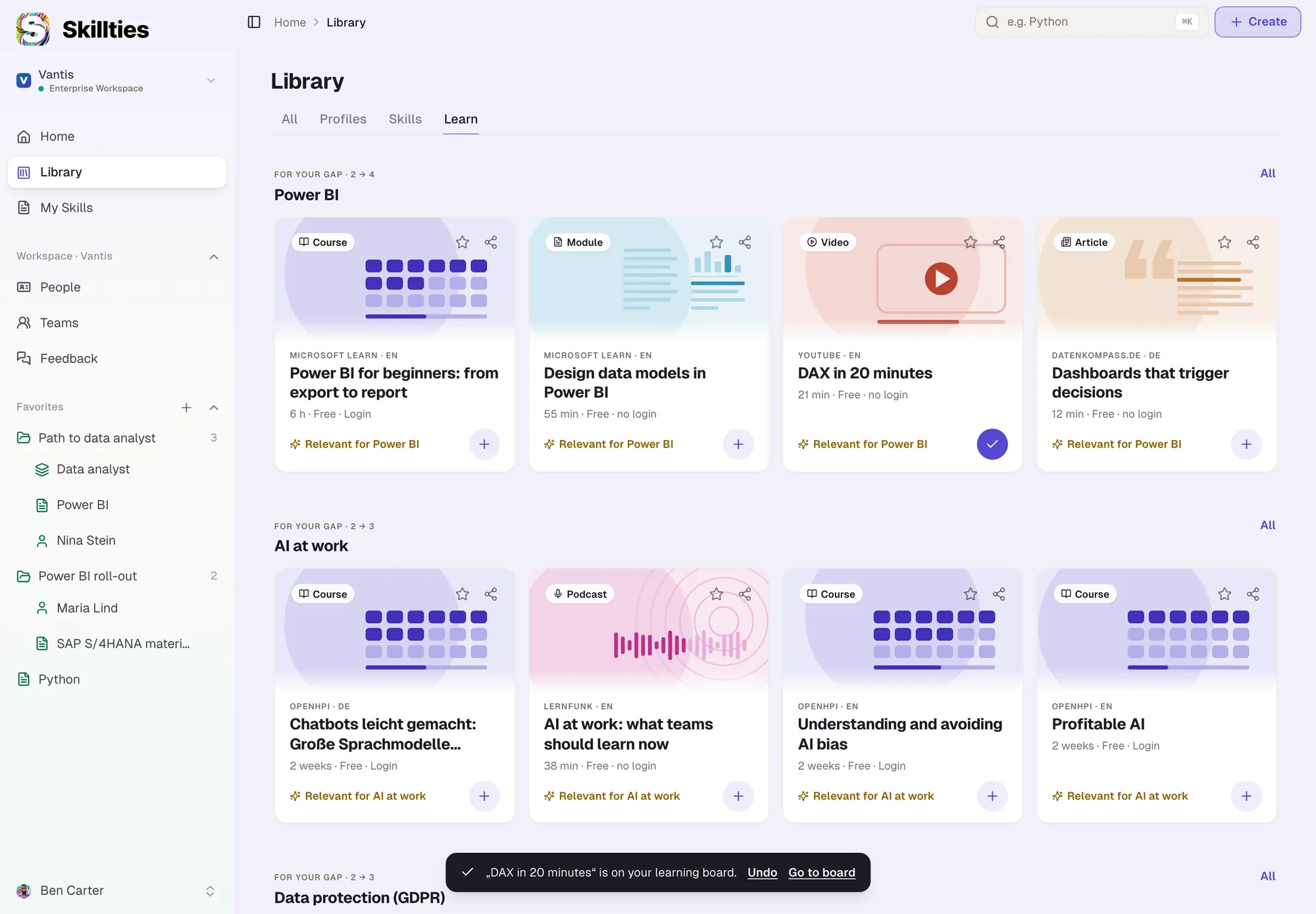
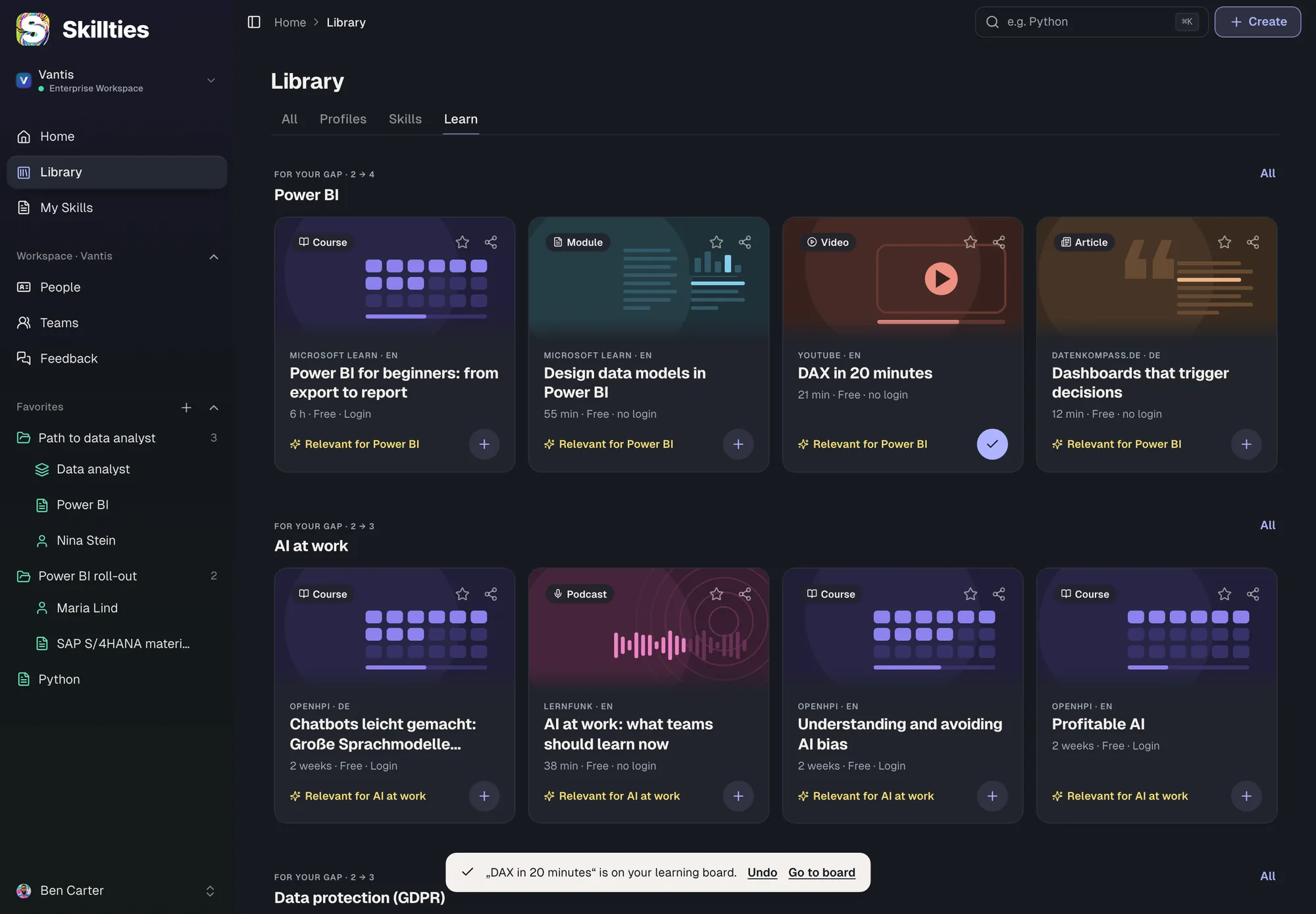
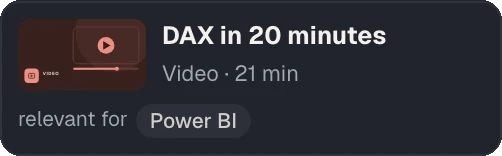
The library sorts learning items by the gaps to the target profile: Power BI from 2 to 4.

iPeers

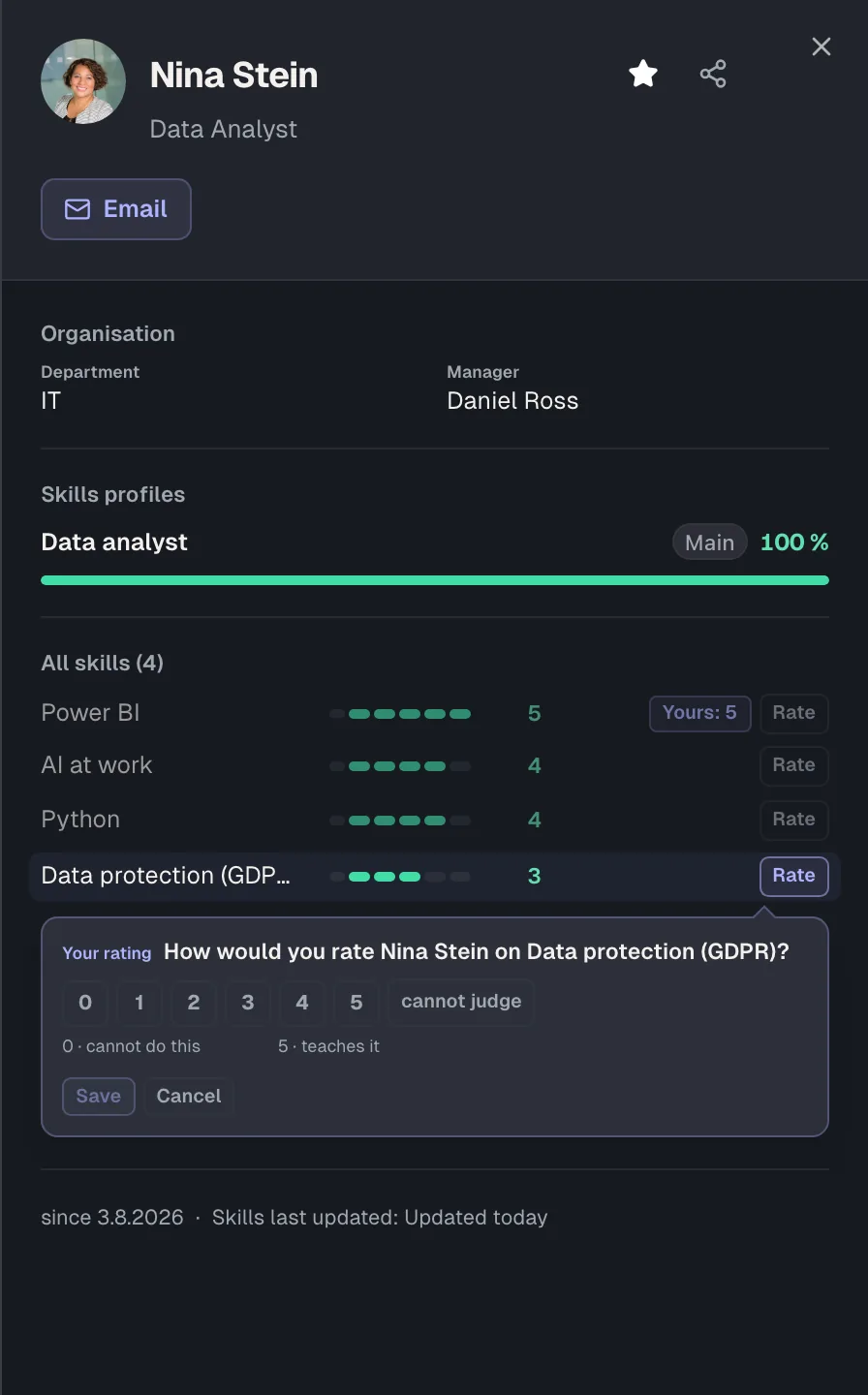
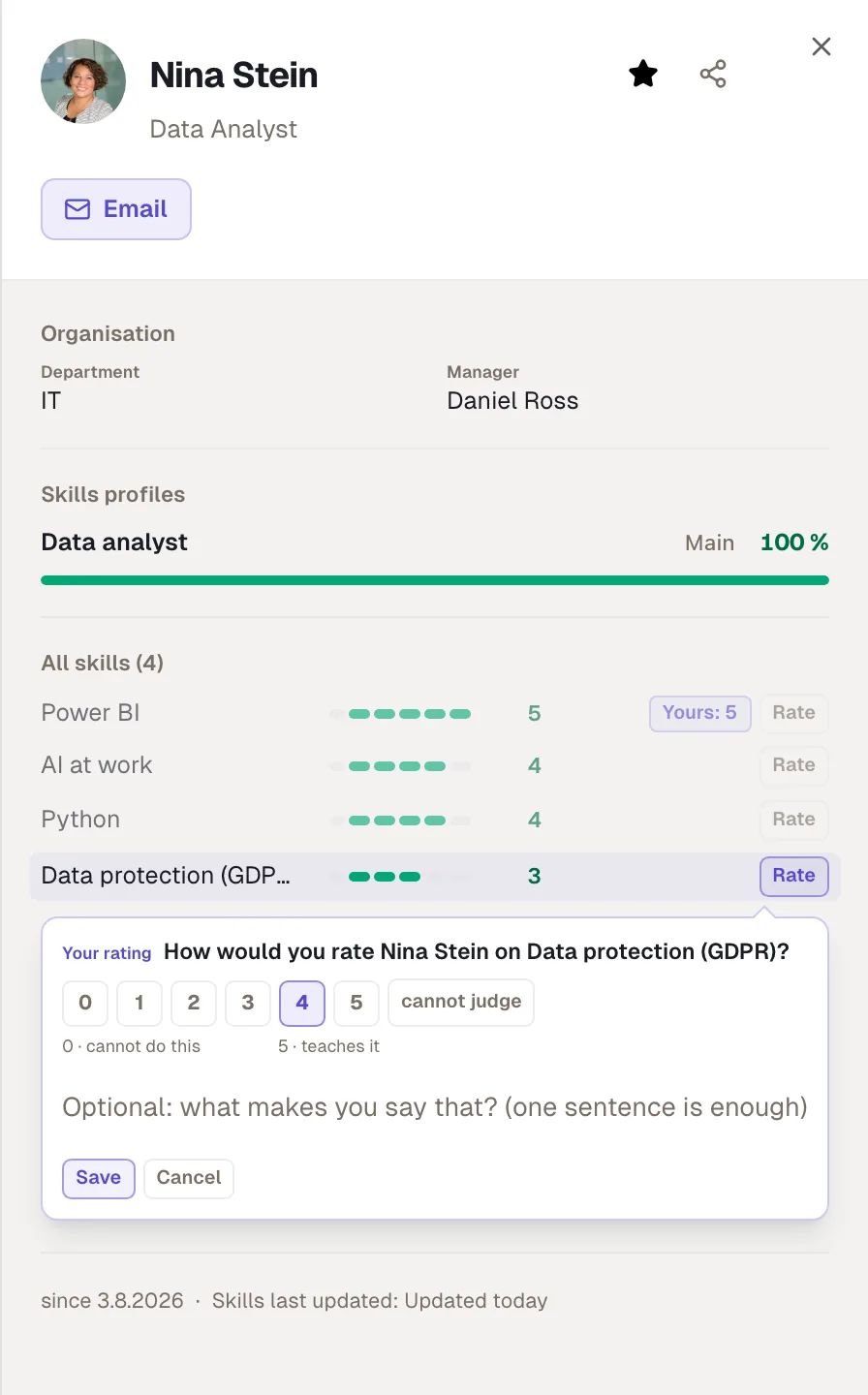
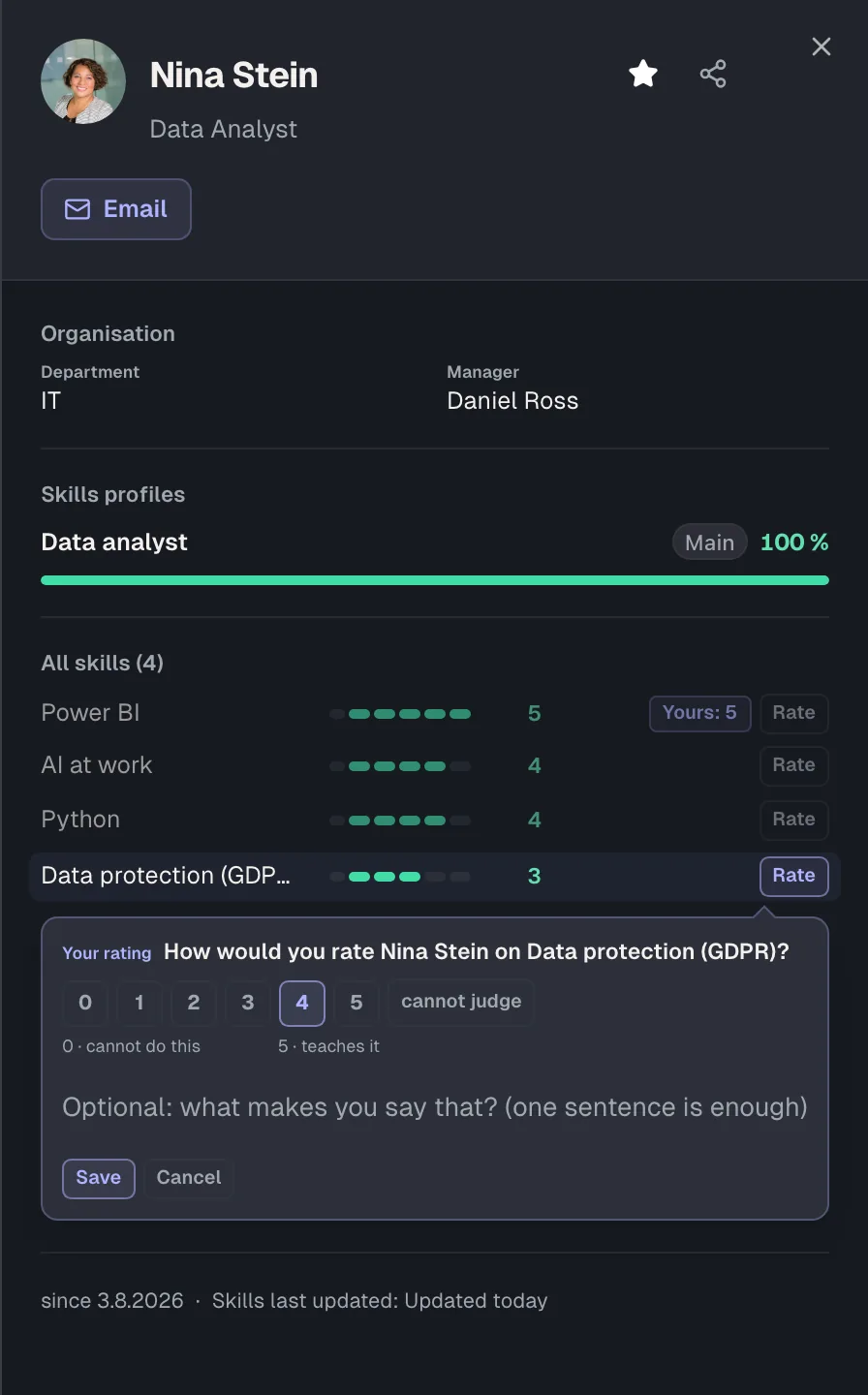
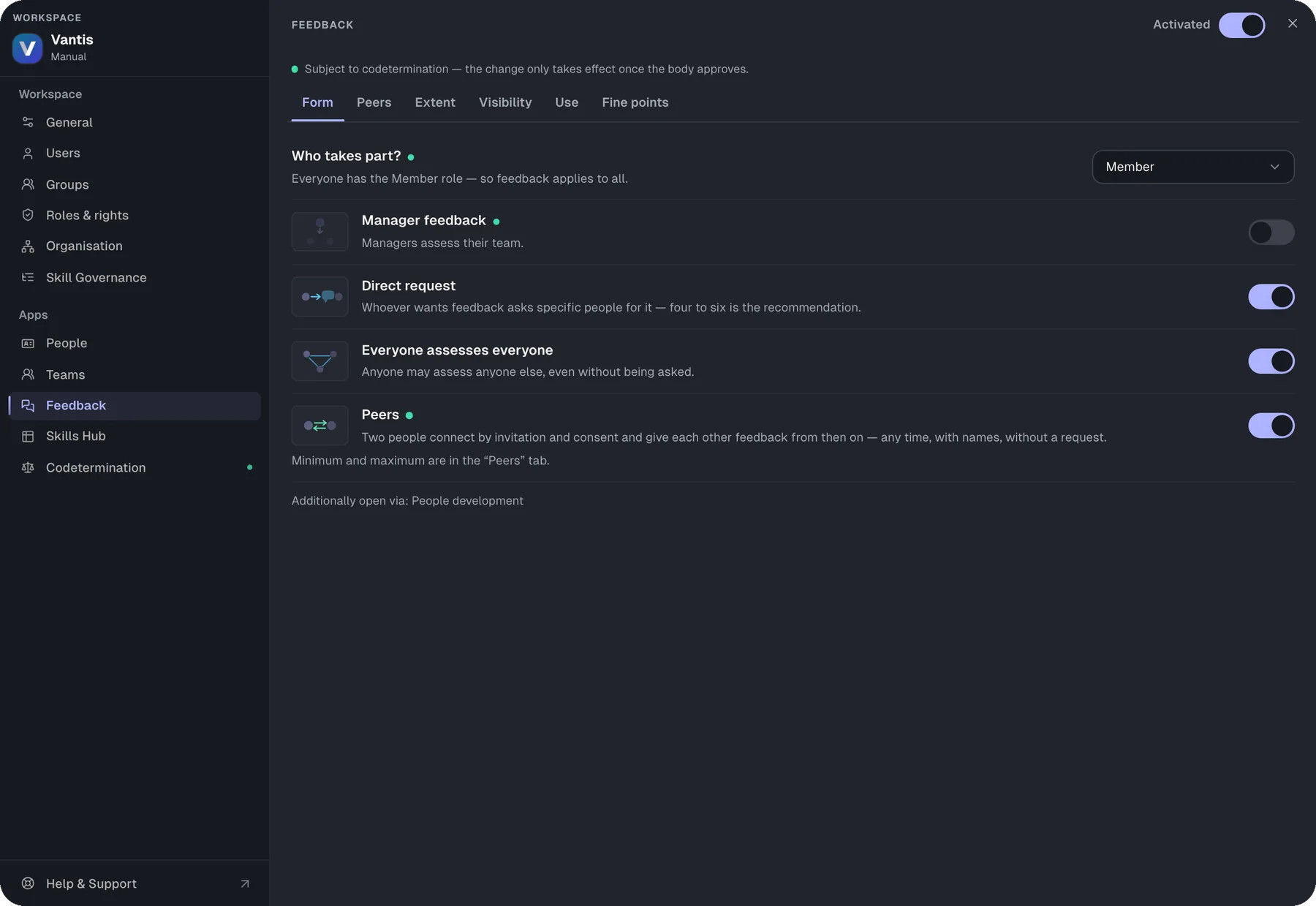
Two people connect by invitation and from then on give each other feedback anytime, with names.

iKinds of feedback

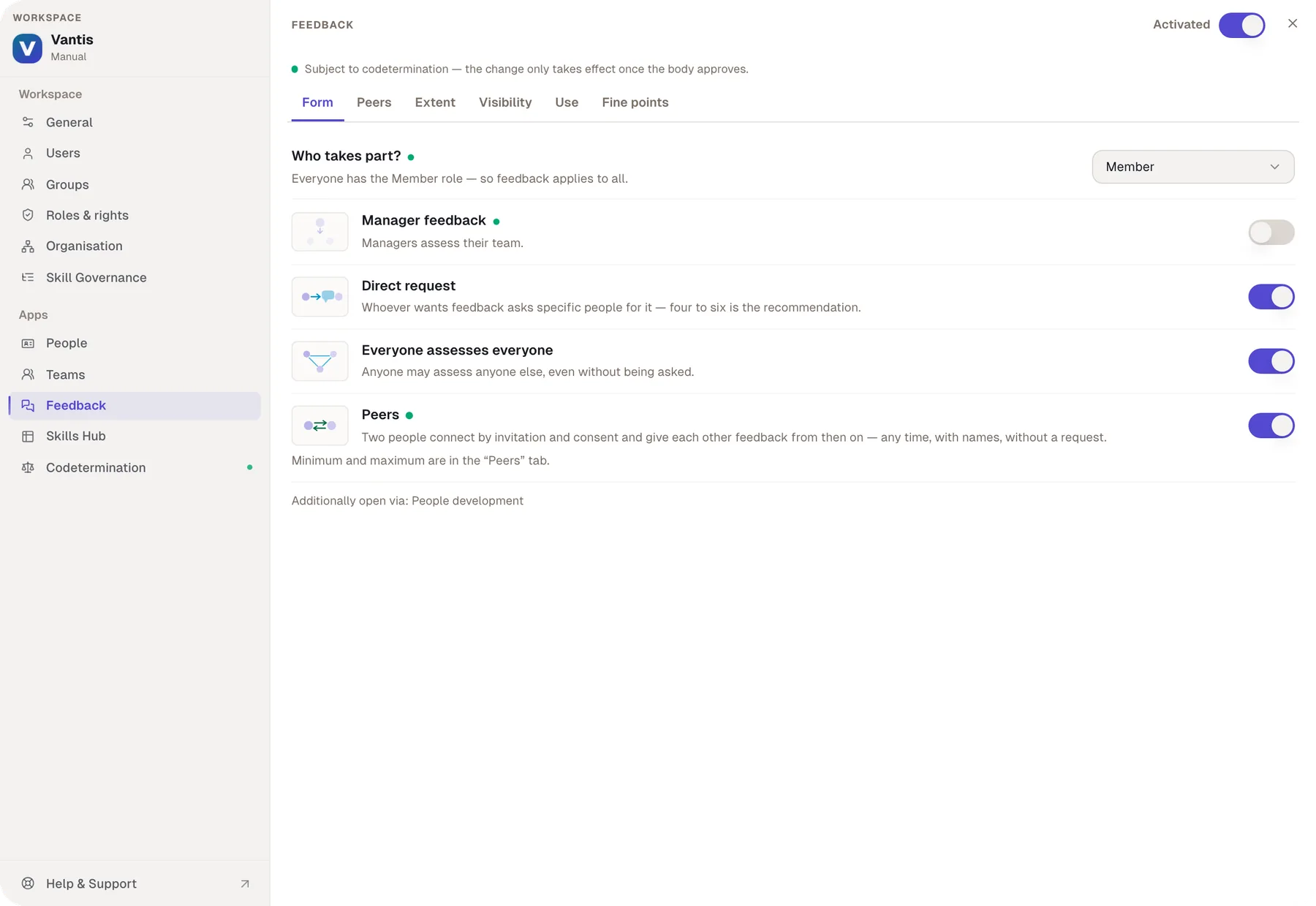
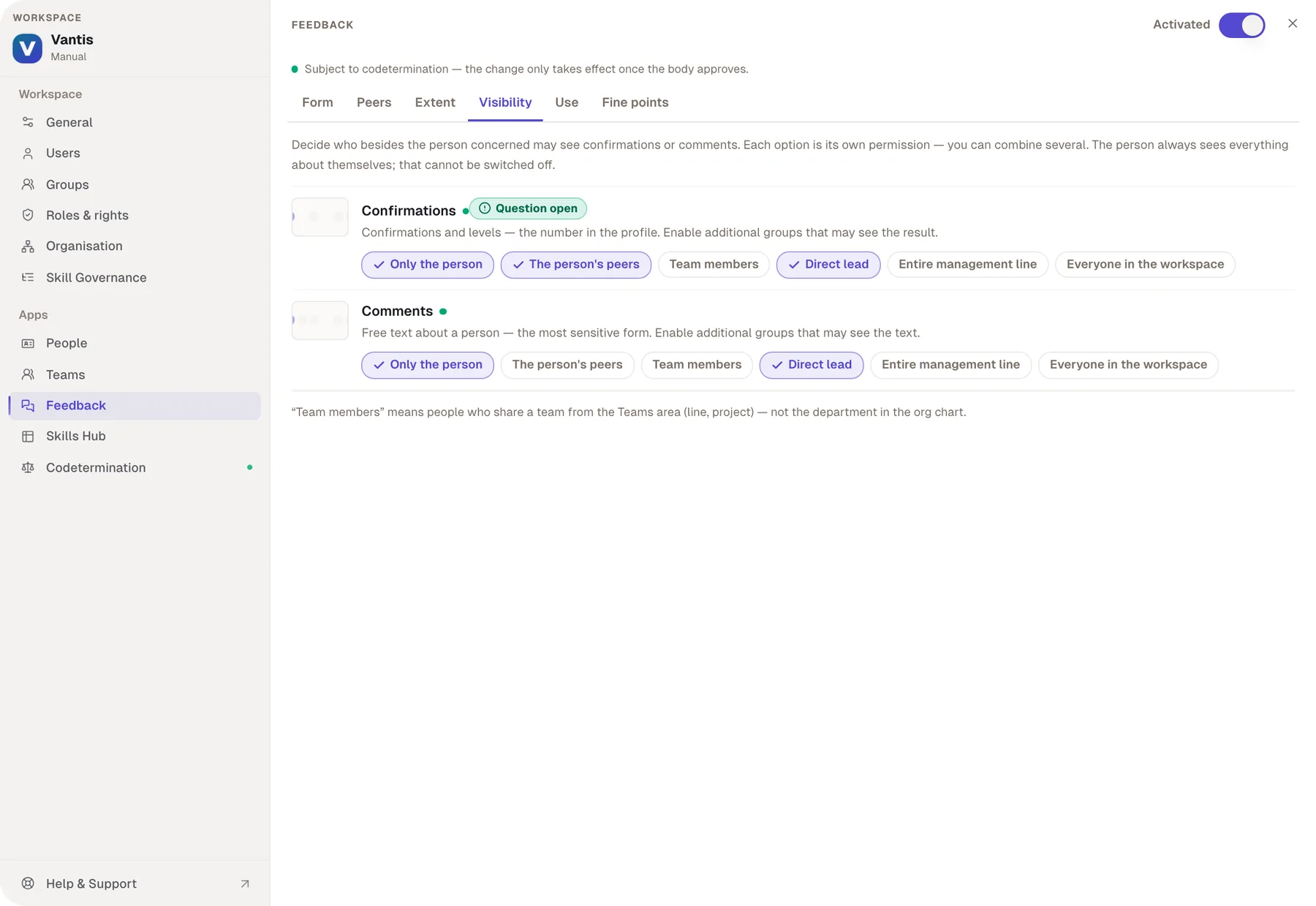
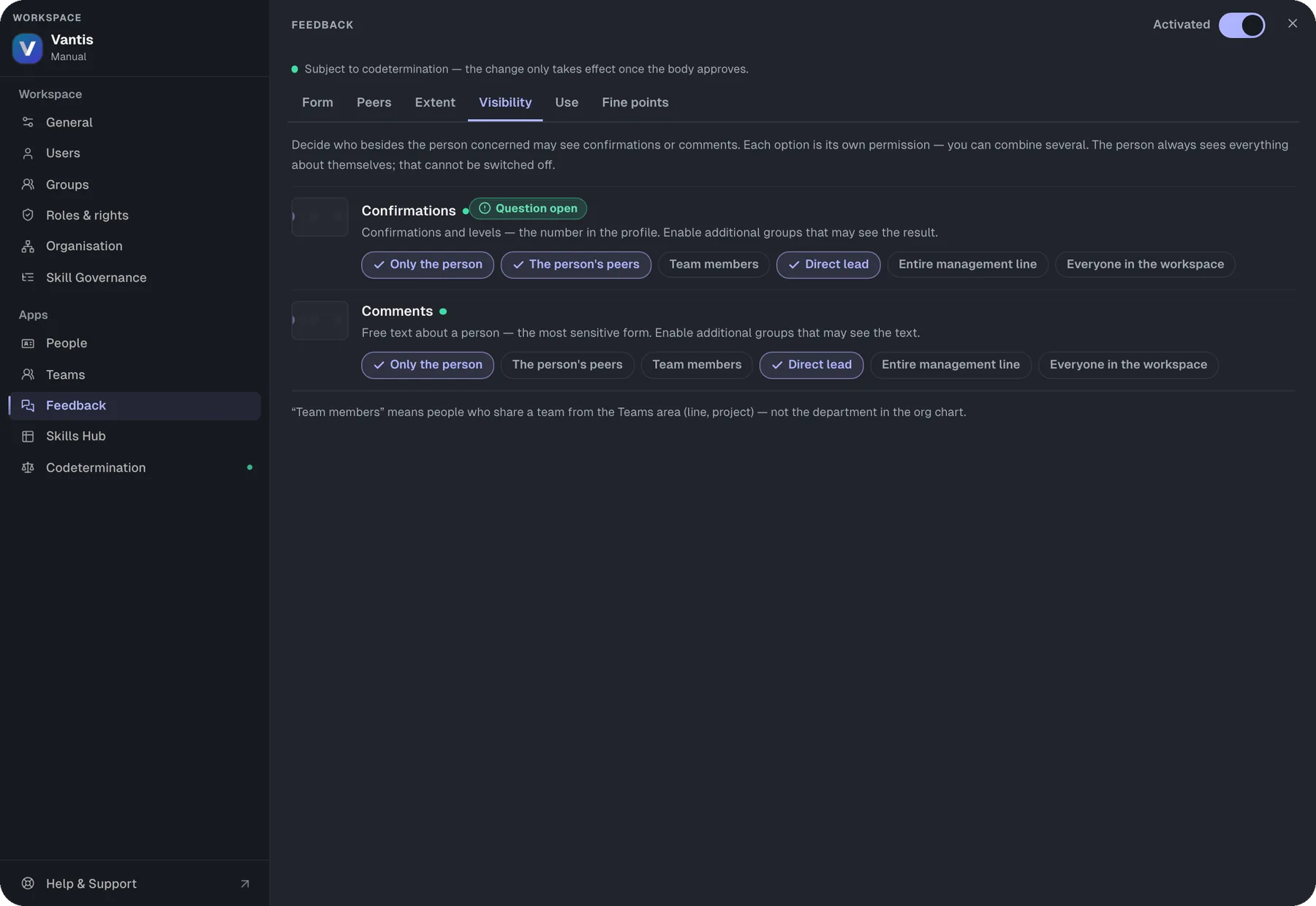
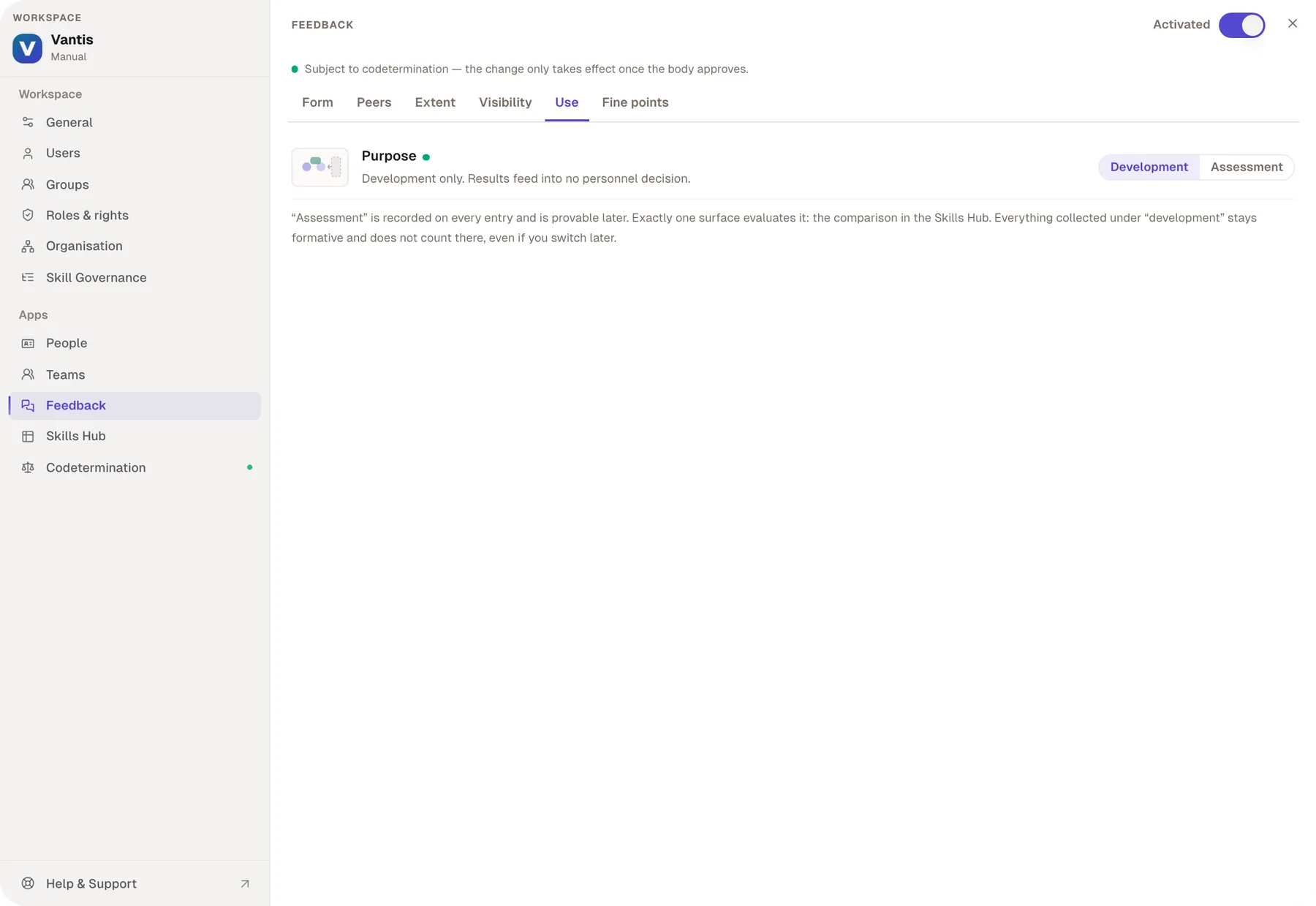
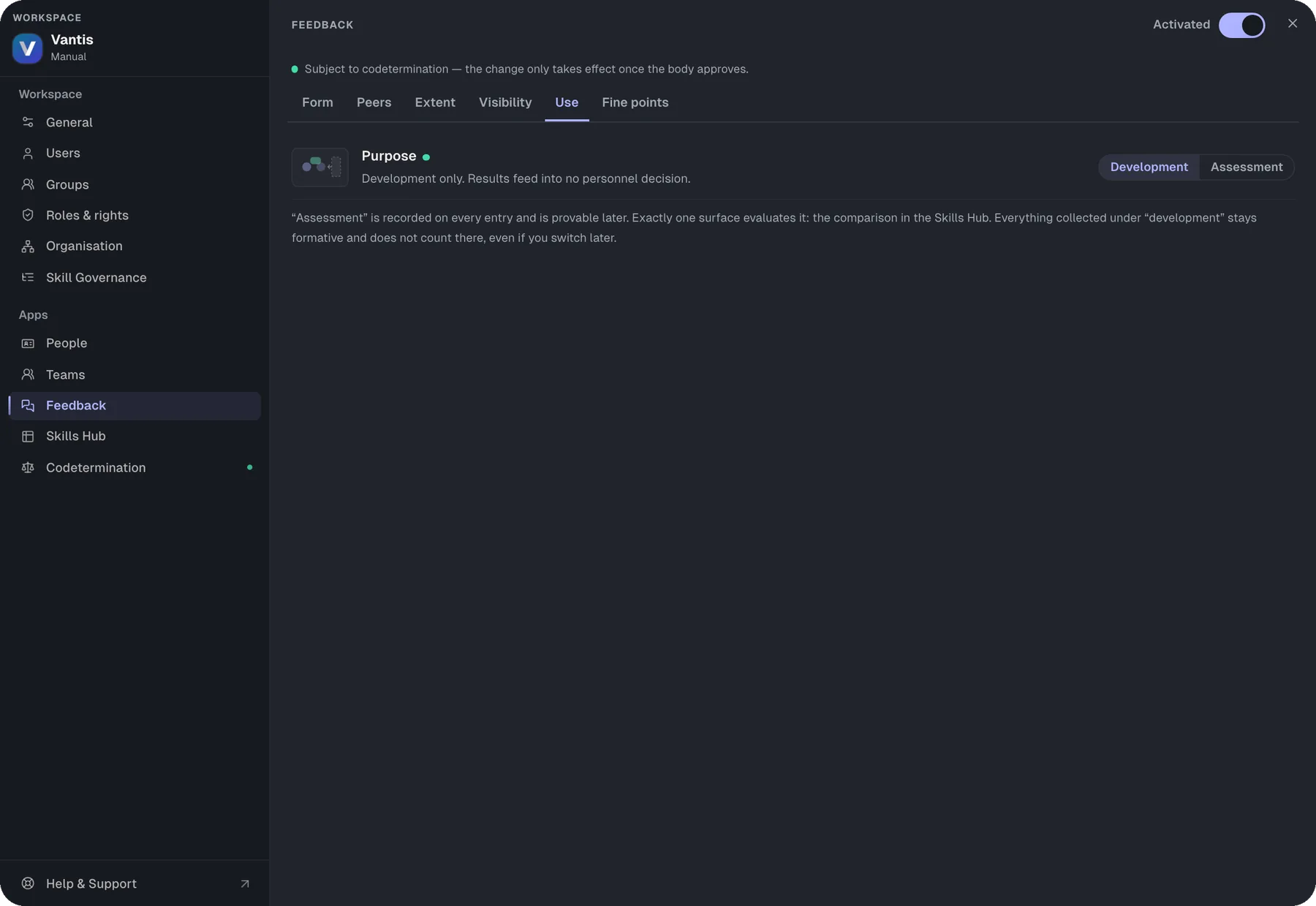
You choose which forms exist, who sees what and what it counts for.

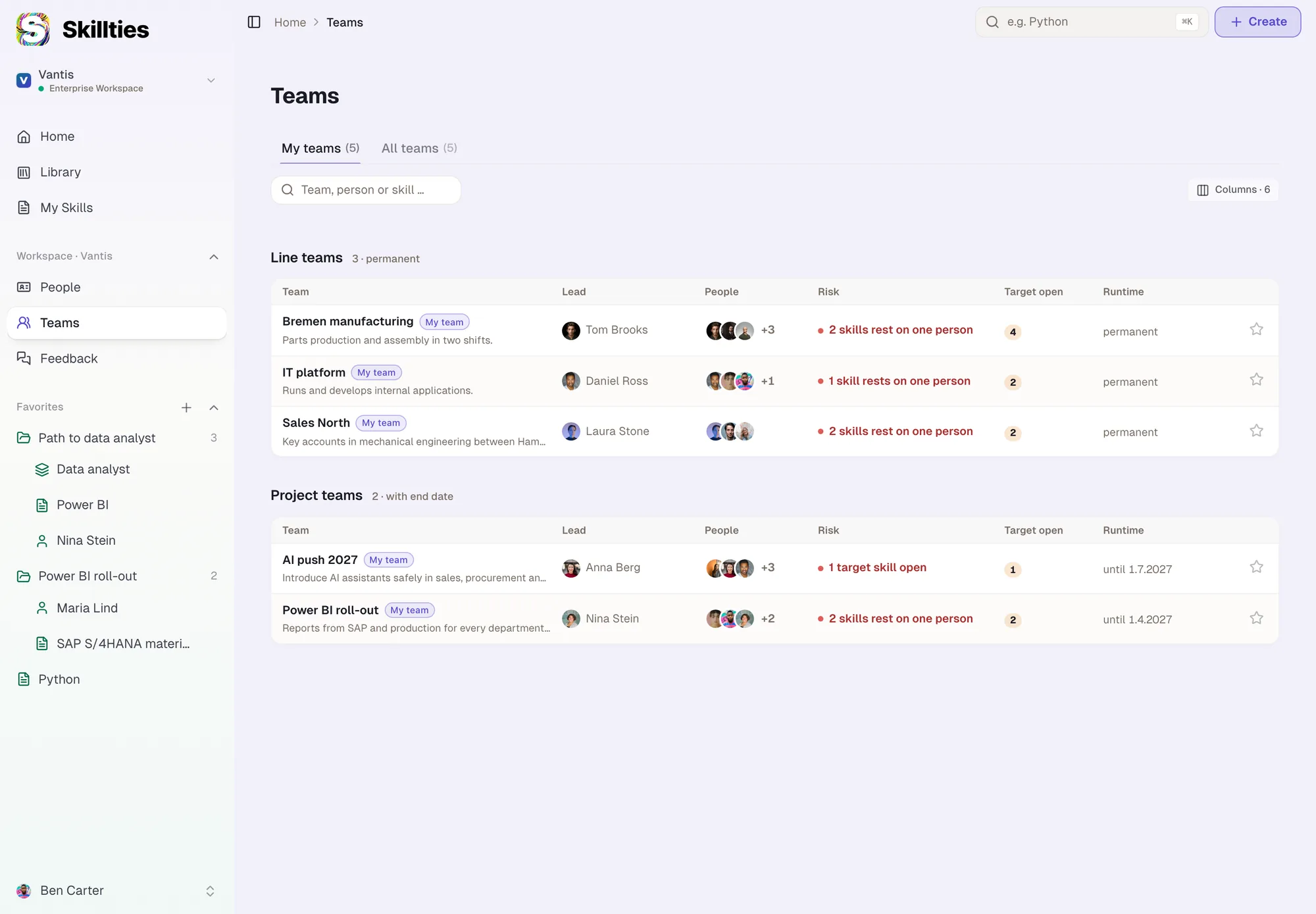
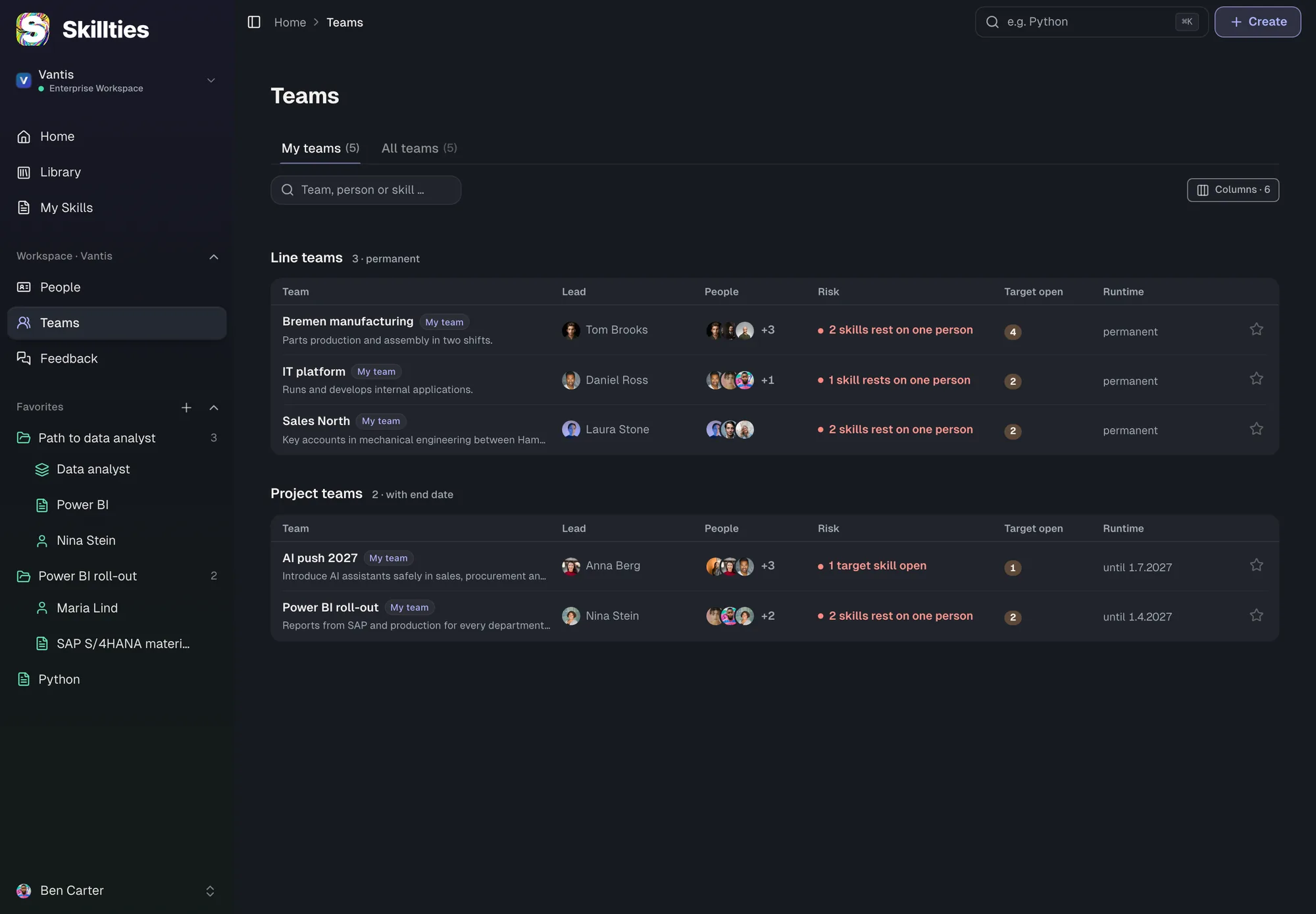
iAll teams

Line and project teams apart, with the biggest risk per team.

Learning & Developmentsoon01 / 05

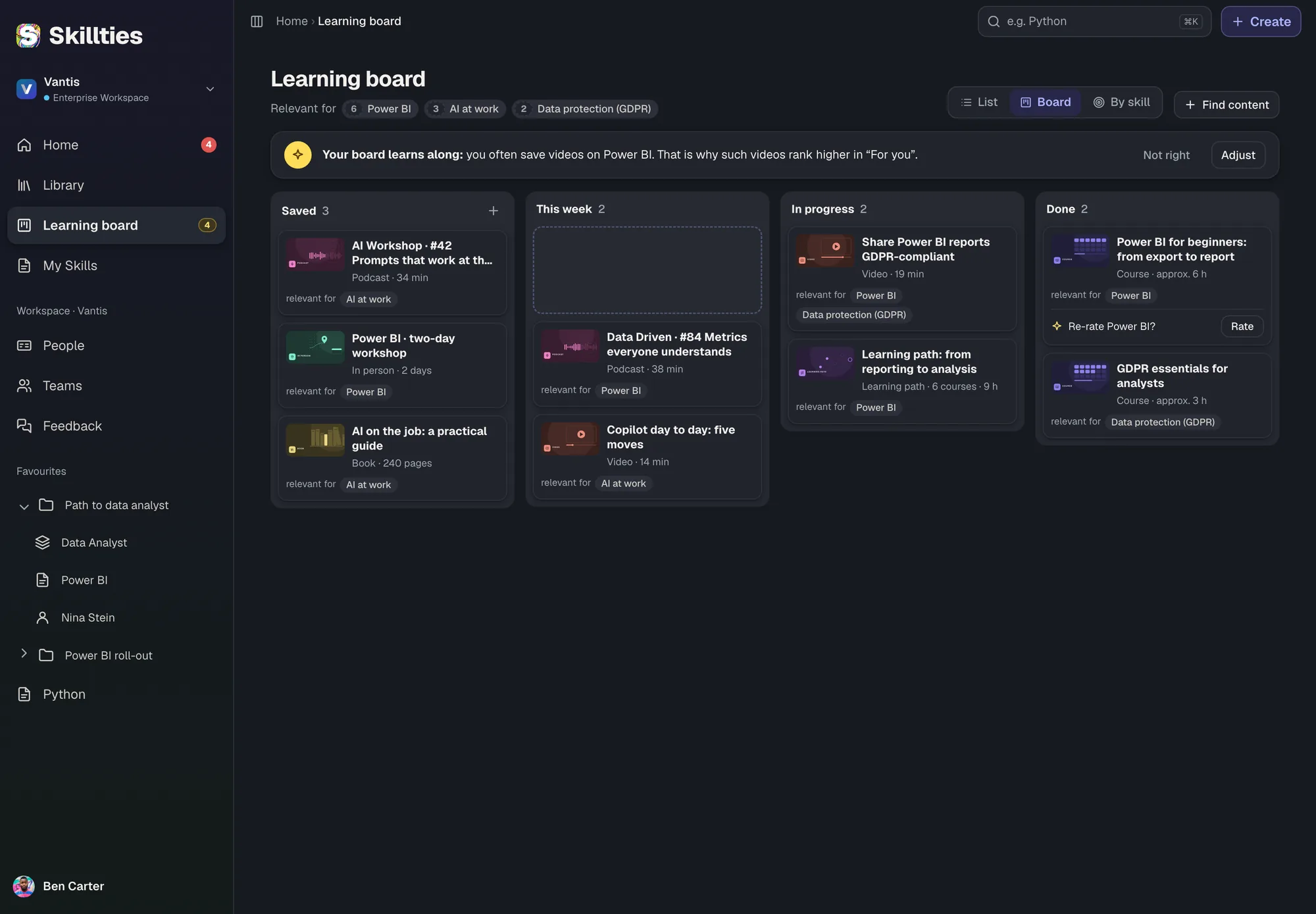
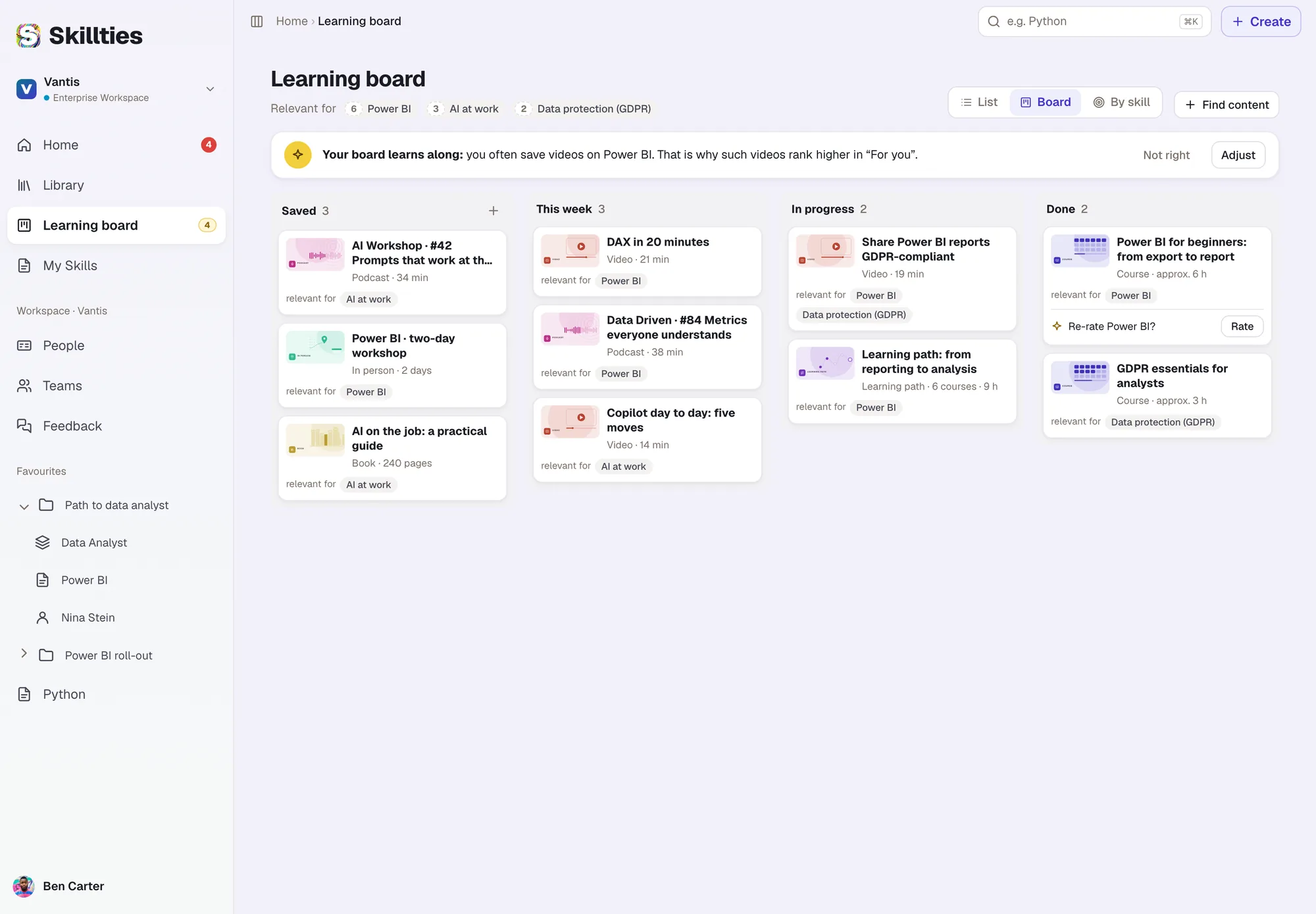
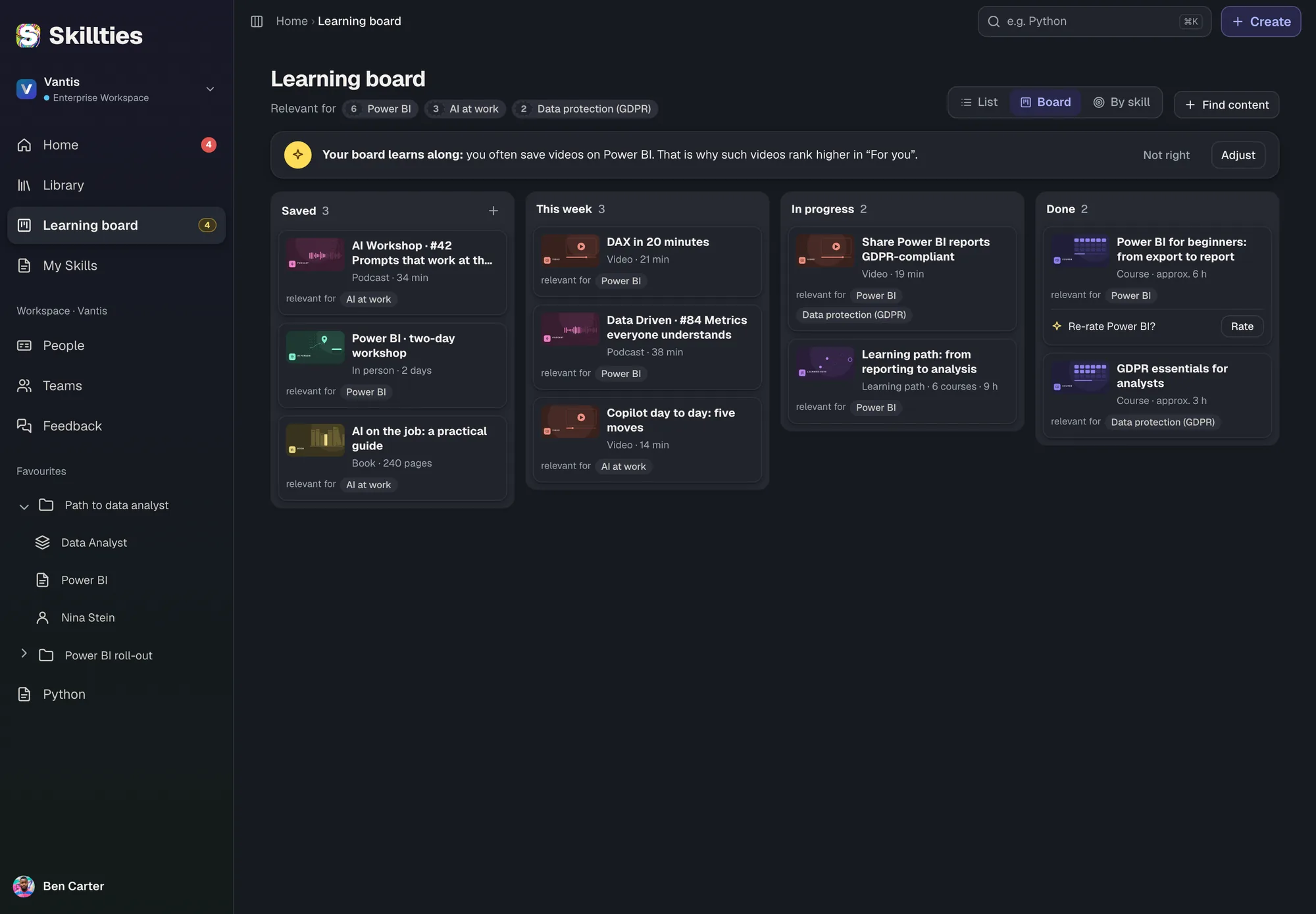
Learning starts at your own gap.

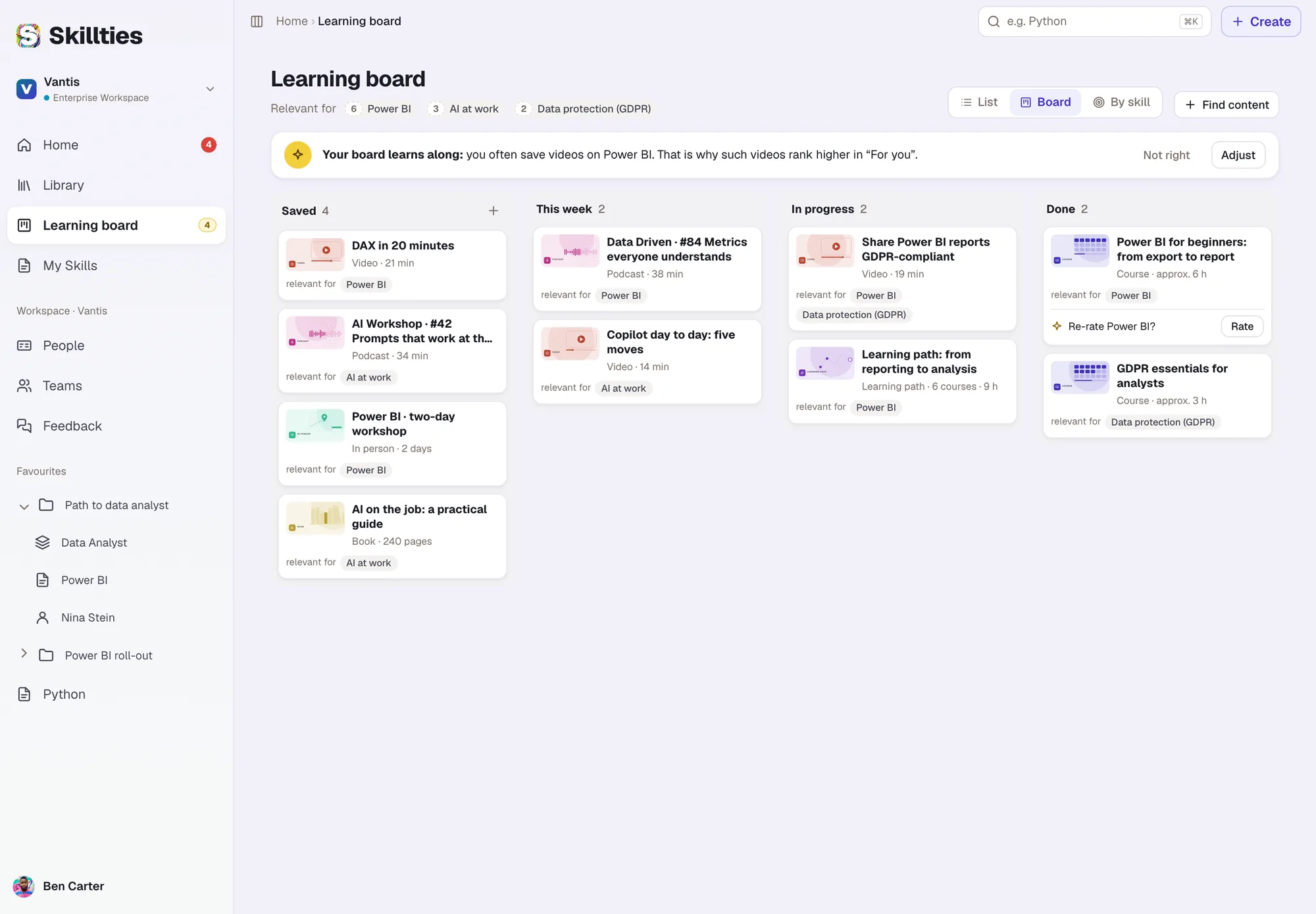
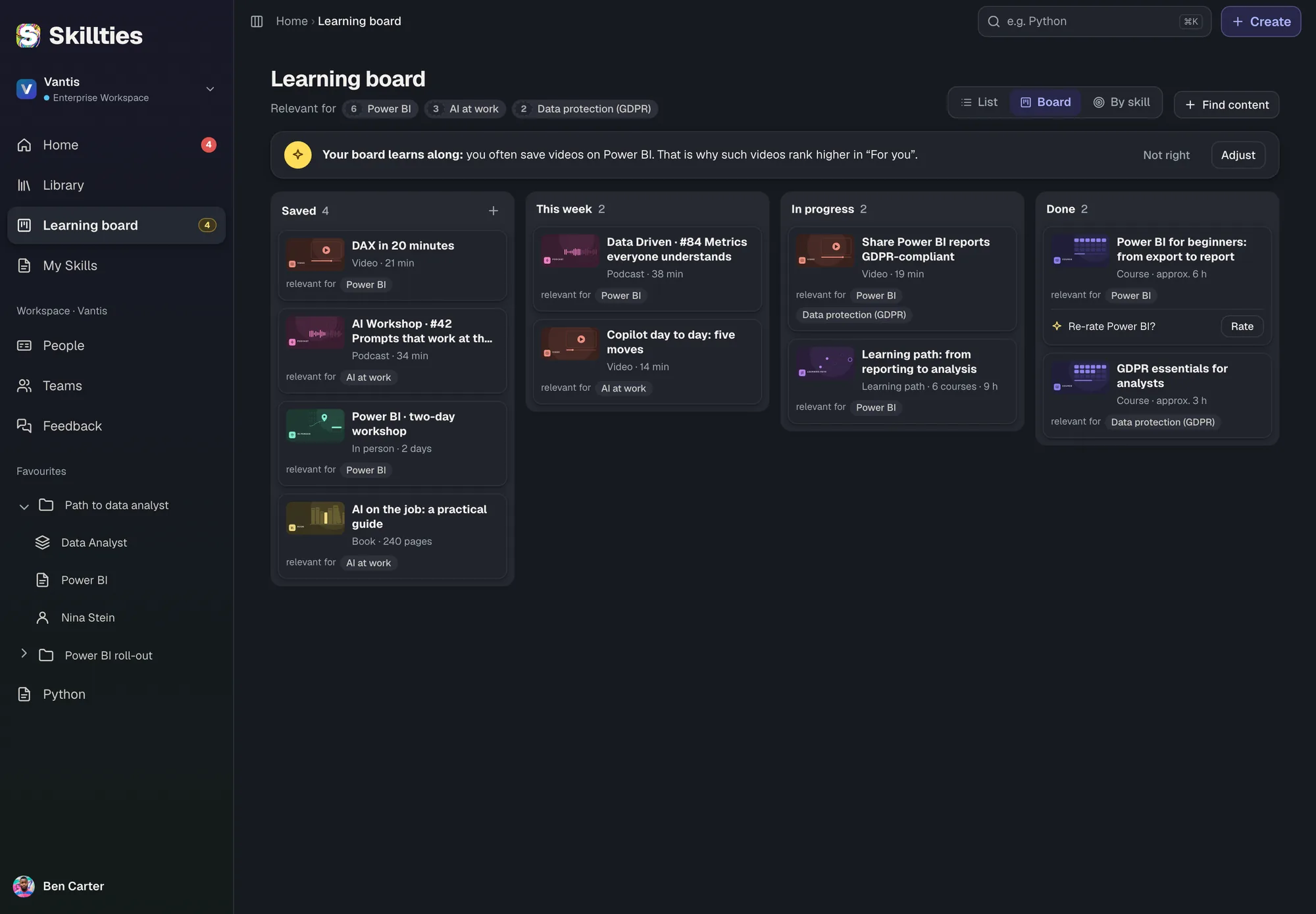
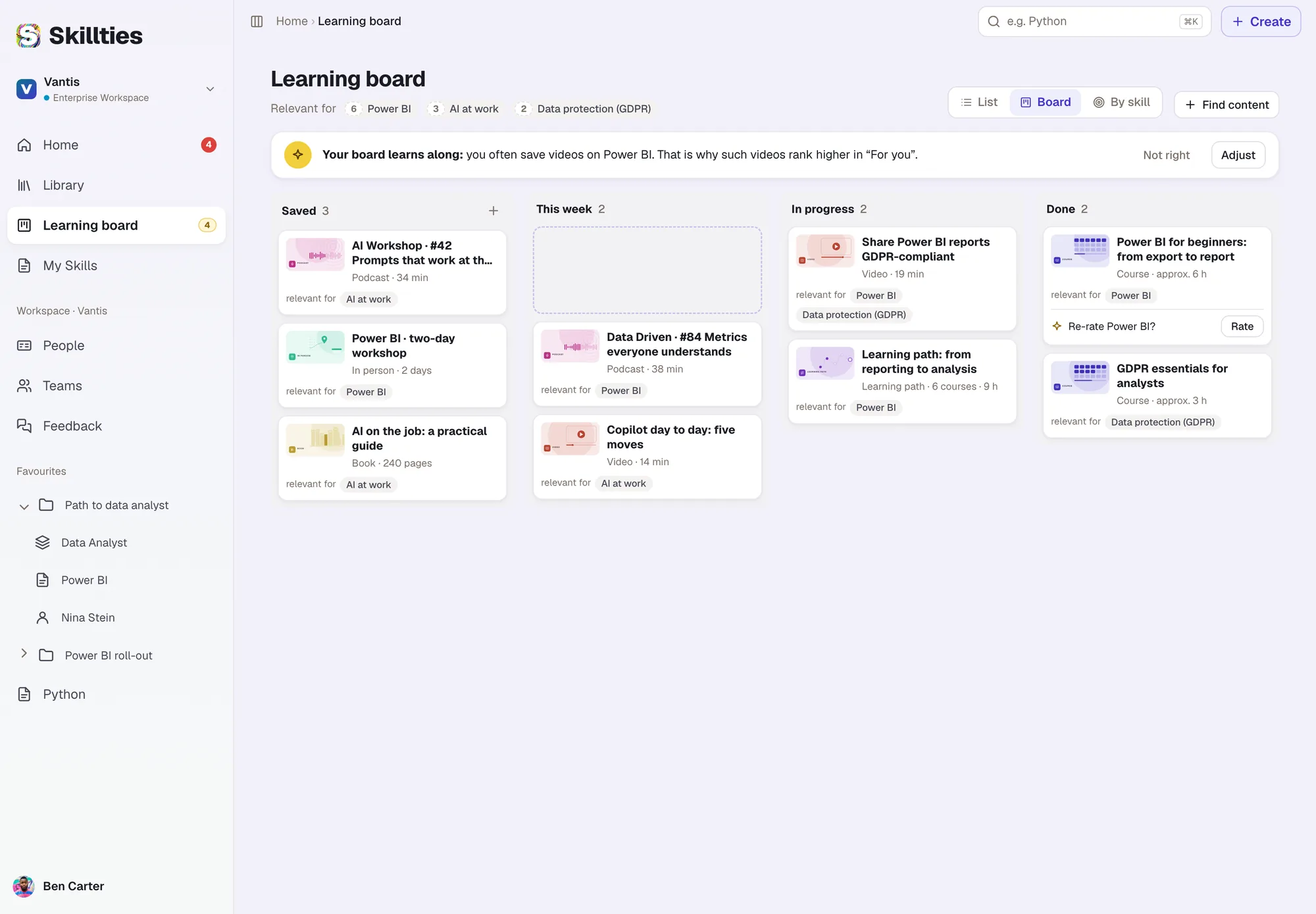
Every learning item maps directly to a skill. That is how the library sorts podcasts, videos and courses by your gaps, mostly for free. One click puts them on the learning board. Recommendations also arrive by email, no constant signing in.

  1. Learning & Developmentsoon
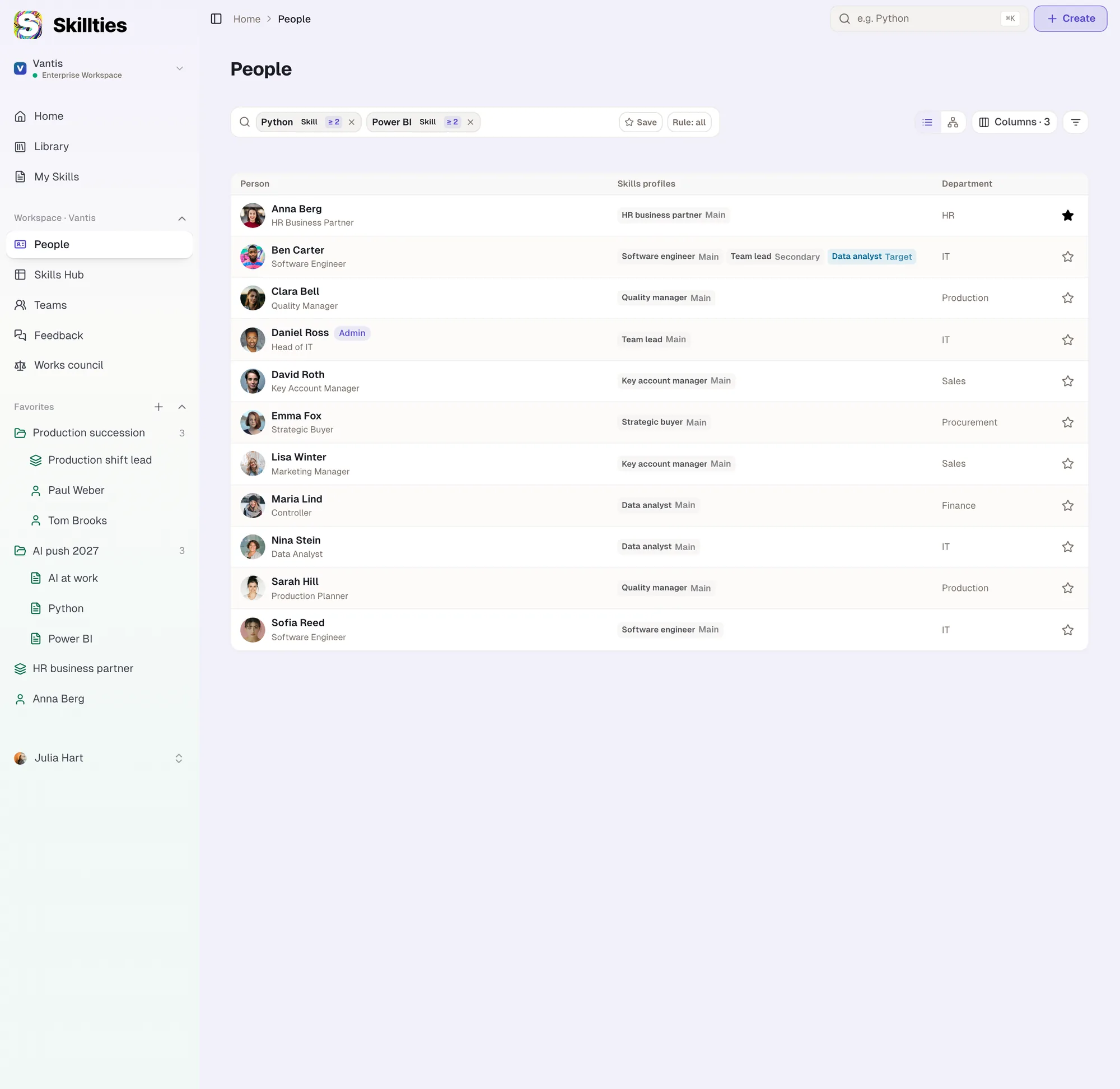
  2. People Overview
  3. Feedback
  4. Kinds of feedback
  5. Teams
Questions

What HR and managers usually ask

Answered briefly. We are happy to go deeper in a call.

Where does the learning content come from?

From freely available sources such as podcasts, videos and online courses. Every item maps to a skill, so Skillties finds it for the matching gap. We connect your own content and providers on request.

Does the learning content cost extra?

Most of it is free. Paid offers are marked on the card.

Who sees the feedback?

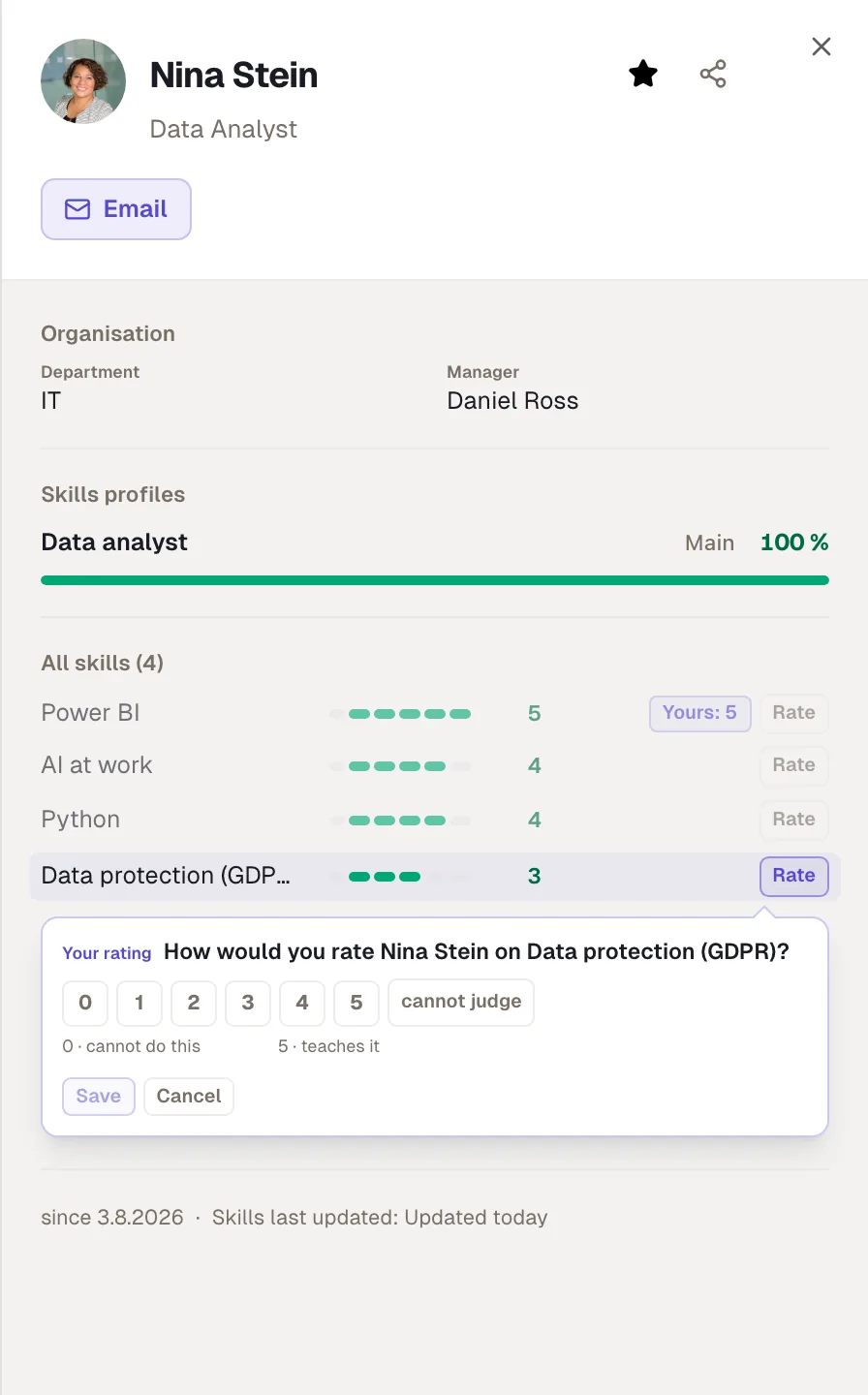
The person always sees everything about themselves. Who else sees the number or comments you set per group: peers, team, direct manager, management line or everyone.

Does feedback feed into performance reviews?

Only if you choose the purpose “appraisal”. The default is “development”. If you like, every change goes to the works council as a request.

Do teams need their own permissions?

No. A team grants no rights. Being in a team does not let anyone see levels. That is why teams can be created freely, even for a three-month project.

What does the profile show?

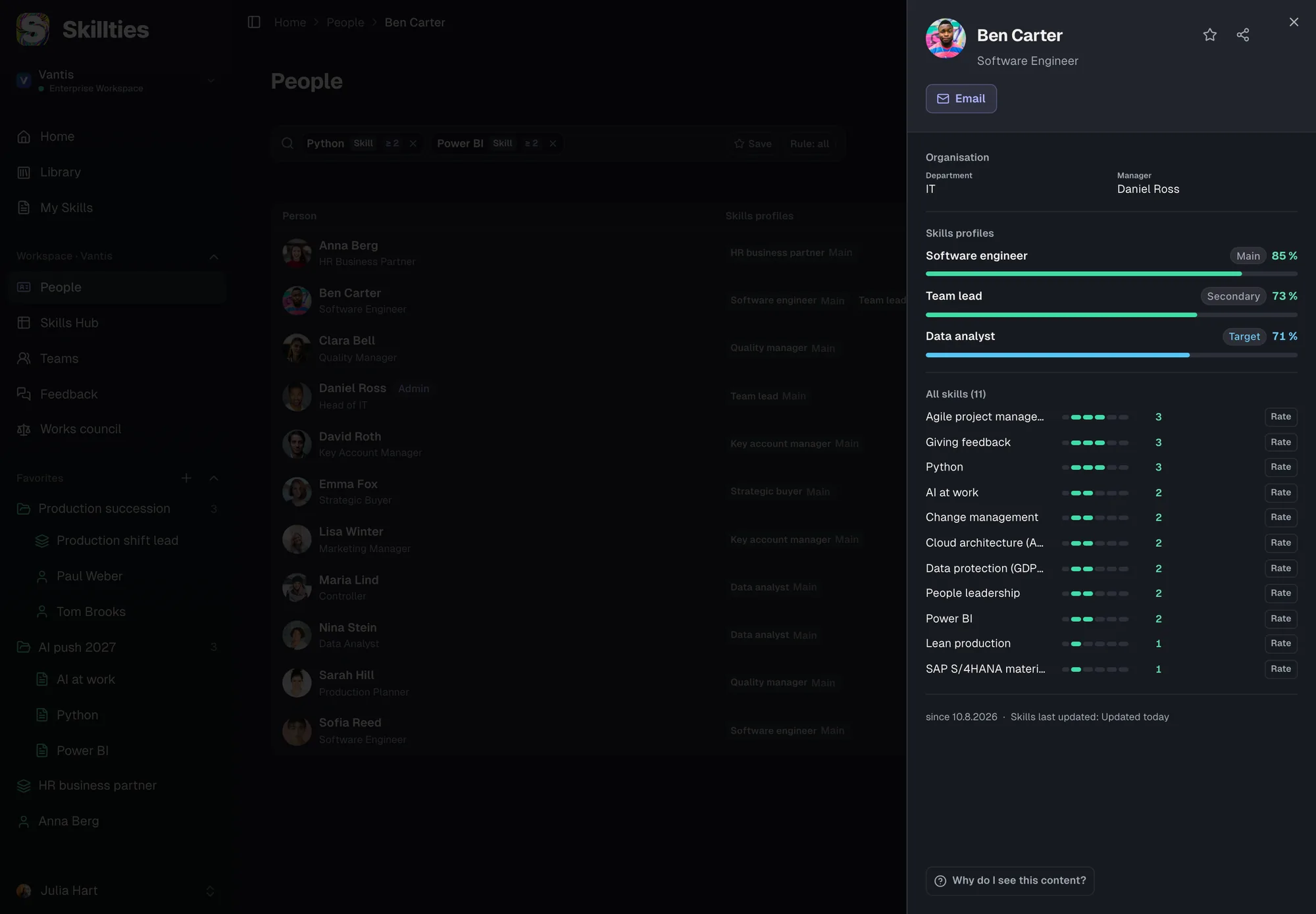
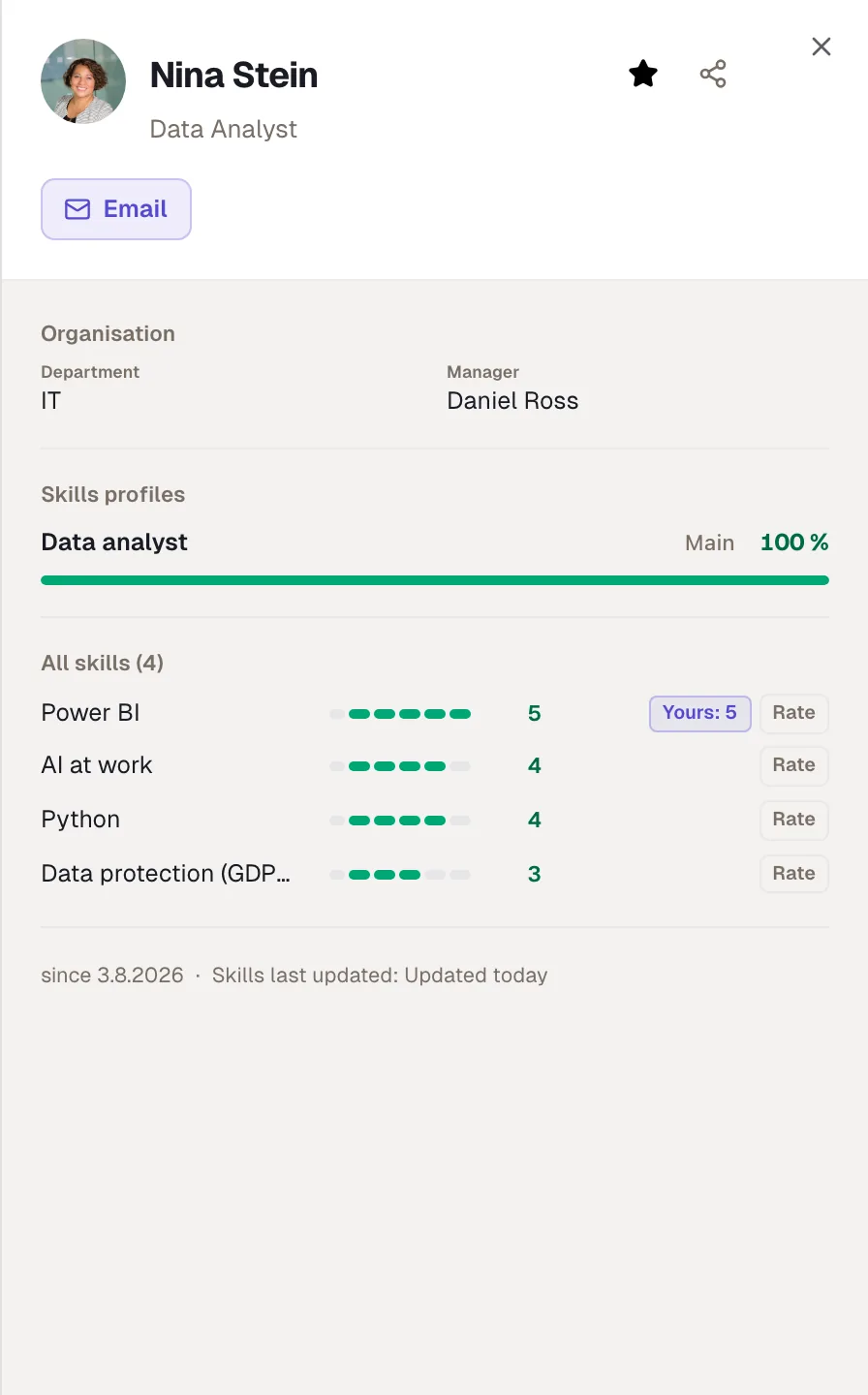
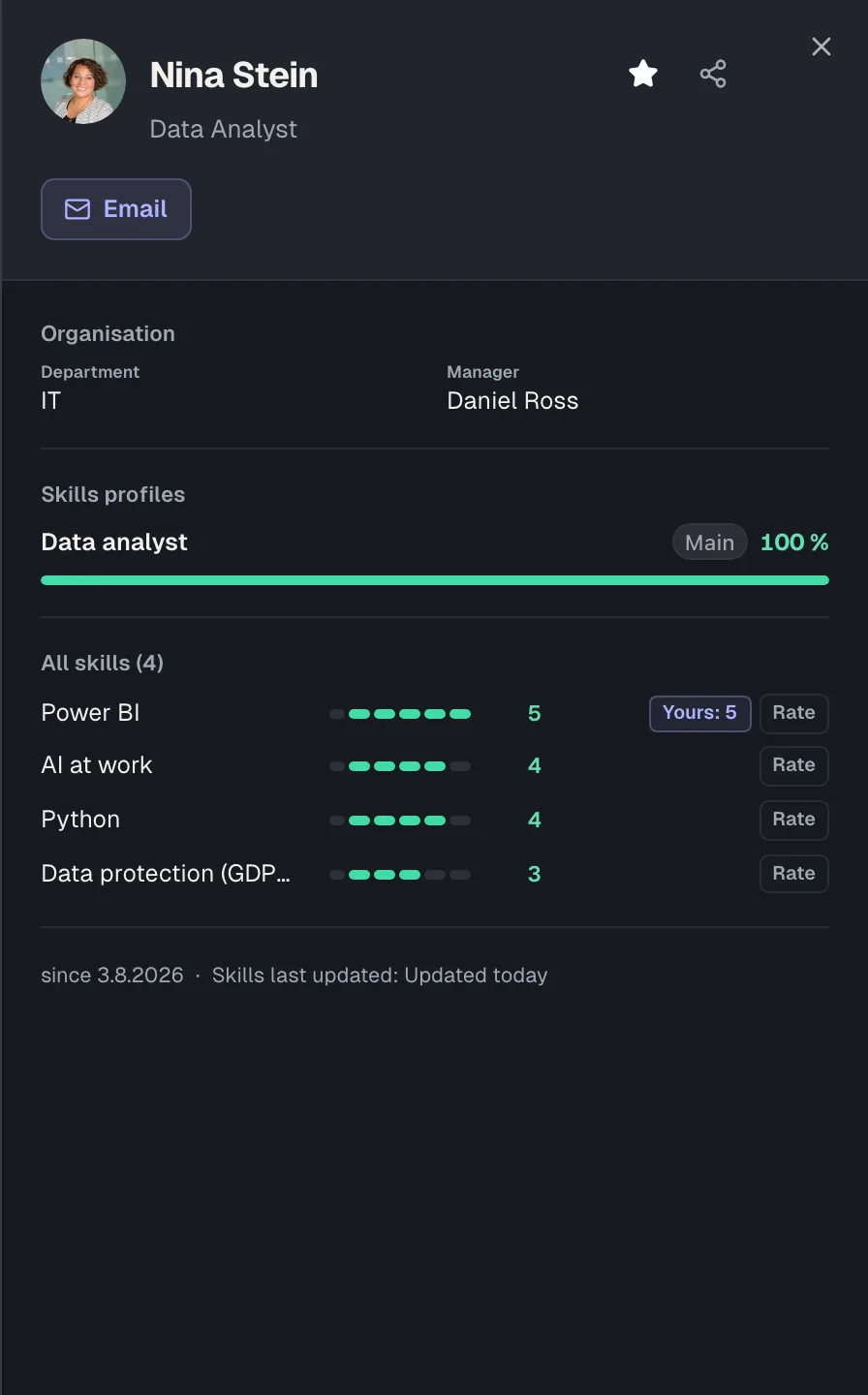
Job title, department and manager from Microsoft Entra ID, plus profiles with match and every skill with its level. You choose per workspace which details are visible.

Development you can see.

We show you learning, feedback and teams with your own profiles.