Quick Start
Employeesall plans5 min
Rate your first skills
ResultYour match to your main profile is in place.
You needan accepted invitation to a workspace
The match shows how far your levels meet the targets of a Skills Profile. It needs two things: a main profile and your own assessment. Every choice saves at once; there is no save button.
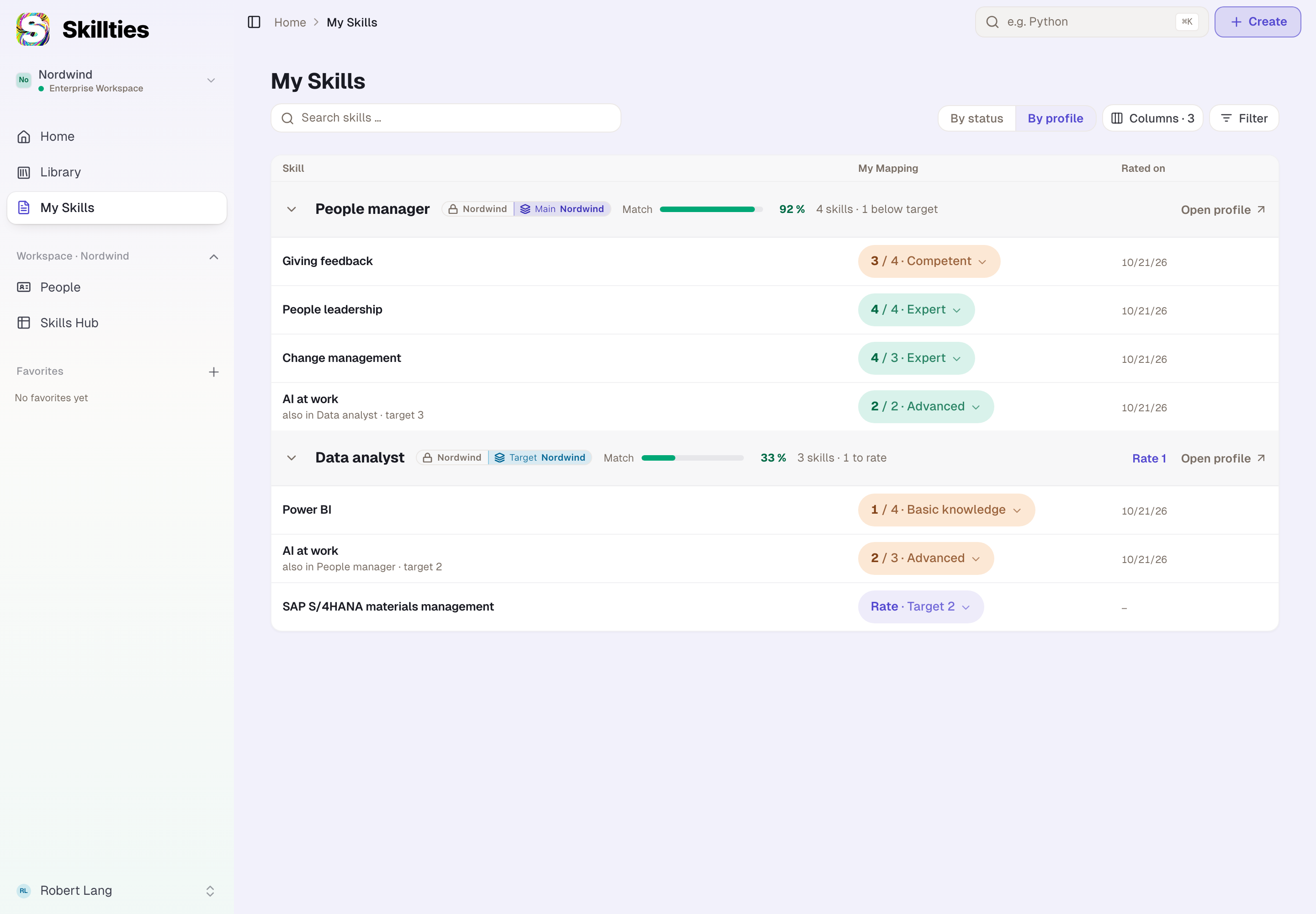
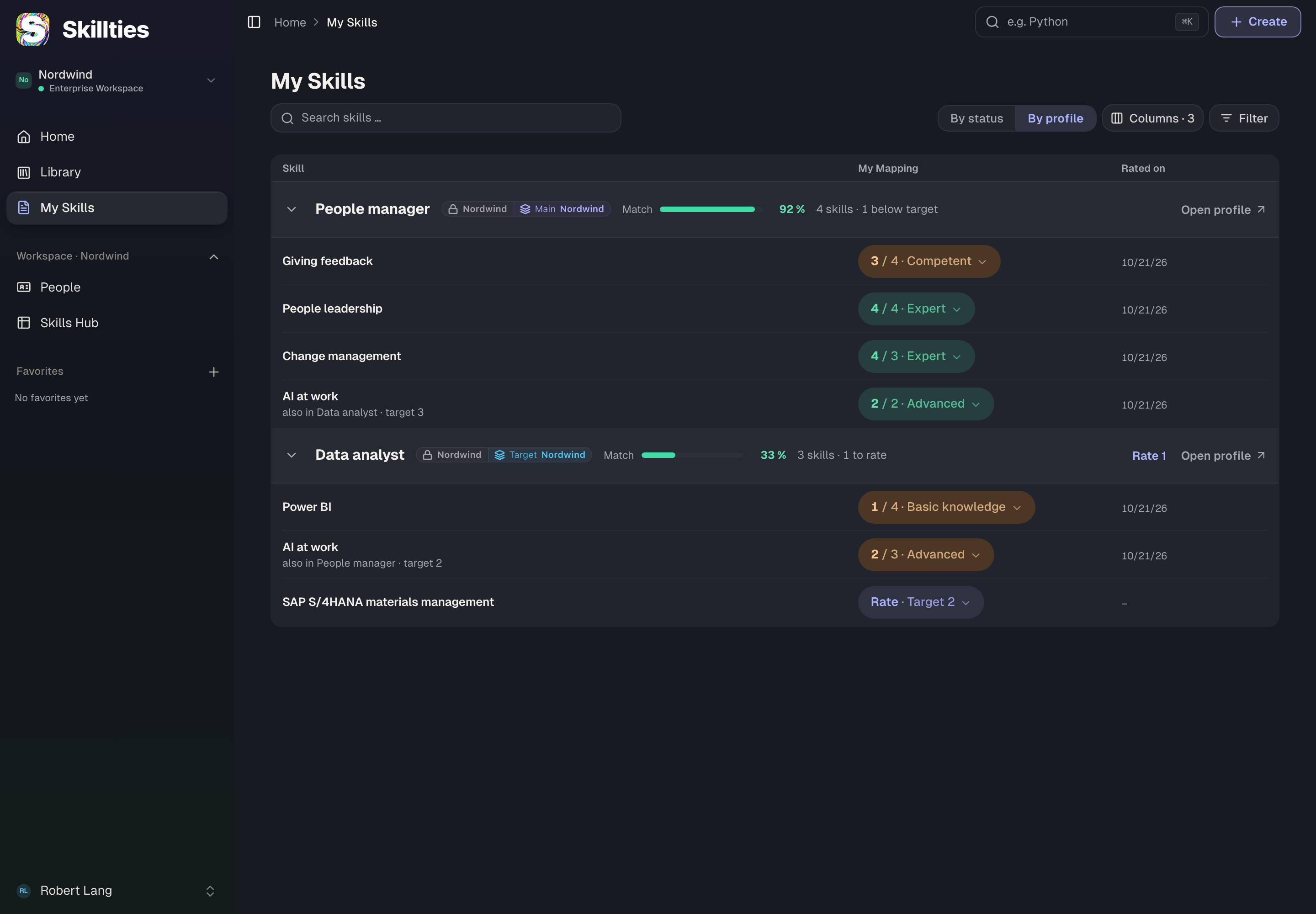
- Open My Skills. In the sidebar, choose My Skills.
- Choose a main profile. If it says “No Skills Profile yet”, choose Choose a Skills Profile. Open the profile that fits and choose Add to my user profile, then Main Profile and Add.
- Check the profile. Back on My Skills, your profile carries the Main plaque.
- Rate. On the profile, choose Rate …. For each skill, tap a level from 1 to 5, or Can't do it or Skip.
- See the match. Next to the profile you now see Match with a bar. Beside it you see how many skills are still below target.
TipYou can also tap a skill's level right in the list. The choice applies at once.
Good to knowThe levels are 1 Basic knowledge, 2 Advanced, 3 Competent, 4 Expert and 5 Thought leader.
Checked with version 0.6.0 · 20 Oct 2026