Organisation: reporting line and fallback
WhereWorkspace settings › OrganisationRightsettings.directory
What the reporting line is for
Several rights only work once it is known who reports to whom: “See the skills of direct reports”, “See the skills of everyone in their area” and the lead assessment in feedback. Without assignments, a manager with these rights sees nobody. “Their area” means everyone who reports to the person directly or through intermediate levels.
When a member is deleted, their direct reports move on according to the deletion rules, by default to the member's own manager. Teams are separate: who leads a team is set in the team, not here.
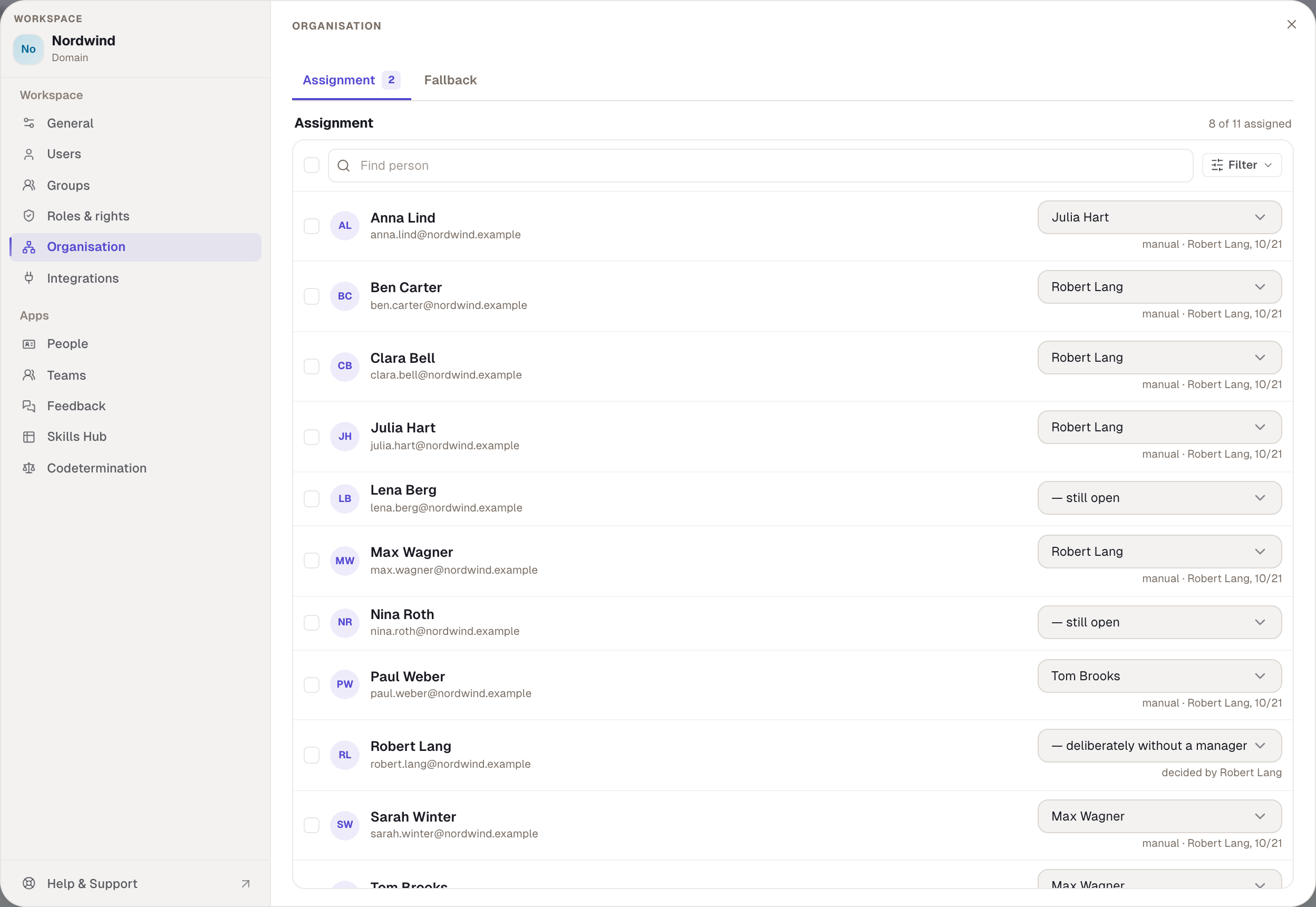
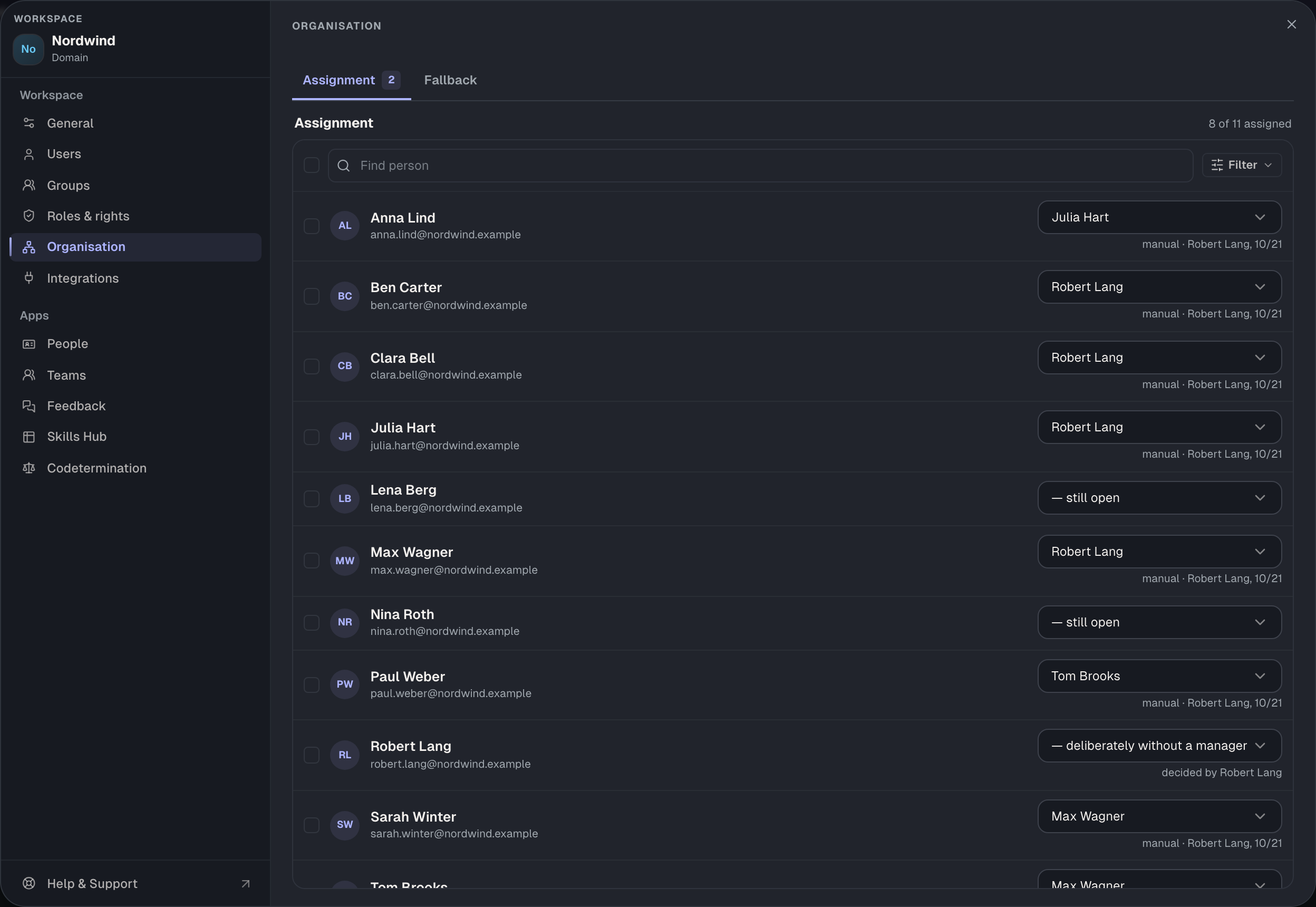
Assign managers
- Open Organisation and the Assignment tab. The tab names the number of open cases.
- Filter with Open to see everyone without a decision.
- For each person, choose the manager in the field, — still open or — deliberately without a manager. The last one closes the case, for management for example.
- For many people at once, select them and choose Assign manager …. Select all visible selects what the filter shows.
- Choose Save. Until then, changed rows say “not saved” and the bar at the top counts the changes. Discard takes everything back.
If people report in a loop, such as A to B and B to A, the page shows a notice at the top and the people appear under the In a loop filter. Resolve such loops; otherwise it is unclear whose area the people belong to.
Where an assignment comes from
Each row shows its source below:
| Source | Shown as | Meaning |
|---|---|---|
| by hand | “manual · Robert Lang” | an admin set it, with a date |
| from the directory | “from the directory” | the Entra sync read it |
| fallback | “fallback → Julia Hart” | nobody decided; the fallback applies |
| decided | “decided by …” | deliberately without a manager |
| loop | “reports in a loop” | the line leads back to the person |
Manual entries always come first: what you set here isn't overwritten by the sync. If Entra supplies a manager who isn't in the workspace yet, the case stays open until they are. The manager column of the CSV import also lands here as a manual entry.
The fallback
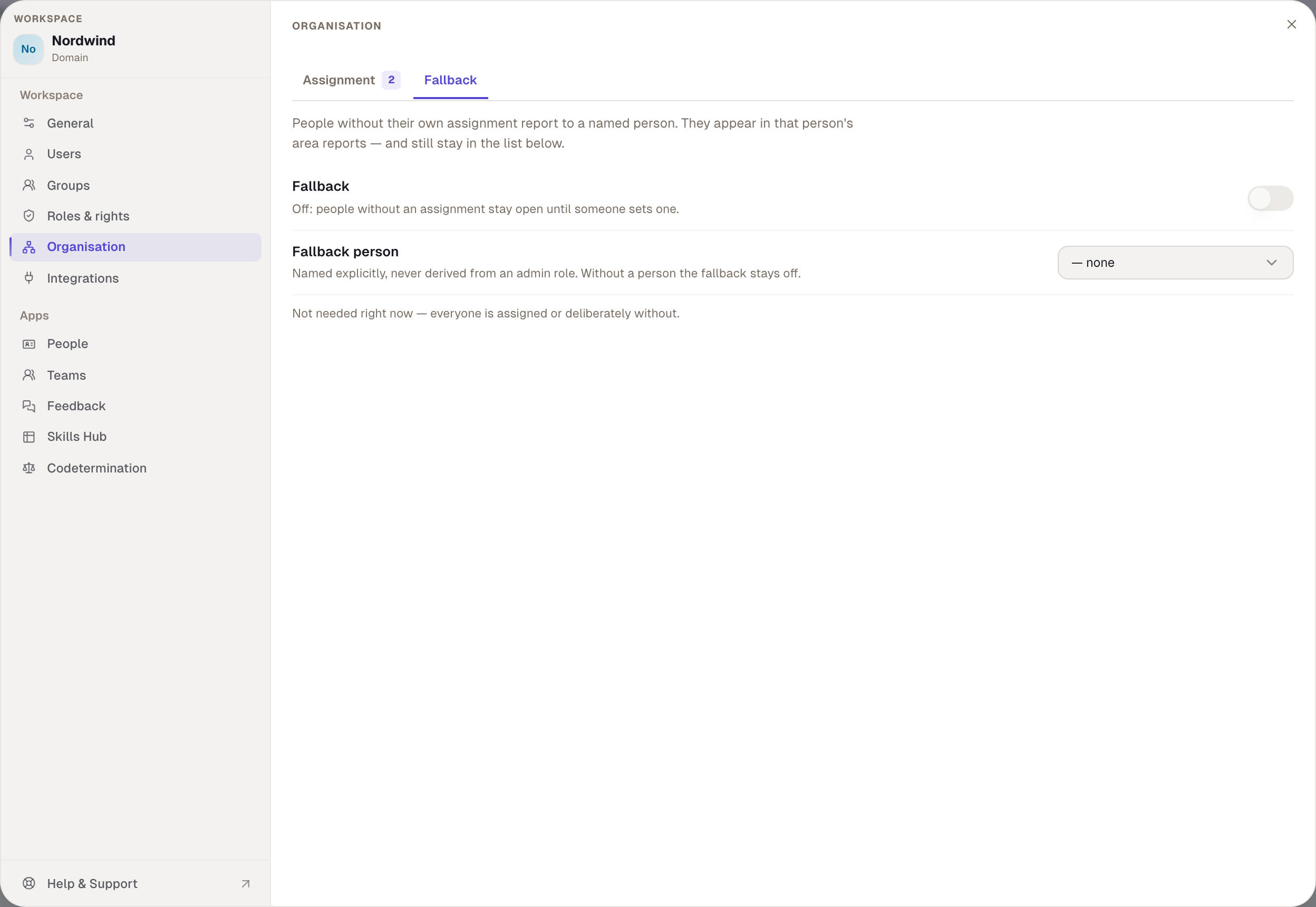
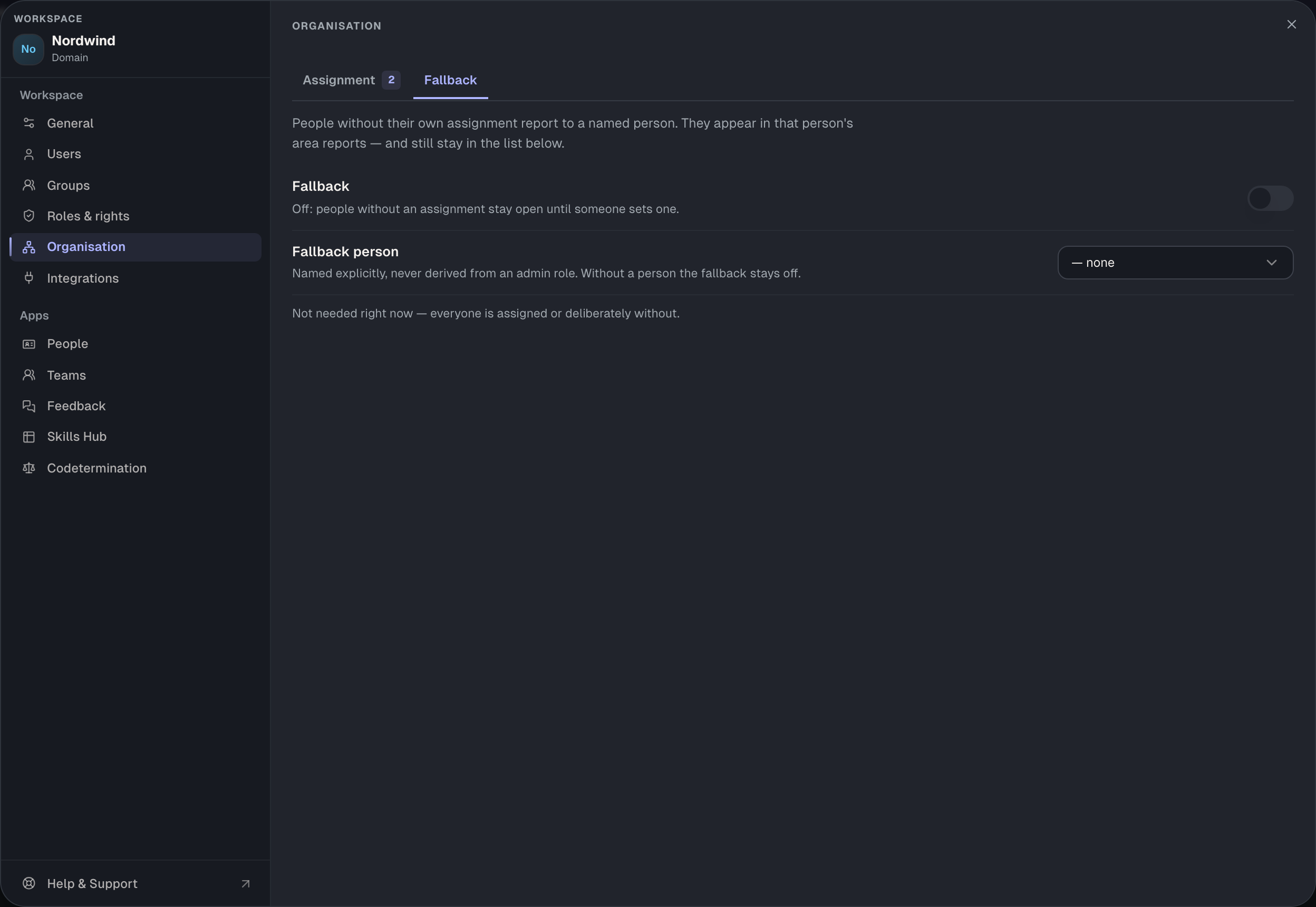
On the Fallback tab you name a Fallback person. They provisionally count as the manager of everyone who isn't assigned yet. The fallback is named explicitly, never derived from the admin role, and it stays off as long as no person is chosen. People in the fallback don't count as assigned: they stay under Open, also appear under In fallback, and the coverage at the top counts them separately, such as “7 of 9 assigned · 2 in fallback”.
The fallback is a bridge, not a solution. It makes sure feedback releases and handovers don't run into a void until you enter the real manager.
Filters and coverage
| Filter | Shows |
|---|---|
| Open | nobody has decided, including fallback and loops |
| Assigned | a manager is set |
| Deliberately without | decided without a manager |
| In fallback | provisionally with the fallback person |
| In a loop | the line leads back |
The coverage sits at the top: how many people are assigned, how many are in the fallback and how many loops exist. The goal is an empty Open.
Rights and plan
Organisation is available from the Business plan. The area opens with settings.directory, the same right as the settings for the People app. Without it you see the area read-only.
Example
At Nordwind, managers come from Entra ID. Daniel Stein moved from Tom Brooks to Max Wagner, but Entra doesn't show that yet. Robert sets Max by hand. At the next sync, Entra still reads Tom but leaves the manual entry alone. Robert Lang himself, as managing director, is deliberately without a manager so that he doesn't count as an open case. Two new people from the CSV import have no manager yet; until Robert enters one, Julia Hart catches them as the fallback person.
Checked with version 0.6.0 · 20 Oct 2026