Rights: administration
WhereWorkspace settings › Roles & rights › Role › Rights › AdministrationRightsettings.roles
One area, one right
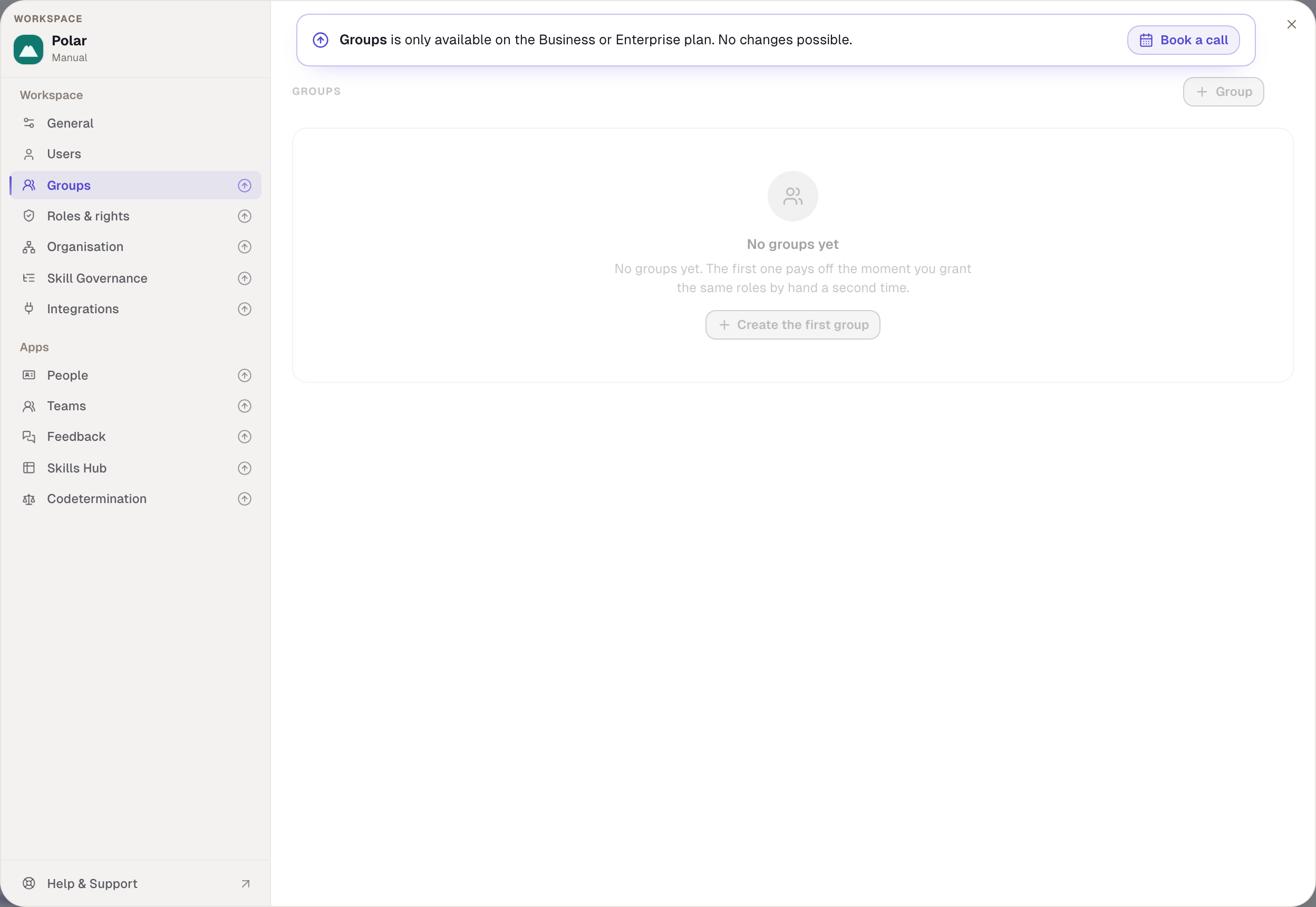
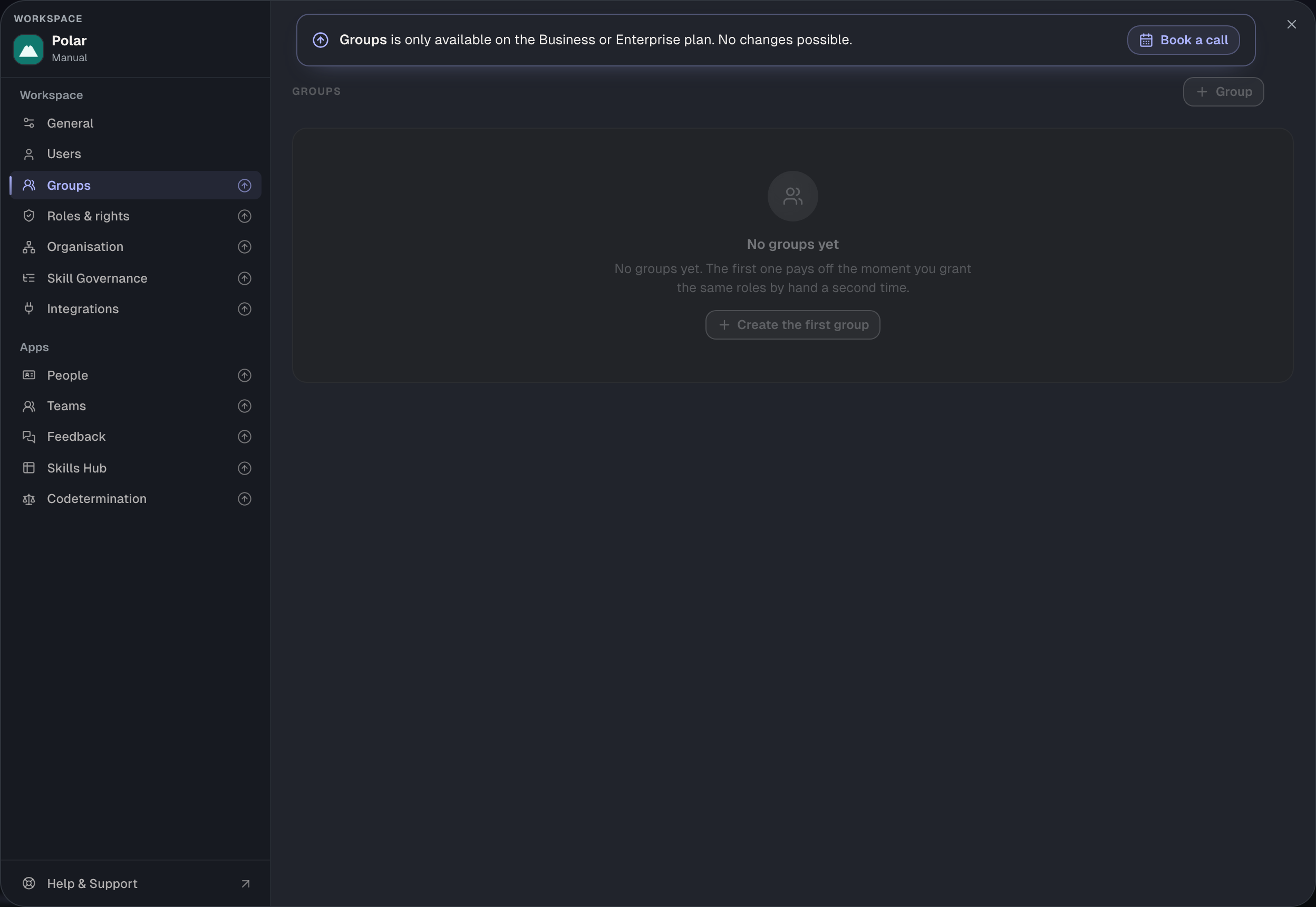
The settings window lists the areas on the left. Which ones a person sees follows their rights: an area without the right is missing. In a workspace without a contract, the areas other than General and Users are visible as a preview but locked, and only for people with the right for General; everyone else does not see them at all.


All eleven rights have one thing in common: they open an area but show no personal data. Whoever sets up feedback sees no feedback; whoever sets up codetermination does not decide on requests. By default only Workspace admin has them. The People development template has four: Users, Groups, People and Feedback.
Open settings · General
settings.general. Opens General: workspace name and logo, the data export, the Teams settings and the danger zone with deleting the workspace. There is no separate right for deleting: whoever may rename the workspace may also close it.
- Without the right. The area is missing. The deletion row says that deleting needs the right for the general settings.
- Only works if. Name and logo can only be changed in manual workspaces; a domain workspace carries the name of its domain. Deleting only works for manual workspaces. The Teams settings additionally need a contract.
- Side effect. In a workspace without a contract, only whoever holds this right sees the locked areas as a preview.
- Default. Admin only. Codetermination. Not recommended.
Open settings · Members
settings.members. Opens Users with all its tabs: invite, import, grant access, disable, remove, join policy, deletion rules, retention. Not included: assigning roles and appointing admins; that happens under Roles & rights.
- Without the right. The area is missing. The access actions are missing from a person's sheet; Invite is missing from the workspace switcher.
- Only works if. Fetching people from Entra or changing their entries additionally needs a contract with Entra ID.
- Side effect. Whoever manages members also reads the role assignments, the group membership and the Entra directory, without being able to change them.
- Default. People development and Admin. Codetermination. Not recommended.
Open settings · Roles & rights
settings.roles. Opens Roles & rights: create, rename and delete roles, tick rights on and off, give roles to people, appoint and remove admins, attach roles to groups.
- Without the right. The area is missing. The user list still shows which roles a person carries as badges; nothing can be assigned there.
- Only works if. The workspace has a contract; roles do not exist without one. And only within your own rights: what you do not hold yourself you cannot grant; the tick is locked with “You do not hold this right”. The rights of Workspace admin are fixed. Rights needing approval become requests.
- Side effect. The path switches under Feedback write into roles and therefore need this right in addition to the feedback right.
- Default. Admin only, deliberately not in the People development template. Codetermination. In the preselection.


Open settings · Groups
settings.groups. Opens Groups: create, rename, delete and staff.
- Without the right. The area is missing.
- Only works if. The workspace has a contract. Attaching a role to a group additionally needs Roles & rights; otherwise it reads “Requires “Roles & rights””. And whoever staffs a group must hold every right the group carries through its roles, otherwise the group shows “You lack rights”. That way nobody can distribute more through a group than they hold themselves. Groups from Entra are staffed by the sync, not by hand.
- Default. People development and Admin. Codetermination. Recommended.
Open settings · People
settings.directory. Opens two areas: People, i.e. which fields and contact channels appear in the profile sheet and whether the app is on, and Organisation, i.e. who reports to whom and who the fallback manager is.
- Without the right. Both areas are missing. The reporting line then cannot be set in the profile sheet either.
- Only works if. The workspace has a contract. The reporting line is the prerequisite for the reaches “Direct reports” and “Their area” and for the manager assessment in feedback: whoever grants those rights while nobody maintains the organisation grants ticks without effect.
- Default. People development and Admin. Codetermination. Recommended.
Open settings · Integrations
settings.identity. Opens Integrations, i.e. the connection to Microsoft Entra ID: connect, choose groups, define fields, switch on the sync, disconnect.
- Without the right. The area is missing. In groups, the option to link a group to Entra is missing.
- Only works if. The contract includes Entra ID. Disconnecting and revoking a consent link work without it.
- Default. Admin only. Codetermination. Recommended, because the directory decides who is in the workspace.
Open settings · Codetermination
settings.codetermination. Opens Codetermination: switch on, name and staff the body, choose the rights and rule sets needing approval, set deadlines. It also opens the codetermination app for reading and allows withdrawing other people's requests.
- Without the right. The area is missing.
- Only works if. The contract includes codetermination. Whoever holds this right never decides on requests; only the confirmed members of the body do.
- Default. Admin only. Codetermination. In the preselection: whoever may change the body's rules needs its approval.
Open settings · Feedback
settings.feedback. Opens Feedback: switch on, choose paths, set visibility and purpose, ageing, minimum group, peers.
- Without the right. The area is missing.
- Only works if. The contract includes feedback. The path switches write the feedback rights into roles and therefore additionally need Roles & rights. Whoever holds this right sees not a single piece of feedback.
- Default. People development and Admin. Codetermination. Recommended.
Open settings · Workflow Lab
settings.workflowLab. Switches the Workflow Lab on or off for the workspace.
- Without the right. The area is missing.
- Only works if. The Workflow Lab is enabled for the workspace; it is in no plan. The app's menu entry depends only on the switch, not on a right.
- Default. Admin only. Codetermination. Not recommended; the right reveals no one else's data.
Settings: Skills Hub
settings.skillsHub. Opens Skills Hub in the settings: switch the app on and off, match for non-enrolled people, time comparison, sharing, export, and creating the workspace's categories. Also the taxonomy tab under Skill Governance and the Hub's export log.
- Without the right. The area is missing. Under Skill Governance the taxonomy tab is read-only with a note that this right is needed.
- Only works if. The contract includes the Skills Hub. Assigning categories is a different right, “Categorise skills & profiles”.
- Default. Admin only. Codetermination. Not recommended.
Settings: Inheritance
settings.inheritance. Opens Skill Governance with the inheritance tab: switch on, release own profiles as templates, adopt new skills, chain depth, digest window.
- Without the right. The tab is read-only; without both rights for Skill Governance the area is missing.
- Only works if. The contract includes inheritance. The Inheritance app in the sidebar depends only on the switch, not on a right.
- Default. Admin only. Codetermination. Recommended.
What else counts as administration
Two rights belong here in substance but sit in other areas: “Read the log and requests” under Codetermination and the account rights under Own account. Both have their own pages.
Example
Nordwind separates administration and sight. The People development template gives Julia and Anna the areas Users, Groups, People and Feedback. Julia invites, maintains the organisation and sets up feedback. When she wants to switch on the feedback paths, saving fails: the path switches write into the Member role, and for that she lacks Roles & rights. Robert switches the paths on. The “IT administration” role gives Ben Carter Users, Groups, Roles & rights and Integrations. Ben connects Entra, creates roles and staffs groups, but only groups whose rights he holds himself: on the People development group he reads “You lack rights”, because the role carries the Skills Hub and Ben does not have it. General and Codetermination belong to Robert alone.
Checked with version 0.6.0 · 21 Oct 2026