Rights: codetermination
WhereWorkspace settings › Roles & rights › Role › Rights › CodeterminationRightsettings.roles
What codetermination is in the rights model
With codetermination switched on, certain changes become requests: ticking a right that needs approval in a role, changing a feedback rule, withdrawing certain account rights. The request waits until the body decides. The three rights in this area govern who sees these requests, who decides on them and who reads the log. None of them shows personal data: the body checks rules, not people.


Two conditions before all three rights
- Contract. Codetermination only exists in the Enterprise contract. Without it the area is missing from the settings for everyone except admins, who see it as a preview.
- Switched on. The switch sits under Workspace settings › Codetermination. If it is off, there is no menu entry and no requests. The three rights then do nothing, even for admins.
The menu entry in the sidebar carries the name the workspace gives the body, such as “Works council”. It appears for every person who holds one of the three rights or the right for the codetermination settings.
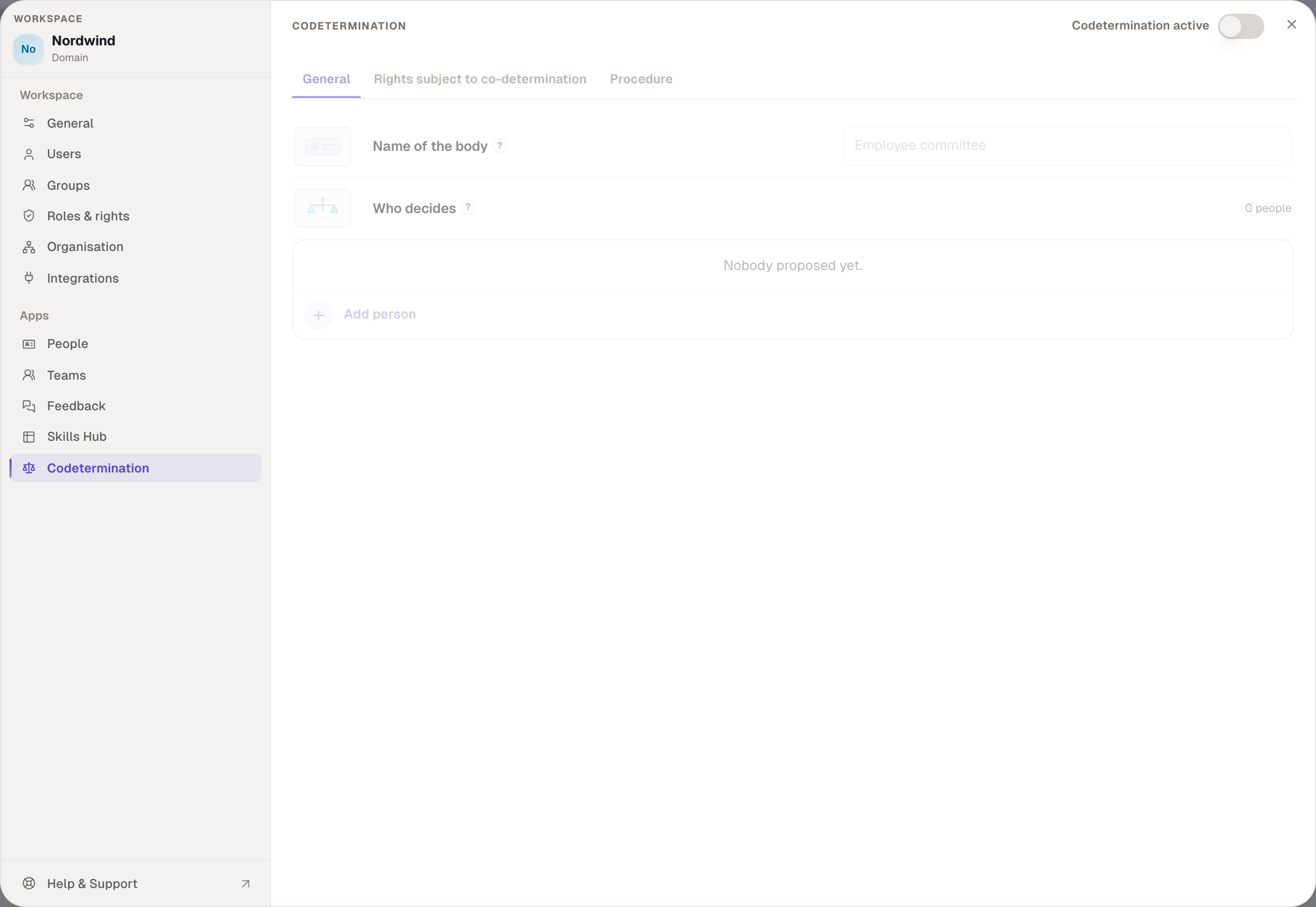
Open the codetermination app
codetermination.view. The person sees all requests, the conversations about them and the log, and can write along, without a vote. For admins and everyone who files requests, this is the place that shows what became of a request.
- Without the right. The menu entry is missing. Whoever knows the address reads that access is missing. Whoever filed a request then learns the decision only through the notification.
- Only works if. Contract and switch are right. The same reading is also allowed by the two other rights and by the right for the codetermination settings; any of the four is enough.
- Default. Admin only. The People development template does not have it; whoever wants HR to read along ticks it there.
- Codetermination. In the preselection: whoever may read along needs the body's approval.
Approve or reject requests
codetermination.review. The body's right. It opens the app like the first right. The decision on a request does not depend on this tick, however, but on the staffing of the body: whoever is entered as a member under Codetermination, has decision power and has confirmed their seat may vote. Whoever is the subject or the filer of the request does not vote, unless nobody else remains.
- Without the right. The person does not get into the app, unless they hold one of the other rights.
- Only works if. The person sits on the body. The right alone gives no vote.
- How it is granted. Never by hand. The Works council role comes into being when codetermination is switched on, carries this right and the log right, and applies automatically to every confirmed member of the body. In the role editor the role is locked with “Not available to the review role”; in the assignment it reads “staffed under codetermination”. For every other role the tick is locked with “You do not hold this right”, because nobody but the body has the right. Workspace admin explicitly lacks it: otherwise the administering side would decide on its own requests.
- Default. Only the Works council role.
- Codetermination. In the preselection.


Read the log and requests
audit.read. The person reads who changed which rule when, plus every request and every decision, and the Skills Hub export log. Without access to the data itself.
- Without the right. The log in the codetermination app is missing; the person sees the requests only with one of the other rights.
- Only works if. Contract and switch are right. The log is also read by whoever holds the right for the codetermination settings.
- Default. Admin and the Works council role.
- Codetermination. In the preselection.
Who may do what
| Open the app | Decide requests | Read the log | Change rules | |
|---|---|---|---|---|
| Member of the body, confirmed | yes | yes | yes | no |
| Workspace admin | yes | never | yes | yes |
| People development | no | no | no | no |
| Role with “Open the codetermination app” | yes | no | only the requests | no |
“Change rules” means: set up codetermination, staff the body, choose topics. That is the right Open settings · Codetermination from the Administration area. Whoever holds it files requests with it but does not decide.


Example
Nordwind switches codetermination on. Robert names the body “Works council” and enters Paul Weber and Sarah Winter as members with decision power; both confirm their seat. From that moment they hold the Works council role without anyone assigning it. Under Check, Paul shows “Approve or reject requests” from Works council. Julia wants to give the Head of department role “See the mapping of everyone in the workspace”. Because the right is in the preselection, it becomes a request with her reason. Julia no longer sees the request afterwards, since People development may not open the app; she learns the decision through the notification. Robert reads the request in the app but cannot vote. Paul rejects and writes why. Robert then demands to decide himself and hits the limit: nobody can grant the right, not even he.
Checked with version 0.6.0 · 21 Oct 2026