Rights: profile assignment
WhereWorkspace settings › Roles & rights › Role › Rights › Skills profilesRightsettings.roles
What an assignment is
A skills profile describes a role or task through its skills and target levels. A person is assigned to a profile as Main, Secondary or Target: the main profile says what someone is, the secondary profile what someone does in addition, the target profile where someone is developing to. The assignment produces the match, i.e. how many target levels are reached. Whoever changes an assignment therefore makes a statement about a person. That is why one's own assignment is a different right from someone else's.


Manage your own skills profiles
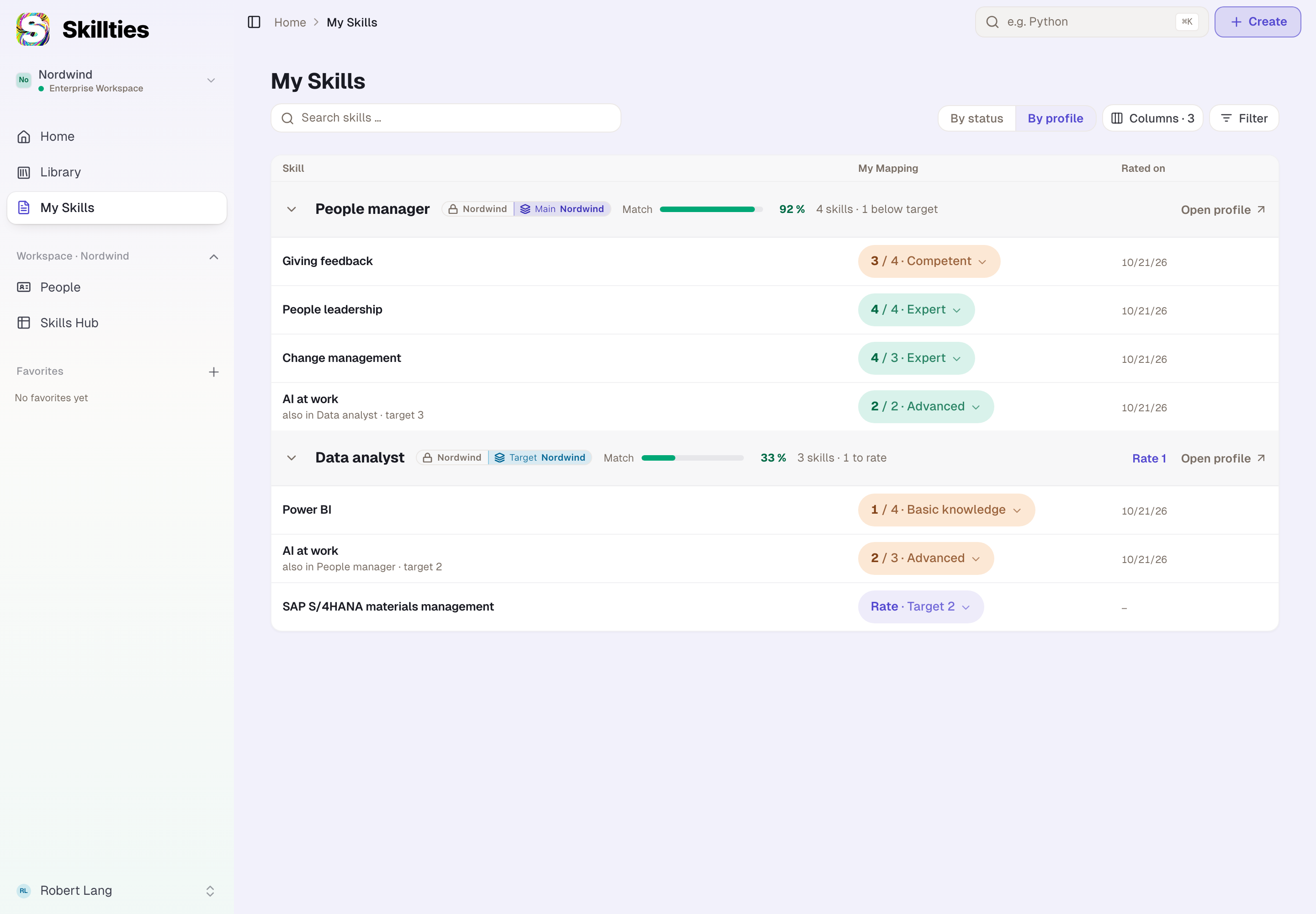
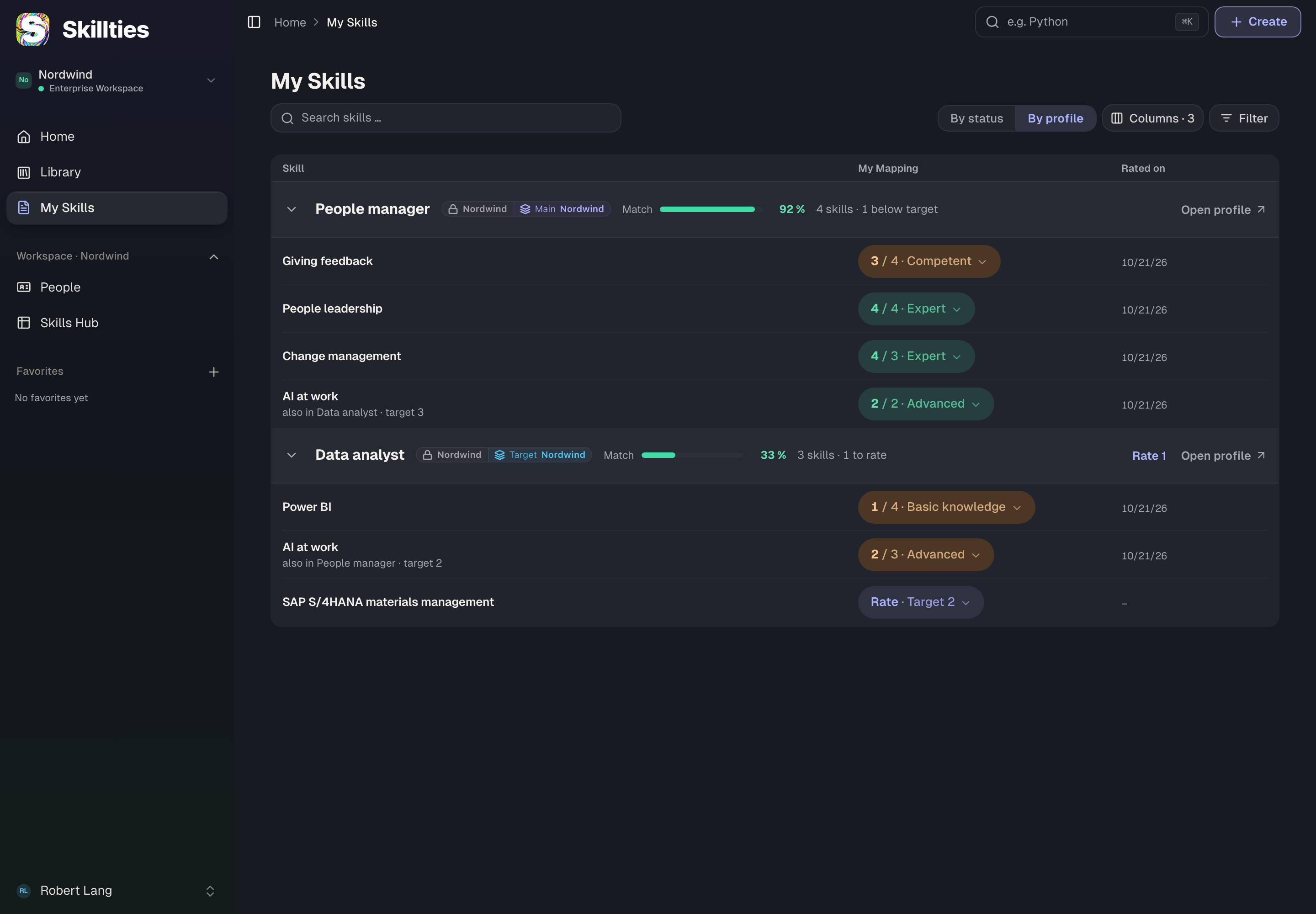
directory.editOwnMainProfile, directory.editOwnSecondaryProfile, directory.editOwnTargetProfile. The person chooses, changes and removes their own profile of the respective type: in onboarding, under My Skills, on a profile page in the library via enrolment and in their own row in the Skills Hub.
- Without the right. The respective type is offered nowhere. If only one right remains, the type choice disappears entirely. A direct call is refused.
- Only works if. There is a profile the person may see. Private profiles of the workspace are invisible in a workspace without a contract; then only public ones remain. Changing the type, say from target to main, needs the rights of both types.
- Special. The right applies in every workspace of the person. If they hold it in one of their workspaces, they may maintain their assignment there; outside every workspace it is always allowed.
- Default. Member has all three, as do People development and Admin.
- Codetermination. Not recommended, because it only concerns the person's own data.
Manage other people's skills profiles
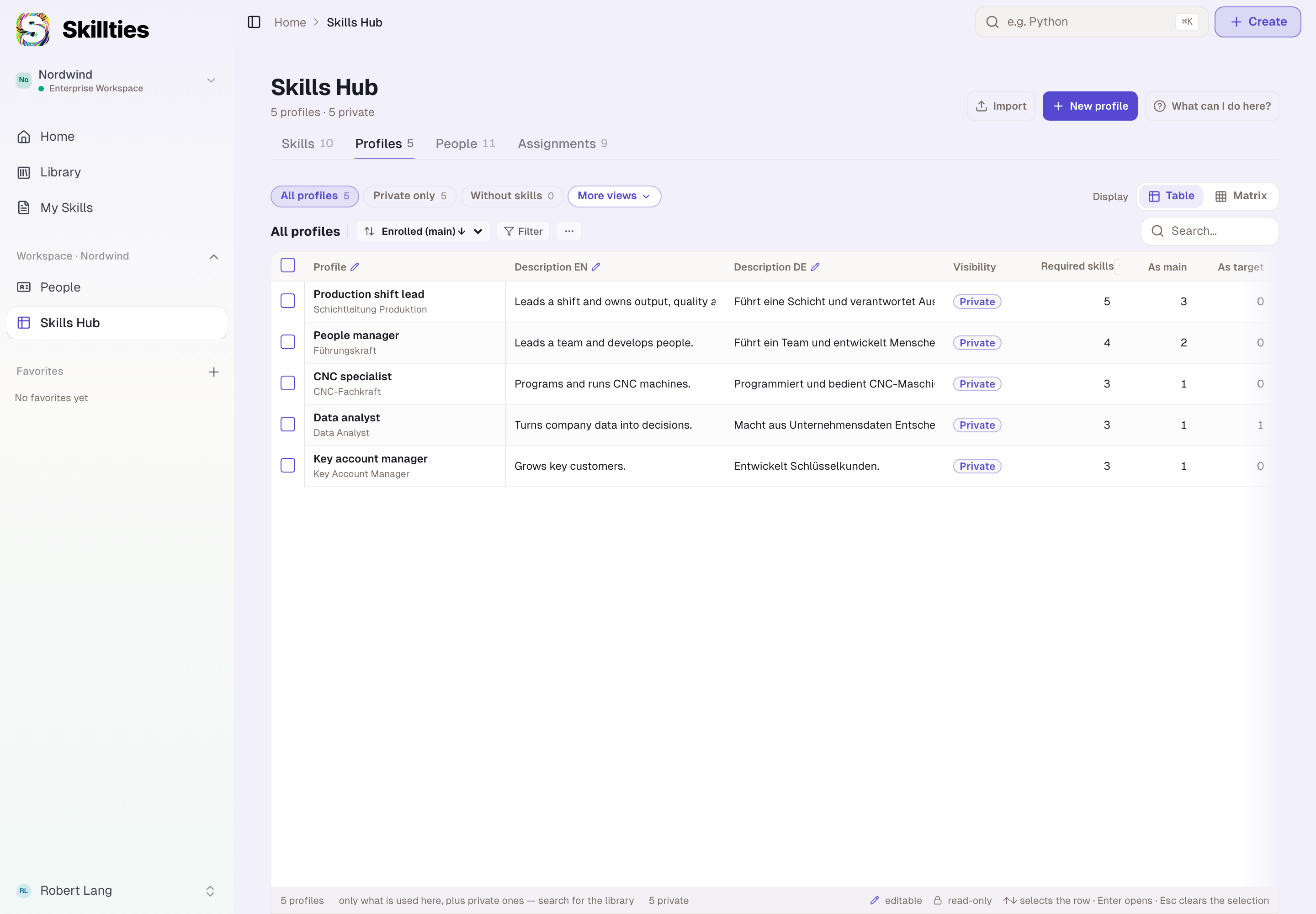
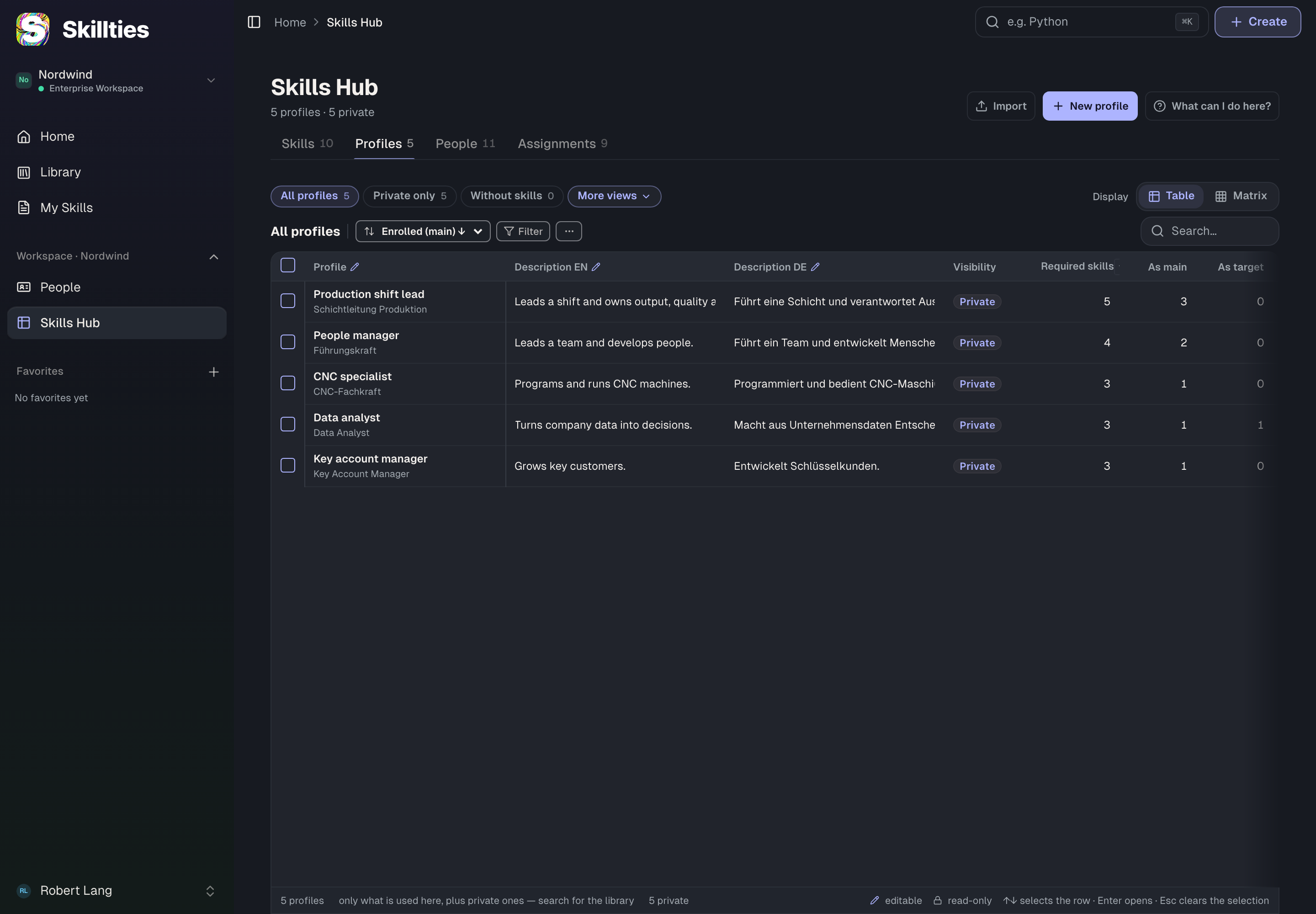
directory.editMainProfile, directory.editSecondaryProfile, directory.editTargetProfile. Someone sets, changes or removes another person's profile. That happens in the Skills Hub in the Profiles tab: every cell of the assignment columns becomes editable.
- Without the right. The column of the type is read-only in the Hub, with the note “Read-only — capability missing”. A direct call is refused.
- Only works if. The person may use the Skills Hub, i.e. holds “Open People” and “Use the Skills Hub” and the Hub is switched on. Outside the Hub there is no surface for other people's assignments. The target person must be a member of the same workspace; it does not work across workspaces. A type change again needs both types.
- Default. People development and Admin have all three. Member has none.
- Codetermination. All three recommended: setting someone's main profile is a statement about that person; a target profile points them in a direction.
Combining own and others
The two rows are independent. Four common patterns follow:
| Pattern | Member: own | HR role: others | Effect |
|---|---|---|---|
| Everyone manages themselves | Main, Secondary, Target | – | default; nobody assigns anything to others |
| HR manages the main profile | Secondary, Target | Main | members no longer change their main profile; HR sets it in the Hub |
| HR proposes targets | Main, Secondary, Target | Target | HR sets target profiles, the person can change them |
| Centrally managed | – | Main, Secondary, Target | only HR assigns; for themselves HR then also needs the own rights |
The last pattern shows a trap: the rights for other people's assignments do not include one's own person. Whoever manages everything centrally must also give the HR role the row “Manage your own skills profiles”, otherwise HR can assign a profile to everyone except themselves.
What does not belong here
The assignment is not editing the profile. Whoever wants to change the skills or target levels of a profile needs the rights from Rights: skills and skills profiles. Nor is it a sight right: whoever sets an assignment does not thereby see more of the person's skills than the matrix in the People area allows.
Example
Nordwind manages the main profile centrally, because it is the basis for shift planning. Robert unticks the Main column in the row “Manage your own skills profiles” on Member and leaves Secondary and Target in place. The People development template already carries all three rights for others. Julia sets Max's main profile “Production shift lead” in the Skills Hub; Max sees it under My Skills but can no longer change it; he still chooses his target profile himself. The Head of department role carries “Set and remove other people's target profile” so that Max can propose a target profile to Tom. That only works once Robert also gives the role “Use the Skills Hub”: before that, Max had the right but no surface where it takes effect.
Checked with version 0.6.0 · 21 Oct 2026