Rights: feedback
WhereWorkspace settings › FeedbackRightsettings.feedback
Why these rights are not in the editor
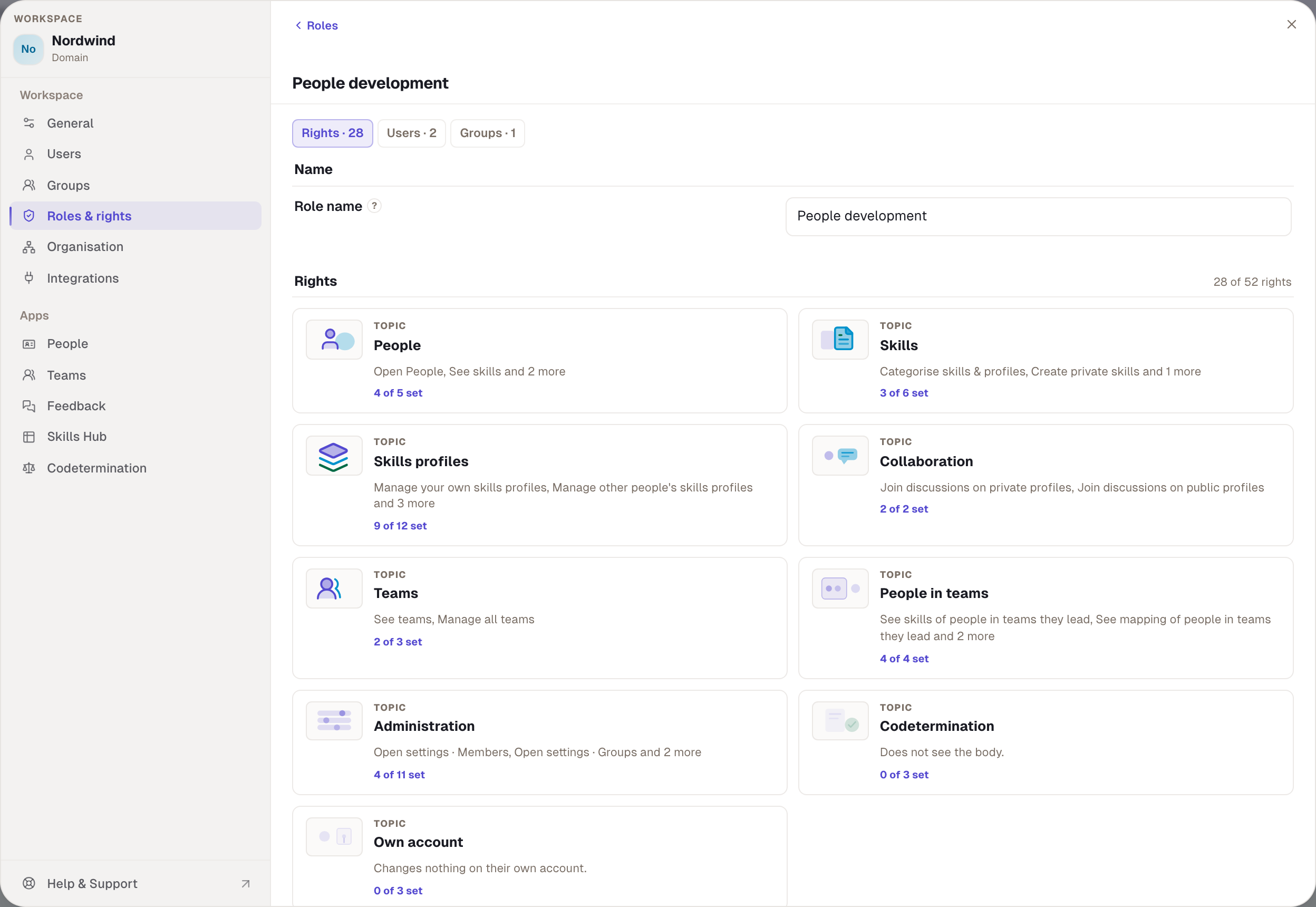
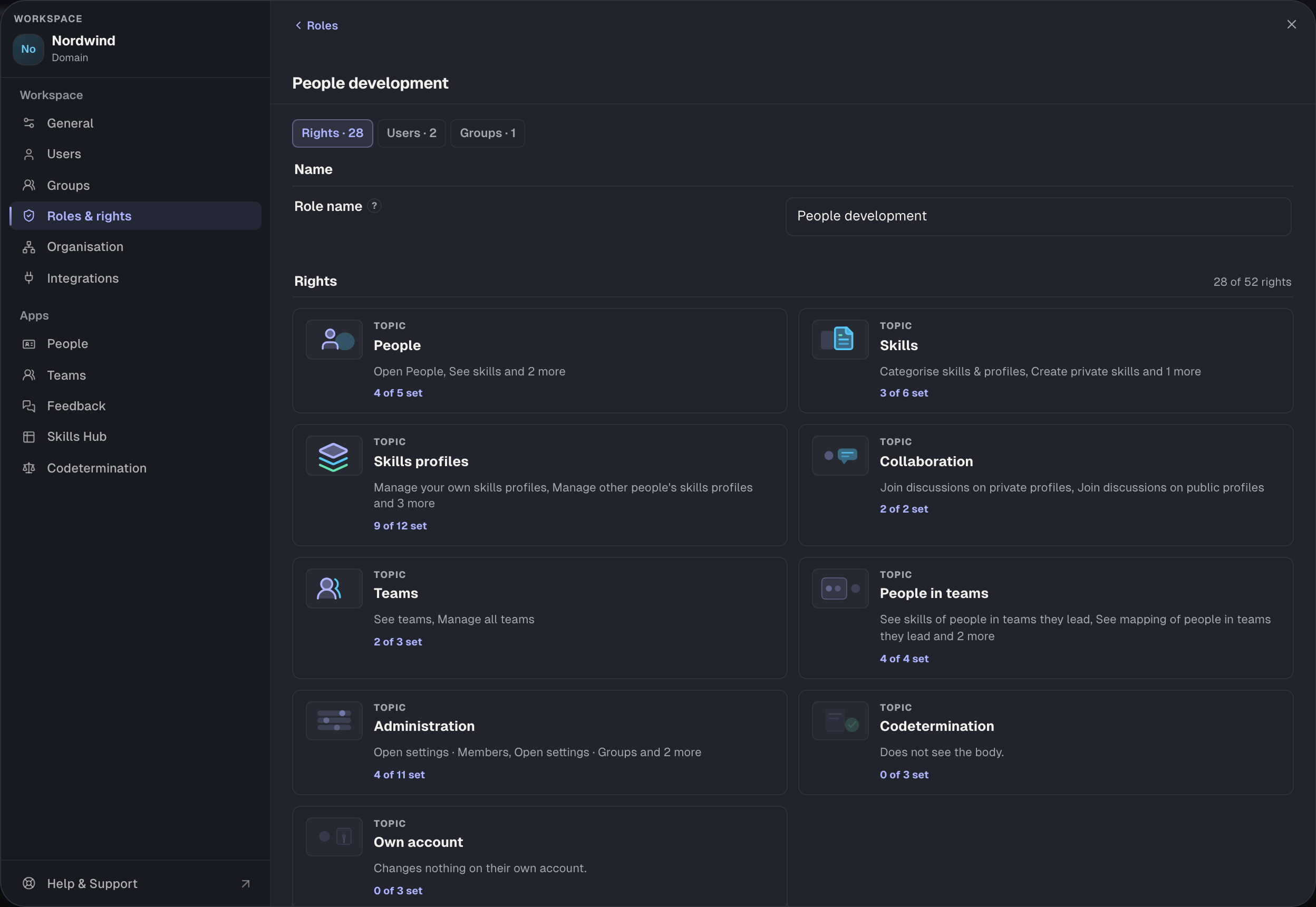
The role editor hides the Feedback area. The rights still exist and appear under Check and in the codetermination list. They are set under Workspace settings › Feedback in the Form tab: the paths there are called Direct request, Everyone assesses everyone and Manager feedback. Every path is a switch, and the switch writes the right into the Member role or into the chosen role. There is a reason for that: a feedback path is a rule of the workspace, not a property of a single role. Whoever changes it should see the consequences for everyone.
One dependency follows: because the switches write into roles, whoever operates them needs Roles & rights in addition to Open settings · Feedback. Without the second right the person sees the area but cannot save the paths.


Three conditions before every feedback right
- Feedback switched on. The switch at the top of the area. If it is off, there is no menu entry and no surface, and every feedback right is a tick without effect.
- Participation. Who takes part? names the role that takes part in feedback, Member by default. Whoever does not hold that role sees no menu entry and can neither give nor receive.
- Contract. Feedback only exists with a contract, and it requires the organisation.
The participating role also decides what is talked about: if it holds a level right, including one of the team rights, feedback asks for levels. If it holds none, it only asks whether someone has a skill. If it holds no sight right at all, the area says that feedback cannot happen here.
Ask for feedback about yourself
feedback.request. The person starts a round and explicitly asks colleagues for a response on their skills: on the skill page via Request feedback and in the Feedback app under their rounds.
- Without the right. The button is missing; a request is refused.
- Only works if. The three conditions above hold. Only people who also take part can be asked.
- Set through. The path Direct request in the Form tab. The switch writes the right into Member. For the person themselves the path later reads “anyone you explicitly ask”.
- Default. Not on Member until the path is switched on. People development and Admin have it.
- Codetermination. Not recommended, because it only concerns one's own data.
Give feedback without being asked
feedback.giveAdhoc. The person confirms or assesses a skill of another person without that person having asked, in the person's profile sheet.
- Without the right. The option is missing from the sheet. Answering a request addressed to the person needs no right.
- Only works if. Both sides take part and the visibility rules allow it.
- Set through. The path Everyone assesses everyone in the Form tab.
- Default. People development and Admin, not Member.
- Codetermination. Recommended: it extends what is recorded about a person without them asking.
Manager assessment: direct reports or whole area
feedback.leadDirect, feedback.leadSubtree. A manager assesses the skills of the people who report to them, in the Feedback app under their team. Two reaches; the wider one wins. An “everyone in the workspace” level deliberately does not exist: an assessment without a reporting line would not be a manager assessment.
- Without the right. The team list in the Feedback app is empty; an attempt is refused.
- Only works if. Someone reports to the person under Organisation. Without a reporting line the right reaches nobody. The path Manager feedback must also be on, and the managers' role must carry this right. If the lead path is on, the workspace switches off the two paths above and removes their rights from every role except Admin; both at once would be two answers to the same question. Peers are off then as well.
- Set through. The path Manager feedback and the choice Role of the managers. Only roles that already carry one of the two rights are offered; if no such role exists, the area says none is granted here.
- Default. People development and Admin, both levels. Not Member.
- Codetermination. Both recommended.
What feedback is not
A feedback right is not a sight right. Whoever gives feedback does not thereby see the person's skills; the reaches from the People area govern that. And Open settings · Feedback shows not a single piece of feedback; it only changes the rules.
Overview
| Right | Path in the Form tab | Default Member | also needs |
|---|---|---|---|
| Ask for feedback about yourself | Direct request | no, until the path is on | feedback on, participation |
| Give feedback without being asked | Everyone assesses everyone | no | feedback on, participation of both |
| Assess direct reports | Manager feedback | no | reporting line, manager role chosen |
| Assess everyone in their area | Manager feedback | no | reporting line, manager role chosen |
Example
Nordwind switches feedback on and at first wants only the path Direct request. Julia holds Open settings · Feedback, but on saving she lacks Roles & rights, because the switch writes into Member. Robert saves. Now every member holds “Ask for feedback about yourself”, and Paul asks Tom and Sarah for a response on lean management. Later the manager assessment is to be added. As Role of the managers only People development is offered, because only it and Admin carry the level; Head of department is missing from the list although Max and Tom are the managers. Robert picks the template, and Julia gets Anna under her team because Anna reports to her. Max and Tom get no list until their role carries the level. Clara Bell would have an empty list even with the level, because nobody reports to her.
Checked with version 0.6.0 · 21 Oct 2026